

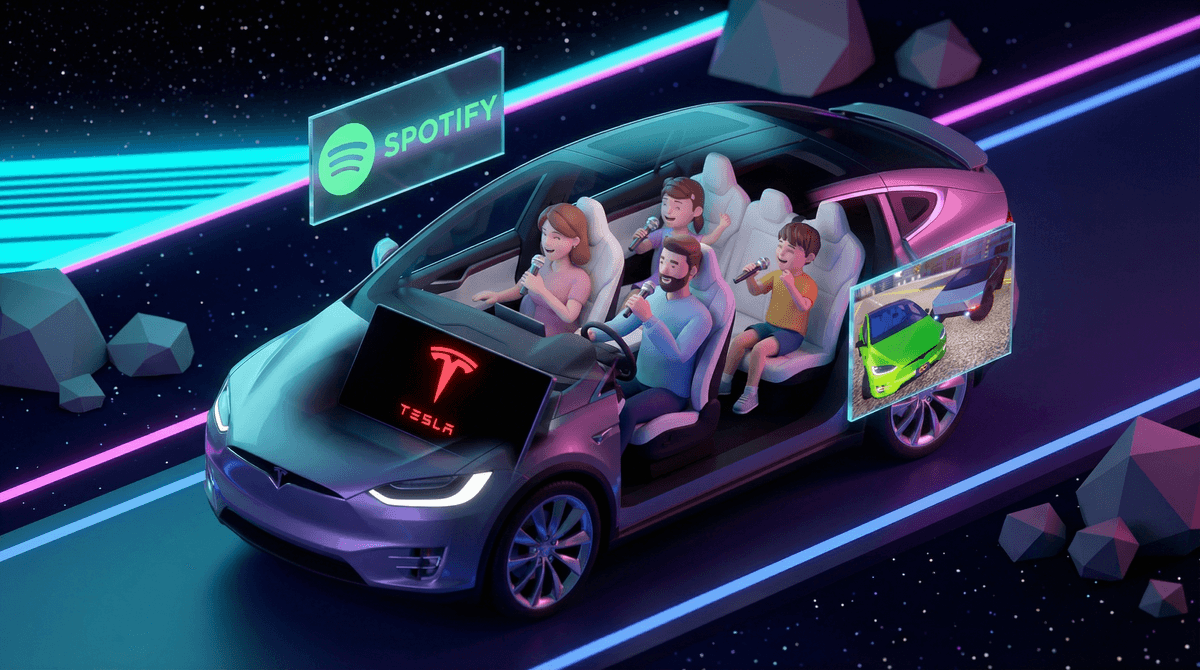
Okay, so you bought a Tesla thinking you were getting a car with good mileage and Autopilot, and it turns out you also got a full karaoke system. Yes, really. Tesla Caraoke (spelled "Caraoke" because Tesla loves a good portmanteau) is a built-in entertainment feature that turns your car into a mobile karaoke lounge. It comes preloaded with a library of songs, displays lyrics on that massive center screen, and even lets you mute the lead vocals so you can belt out your best rendition of "Bohemian Rhapsody" in the Target parking lot.
It's not just a gimmick—it's actually pretty robust. You can browse songs by genre, search for specific tracks, and even connect USB microphones (yes, Tesla sells official microphones, because of course they do) to make the experience feel more authentic. The feature requires an internet connection to work, so you'll need your car connected to WiFi or have Premium Connectivity.
Let's be real: road trips can be brutal. Three hours into a drive and everyone's tired of I-Spy and "are we there yet?" Caraoke is the kind of feature that can genuinely save a long drive. Kids love it because they get to perform their favorite songs, compete with siblings over who can hit the high notes, and feel like they're starring in their own concert. Parents love it because it's contained entertainment that doesn't require handing over devices or negotiating screen time.
It also hits that sweet spot of being participatory without being passive. Unlike throwing on a movie where everyone zones out, karaoke gets kids engaged, laughing, and (if you're lucky) actually bonding over shared musical disasters. Plus, there's something inherently hilarious about your 8-year-old attempting a Taylor Swift song while you're stuck in traffic.
Using Tesla Caraoke is straightforward, but here's the step-by-step:
-
Make sure your car is in Park. This is critical—Tesla disables Caraoke while driving for safety reasons. You can access it at rest stops, in the driveway, or while waiting in parking lots.
-
Navigate to the Media Player on your center touchscreen. Tap the drop-down menu to change the media source to "Caraoke." You can also add it to your app launcher for quicker access.
-
Browse the song library. You can search by title, artist, or genre. The library is decent—think mainstream hits, classic rock, pop anthems, and some international tracks. It's not Spotify-level comprehensive, but it's solid.
-
Select your song and adjust settings. Once you pick a track, you'll see the lyrics on screen. Tap the microphone icon to enable or disable the lead vocals—this is key if you actually want to sing, not just lip-sync.
-
Optional: Connect a microphone. If you want the full experience, you can plug in USB microphones (like the official Tesla ones or any compatible USB mic). According to Tesla owner forums, you'll plug them into the USB-A port in the glovebox. If you're using a USB stick for Sentry Mode footage, you might need a USB hub to use both simultaneously.
-
Sing your heart out. Seriously, that's it. The lyrics scroll on screen, the music plays through your car's surprisingly good sound system, and you're off.
Here's where we need to talk boundaries. Tesla built in a safety feature that disables Caraoke while the car is moving, which is smart. But that doesn't mean kids won't try to negotiate ("Can we just pull over for one song?") or that you won't be tempted to enable it "just for a second" at a stoplight.
Don't. Distracted driving is distracted driving, whether it's texting or trying to nail the bridge in "Defying Gravity." The feature is designed for stationary use—rest stops, charging stations, waiting in parking lots—and that's how it should stay.
Also, set expectations before you start. If you're on a road trip, let kids know when Caraoke time will happen (e.g., "We'll do karaoke at our lunch stop"). This prevents the constant "Can we do karaoke now?" every five minutes and keeps it as a treat rather than a demand.
The song library isn't curated for kids. You'll find everything from Disney hits to songs with lyrics you might not want your 6-year-old belting out. Before handing over song selection to younger kids, it's worth doing a quick scroll through the library or pre-selecting a few appropriate tracks. Older kids (10+) can generally navigate it fine, but younger ones might need supervision.
It's a surprisingly good boredom buster. If you've got a long charging stop or you're waiting for a sibling's soccer practice to end, Caraoke can turn dead time into fun time. It's also a great way to keep kids entertained without handing them a device.
Microphones are optional but worth it. The built-in car audio works fine, but if you've got kids who are really into performance, the microphones elevate the experience. Just be prepared for the volume levels to get... enthusiastic.
You might actually enjoy it. Look, parenting is exhausting, and sometimes you need to sing "Livin' on a Prayer" at full volume in a Whole Foods parking lot. No judgment here.
Tesla Caraoke is one of those features that sounds gimmicky until you actually use it and realize it's kind of brilliant. It's free entertainment built into your car, it gets kids engaged and laughing, and it's a genuinely fun way to break up long drives or turn waiting time into quality time.
Just remember: Park first, sing second. Set clear boundaries about when and where it's appropriate to use, and you've got a solid tool in your parenting toolkit.
- Try it out on a short trip first to see how your kids respond and what songs are in the library.
- Set ground rules about when Caraoke is available (e.g., only when parked, only on road trips).
- Consider investing in microphones if your kids are into it—it makes the experience more immersive.
- Explore other Tesla entertainment features like Tesla Arcade or Tesla Theater for more ways to use your car's tech intentionally.
Now go forth and embarrass your kids with your rendition of "Don't Stop Believin'." They'll thank you later. Or at least, they'll have a funny story to tell their therapist.