

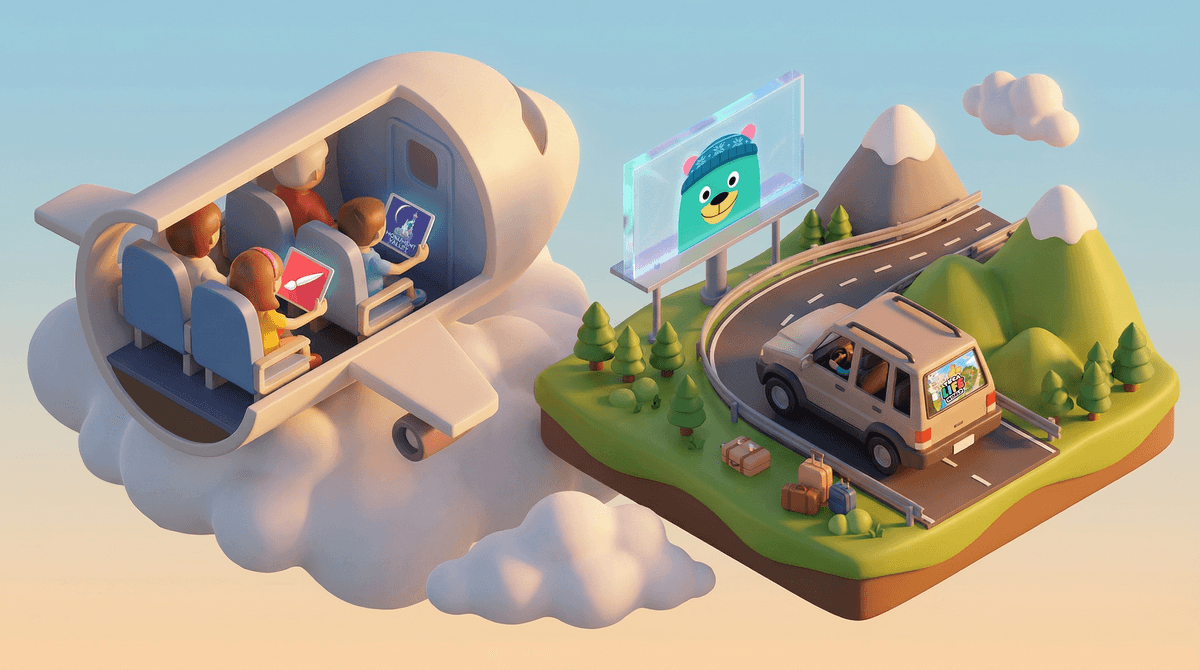
Travel apps for kids are digital tools designed to keep children entertained, educated, or calm during trips—whether you're on a six-hour flight, stuck in traffic, or waiting for your table at a restaurant. They range from interactive games and audiobooks to educational content and creative tools.
The best travel apps strike a balance: they're engaging enough to hold attention during those "are we there yet?" moments, but not so stimulating that your kid is wired when you finally reach your destination. And ideally, they work offline—because airplane WiFi is expensive and unreliable, and your data plan wasn't designed for a cross-country road trip.
Let's be real: family travel can be magical, but it also involves a lot of waiting, sitting still, and managing boredom. A well-chosen app can mean the difference between a peaceful journey and a meltdown at 30,000 feet.
The right travel apps can:
- Buy you sanity during long stretches of travel
- Reduce sibling conflicts over who gets the window seat or the last snack
- Turn downtime into learning time (without feeling like homework)
- Help anxious kids cope with the stress of new places and routines
But here's the thing: not all "kids' apps" are created equal. Some are genuinely useful, while others are thinly-veiled ad delivery systems or in-app purchase traps that'll drain your wallet faster than airport parking.
For Entertainment: Khan Academy Kids (Ages 2-8)
This is the gold standard for free, ad-free, educational content. It's got interactive games, books, and activities covering everything from math to social-emotional learning. Best part? It works completely offline once you've downloaded content. Your preschooler can practice counting while you're somewhere over Kansas, and you won't feel guilty about screen time.
Audiobooks are the MVP of travel entertainment. They're screen-free (once you hit play), they don't cause motion sickness, and they can keep an entire car engaged. Audible has a huge selection, but Libby lets you borrow audiobooks for free with your library card. Download titles before you leave, and you're set. Try Percy Jackson for ages 8+, or Dog Man for younger kids.
For Creative Play: Toca Boca Apps (Ages 4-9)
Toca Boca makes open-ended, imaginative apps with no rules, no winning, and no ads. Toca Life World is basically a digital dollhouse where kids can create stories and explore different environments. It's calming, creative, and works offline. Perfect for the kid who needs to decompress after a busy day of sightseeing.
For Puzzles and Brain Games: Monument Valley (Ages 8+)
This is a gorgeous, meditative puzzle game that feels more like interactive art than a typical mobile game. No timers, no pressure, just beautiful levels to solve. It's quiet, engaging, and won't overstimulate your kid before bedtime at the hotel. Both Monument Valley 1 and 2 are worth the small upfront cost.
For Learning on the Go: Duolingo (Ages 7+)
If you're traveling internationally (or just want to introduce a new language), Duolingo is a fun, game-like way to learn. The lessons are short, the mascot is weirdly compelling, and it works offline if you download lessons in advance. Just be aware that the free version has ads, and the app can be a little pushy with notifications.
For Drawing and Creativity: Procreate Pocket (Ages 8+, iOS only)
For the kid who loves to draw, this is a professional-grade art app in a travel-friendly package. It's a one-time purchase with no in-app purchases or ads. Pair it with a stylus, and your kid can create digital art during the flight. Bonus: it's quiet, focused, and doesn't require WiFi.
For Podcasts: Spotify or Apple Podcasts (All ages)
Podcasts are underrated for travel. They're free, educational, and can keep kids entertained for hours. Try Wow in the World for science-loving kids (ages 5-10), Brains On! for curious minds (ages 6-12), or Story Pirates for silly storytelling (ages 4-10). Download episodes before you leave.
For Offline Games: Minecraft (Ages 7+)
Yes, Minecraft can be a travel app. In Creative Mode with multiplayer turned off, it's a calming, open-ended building experience that works offline. No mobs, no pressure, just digital Legos. It's especially good for kids who find travel stressful and need a familiar, comforting activity.
Not every app is travel-friendly. Here's what to skip:
- Apps that require constant WiFi or data (looking at you, most multiplayer games)
- Apps with aggressive in-app purchases (you don't want your kid accidentally buying $99 worth of gems at cruising altitude)
- Overly stimulating games (fast-paced, loud, or competitive games can make kids wired and cranky)
- Apps with ads (nothing kills the vibe like an unskippable ad for a sketchy game)
Download everything before you leave. Airplane WiFi is expensive and unreliable. Hotel WiFi is slow. Download apps, content, audiobooks, and podcasts while you're still at home.
Bring headphones. Please. For everyone's sake. Bonus: noise-canceling headphones can help anxious kids cope with the chaos of airports and planes.
Set expectations. Let your kids know when and how long they can use devices. "You can use your tablet for an hour after takeoff" is clearer than "we'll see."
Mix it up. Rotate between apps, audiobooks, podcasts, and screen-free activities (books, coloring, travel games). Variety keeps kids from getting bored or overstimulated.
Use apps as a tool, not a babysitter. It's totally fine to lean on screens during travel—that's what they're for. But balance it with other activities when you can.
The best travel apps are the ones that work offline, don't nickel-and-dime you with in-app purchases, and actually hold your kid's attention. They're not a replacement for looking out the window or playing I Spy, but they're a lifesaver when you need them.
Every family's travel style is different. Some kids do great with audiobooks and podcasts; others need interactive games. Some parents are fine with two hours of screen time on a flight; others prefer shorter bursts. There's no right answer—just what works for your family.
And if your kid spends the entire flight playing Toca Life World while you read a book in peace? That's not a parenting fail. That's a win.
- Audit your current app situation. Are your go-to apps actually travel-friendly, or are they data hogs with in-app purchase traps?
- Download content before your next trip. Audiobooks, podcasts, and offline games can save your sanity.
- Test new apps at home first. You don't want to discover an app is a dud when you're already at the gate.
- Explore more educational apps if you want to sneak in some learning during downtime.
Safe travels. You've got this.