

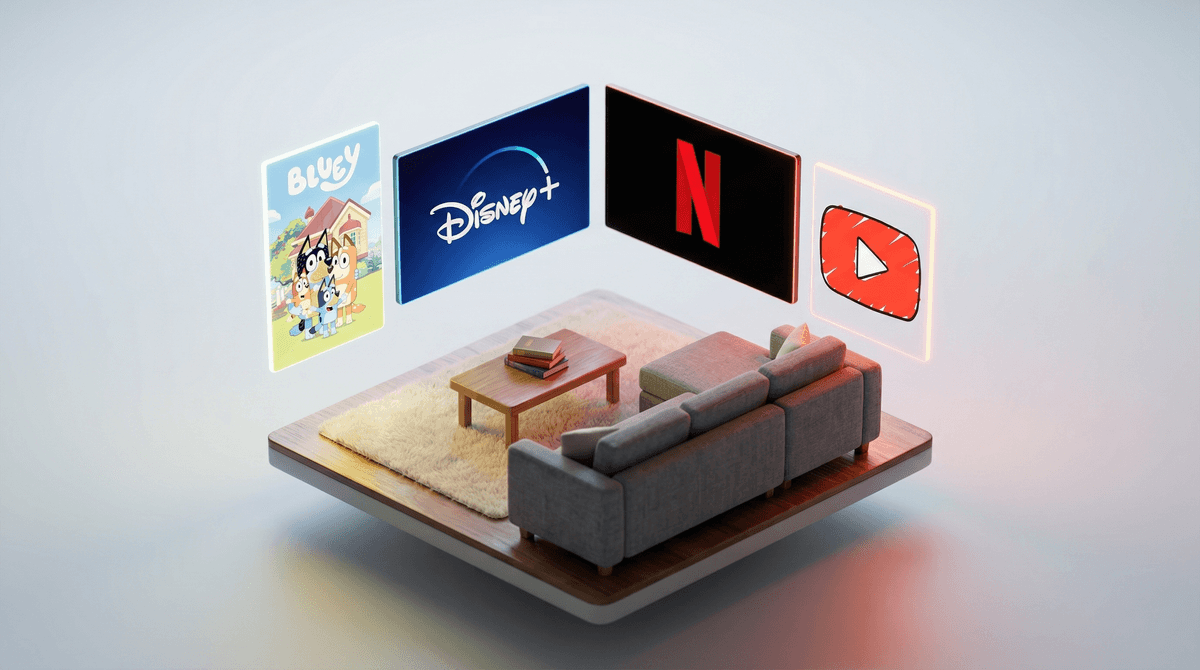
Let's be real: streaming has completely replaced traditional TV for most families, and that's not necessarily a bad thing. The good news? We actually have way more control over what our kids watch than our parents ever did. The slightly overwhelming news? There are like a dozen platforms now, each with different safety features, content libraries, and levels of "wait, how did my 6-year-old end up watching a video about Huggy Wuggy?"
Here's the thing parents actually want to know: which platforms are genuinely designed with kids in mind, and which ones just slapped a "Kids" profile on their regular service and called it a day?
YouTube Kids vs. Regular YouTube
YouTube Kids is technically the safer option, but let me be honest: it's not perfect. The algorithm still lets through some weird stuff—those bizarre Elsa-gate adjacent videos still pop up occasionally, even though YouTube has gotten better about filtering them out.
The reality: YouTube Kids works best when you use the "Approved Content Only" setting, where your kid can ONLY watch channels and videos you've specifically greenlit. Yes, this requires effort upfront. Yes, it's worth it. The alternative is your 7-year-old discovering Skibidi Toilet at 6am on a Saturday. (Though honestly, Skibidi Toilet is pretty tame compared to what used to get through.)
Regular YouTube with restricted mode? Hard pass for elementary school kids. The guardrails just aren't strong enough.
Ages: YouTube Kids is designed for ages 4-12, but honestly, the "Preschool" and "Younger" settings (ages 4-7) are where it works best. Once kids hit 8-10, they're going to want regular YouTube anyway, and that's when you need to have the conversation about digital literacy and algorithmic rabbit holes .
.
Disney+
This is the closest thing to a "set it and forget it" platform for parents. The content library is genuinely curated, and their Kids Profile actually works. Your kindergartener isn't going to accidentally stumble onto something inappropriate.
The catch: There isn't really one, unless you count the fact that your kids will watch Bluey on repeat until you can recite every episode. (Which, honestly, there are worse fates—Bluey is legitimately great.)
Ages: Honestly works for all ages. The Kids Profile is great for under-10, and older kids can graduate to a regular profile with age ratings you control.
Netflix
Netflix's kids profile is... fine. Better than it used to be, not as locked down as Disney+. They have a decent amount of quality content (The Dragon Prince, Hilda, the new Avatar: The Last Airbender), but they also have a lot of, let's call it "content of varying quality."
The PIN protection for different maturity levels is solid, and you can block specific shows. The autoplay and "Up Next" algorithm can be a bit aggressive, though—your kid finishes one show and suddenly they're three episodes deep into something you've never heard of.
Ages: Works well for 6+, especially once kids can navigate independently. Under 6, you'll want to be more hands-on with selections.
Amazon Prime Video
Prime Video's kids mode exists, but it feels like an afterthought. The interface is clunky, the content library for kids is smaller, and the parental controls aren't as intuitive as other platforms.
The upside: If you already have Prime, you get some decent originals and a lot of PBS content. Tumble Leaf is genuinely lovely for preschoolers.
The reality: This probably shouldn't be your primary kids' streaming platform, but it's fine as a supplement.
Apple TV+
Small but mighty library of kids content. Everything they make is high-quality—Stillwater is beautiful, Ghostwriter is clever—but there just isn't that much of it yet.
Great if you're trying to be more intentional about screen time and want a curated selection. Not great if you need endless content options.
Ages: Best for 6-12. Not a ton for preschoolers.
HBO Max (now just "Max")
The kids profile is decent, and if you have older kids (10+), the library is solid. But for younger kids? It's not really designed with them as the primary audience.
Worth noting: They have a lot of Cartoon Network and Sesame Street content, which is great. But this feels more like a family streaming service that has kids content, rather than a kids-first platform.
Here's what to look for beyond just "does it have a kids mode":
1. Profile PIN protection - Can your kid switch out of the kids profile? They will try. Trust me.
2. Autoplay settings - Can you turn off the "next episode" countdown? Because that feature is specifically designed to keep eyes on screens.
3. Content filtering that actually works - Age ratings are inconsistent across platforms. Disney+ tends to be most conservative, Netflix is middle-of-the-road, and YouTube Kids is... doing its best.
4. Watch history and activity - Can you see what your kid actually watched? This matters more than you think.
5. Download controls - Can your kid download whatever they want to watch offline? This can bypass some parental controls.
Screen time isn't just about duration—it's about content quality and context. An hour of Bluey or Avatar: The Last Airbender is not the same as an hour of YouTube shorts or random Netflix autoplay.
The algorithm is not your co-parent. Every platform wants your kid to watch more. That's the business model. The autoplay, the recommendations, the "viewers also watched"—it's all designed to increase watch time. You need to be the circuit breaker.
Your kid will eventually want "real" YouTube/TikTok/whatever. These streaming platforms are training wheels. The goal isn't to keep them in the kids section forever—it's to teach them how to be critical consumers of media before they hit the open internet.
Best overall for young kids (under 8): Disney+ with a kids profile. It just works, the content is solid, and you can actually relax a bit.
Best for older elementary (8-12): Netflix with proper parental controls set up, or Disney+ if you want tighter guardrails.
YouTube Kids: Only with "Approved Content Only" mode turned on. Otherwise it's a gamble.
Everything else: Fine as supplements, but probably not your primary platform.
The real answer is probably "a combination of platforms with active parental involvement," which I know isn't the magic bullet answer you wanted. But here's the thing: no platform is going to raise your kids for you. They're tools. Some are better designed than others, but they all require you to stay involved.
Set up kids profiles on whatever platforms you're using RIGHT NOW. Not later, now. Add PIN protection. Turn off autoplay. Check the watch history weekly for the first month until you get a feel for what your kid gravitates toward.
And if you need help figuring out which specific shows are actually worth watching, or how to set up parental controls on a specific platform, that's exactly what Screenwise is here for.