

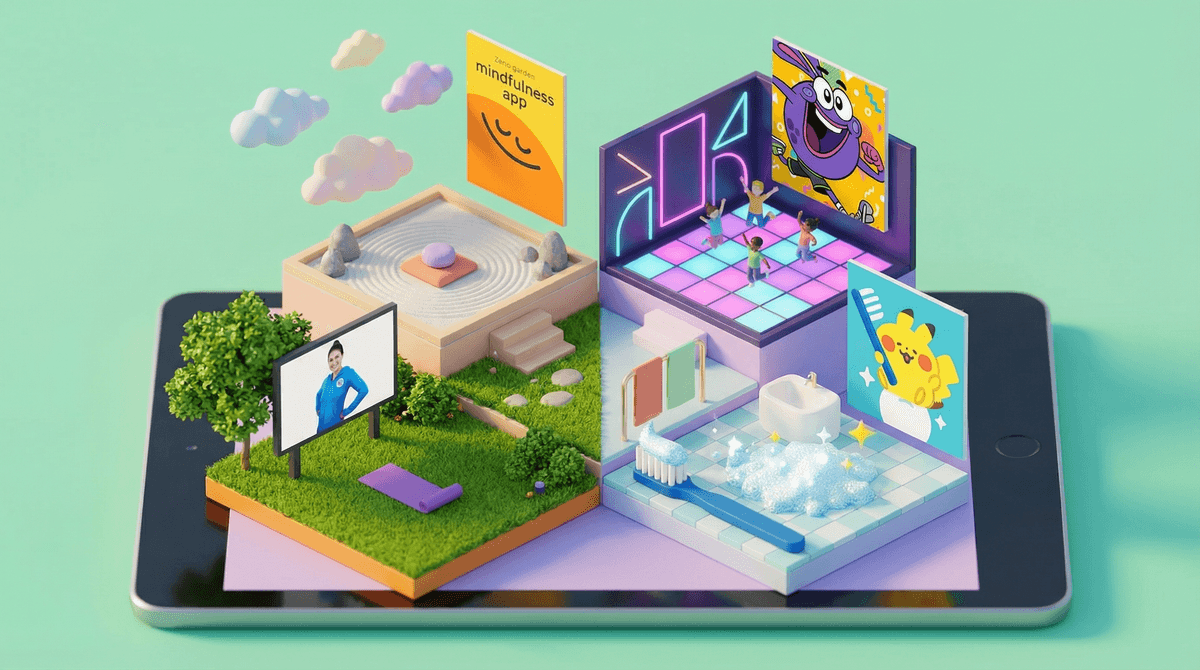
The Best Healthy Living Apps for Kids: What Actually Works
Look, I get the irony. We're trying to reduce screen time, and here I am suggesting we add more apps to the mix. But here's the thing: screens are part of life now, and if we're going to be realistic about it, we might as well make some of that time actually beneficial for our kids' physical and mental health.
The healthy living app space for kids is... a lot. There are meditation apps with talking pandas, fitness games that make your kid jump around the living room, nutrition trackers that turn vegetables into cartoon characters, and everything in between. Some are genuinely great. Others are just wellness theater wrapped in bright colors and subscription fees.
So let's talk about what actually works—apps that can help kids build healthy habits without feeling like homework, and without you having to remortgage your house for premium features.
Kids are spending an average of 5-7 hours a day on screens (depending on age), and a lot of that is passive consumption. If we can redirect even 10-15 minutes toward something that gets them moving, thinking about nutrition, or managing stress, that's actually a win.
Plus, kids are dealing with more anxiety and stress than ever before. The right apps can give them practical tools for emotional regulation that actually stick—the kind of stuff that helps them in the moment when they're spiraling about a test or a friendship drama.
And let's be honest: sometimes you need 20 minutes to make dinner, and handing them an app that gets them doing yoga poses or learning about food groups feels a lot better than them watching their 47th Minecraft tutorial of the day.
GoNoodle (Ages 5-12)
GoNoodle is the OG of movement apps for kids, and it's still one of the best. Short videos (3-5 minutes) get kids jumping, dancing, and moving in ways that don't feel like exercise. Teachers use it in classrooms for brain breaks, which means your kid might already know it and actually want to use it at home.
The good: Free version is solid, videos are genuinely fun, and it works for a wide age range. Kids don't feel like they're "working out"—they're just goofing around with Blazer Fresh or doing the Macarena Z.
The reality check: The free version has ads (not terrible ones, but they're there), and some kids age out of it around 10-11 when the content starts feeling babyish.
Headspace for Kids (Ages 5+)
Headspace has a dedicated kids section with guided meditations, sleep sounds, and mindfulness exercises that are actually age-appropriate. The sessions are short (3-10 minutes), which is key because kids' attention spans are... not long.
The good: The content is created by actual child development experts, not just someone who thought "kids like unicorns, let's make a meditation about unicorns." It teaches real skills like deep breathing and body scans that kids can use when they're stressed.
The reality check: It requires a subscription ($70/year), and some kids just aren't into sitting still for meditation. That's okay—it's not for everyone.
Smash Your Food (Ages 8-14)
This one's a nutrition education app disguised as a game. Kids learn about food groups, portion sizes, and balanced meals by literally building meals and "smashing" junk food. It's weirdly satisfying and actually educational.
The good: Makes nutrition less preachy and more playful. Kids learn without feeling lectured about vegetables.
The reality check: It's not going to magically make your kid choose broccoli over Goldfish, but it does plant seeds about what balanced eating looks like.
Cosmic Kids Yoga (Ages 3-10)
Cosmic Kids Yoga is technically a YouTube channel, but it functions like an app. Each video is a yoga session told as an adventure story—your kid is doing warrior pose while pretending to be a superhero or holding tree pose in an enchanted forest.
The good: Completely free, high-quality production, and it actually teaches proper yoga poses and breathing techniques. Great for kids who need to burn energy but can't go outside (rainy days, anyone?).
The reality check: YouTube means ads and the temptation to click away to other videos. You might want to use YouTube Kids or cast it to your TV to minimize distractions.
Pokémon Smile (Ages 4-10)
Okay, this one's niche but brilliant: it's a toothbrushing app. Kids brush their teeth while "catching" Pokémon, and the app uses the camera to make sure they're actually brushing properly for the full two minutes.
The good: It makes the most hated part of bedtime routine actually fun. Kids ask to brush their teeth. That alone is worth the download.
The reality check: Younger kids love it, but around 10-11 they might feel like it's too babyish. Also, it only works if your kid already likes Pokémon.
Apps like Zombies, Run! (better for teens) and Just Dance Now (ages 8+) can be great for kids who need more motivation to move. Just Dance Now is especially good because it turns exercise into a party—kids don't think "I'm working out," they think "I'm dancing to Taylor Swift in my living room."
But here's the thing about gamified fitness apps: they work best when they're social or competitive. If your kid has zero interest in beating their high score or competing with friends, these apps will collect digital dust.
Ages 3-6: Stick with simple, short-burst apps like GoNoodle and Cosmic Kids Yoga. At this age, you're building positive associations with movement and mindfulness, not tracking metrics or setting goals.
Ages 7-10: This is the sweet spot for most healthy living apps. Kids are old enough to follow instructions independently but young enough to still find gamified content engaging. GoNoodle, Pokémon Smile, and Headspace for Kids all work well here.
Ages 11-14: Tweens need content that doesn't feel "for babies." Just Dance Now, Smash Your Food, and teen-focused meditation apps like Calm (which has a teen section) work better. They're also old enough to use fitness apps with some guidance—just watch out for anything that focuses too heavily on weight or calories, which can trigger disordered eating patterns.
Not all screen time is created equal. Using an app that teaches your kid breathing exercises or gets them moving is fundamentally different from passive scrolling. Don't lump these apps into your "screen time is bad" guilt spiral.
Habits beat perfection. Your kid doing 5 minutes of GoNoodle three times a week is better than you downloading every wellness app and overwhelming them with options. Pick one or two and actually use them.
Watch out for data collection. Many free apps collect data on kids. Check privacy policies, especially for apps that track physical activity or health metrics. Learn more about kids' app privacy concerns .
.
Subscriptions add up fast. Headspace, Calm, and other premium apps cost $60-100/year. That's not nothing. The free versions of most apps are honestly good enough for kids—you don't need to unlock every feature.
The best healthy living app for your kid is the one they'll actually use. That might be GoNoodle for your energetic 7-year-old, Headspace for your anxious 10-year-old, or Pokémon Smile for your toothbrushing-resistant 5-year-old.
Start with one app, use it for two weeks, and see if it sticks. If your kid groans every time you suggest it, move on. If they actually ask to use it? You've found a winner.
And remember: these apps are tools, not magic solutions. They work best when paired with real-world habits—family walks, cooking together, talking about feelings. But as far as screen time goes, this is some of the better stuff out there.
- Try one app this week (GoNoodle or Cosmic Kids Yoga are great starting points because they're free)
- Set a reminder to use it 3x this week—consistency matters more than duration
- Ask your kid what they liked or didn't like about it
- Explore more about balancing screen time with physical activity