

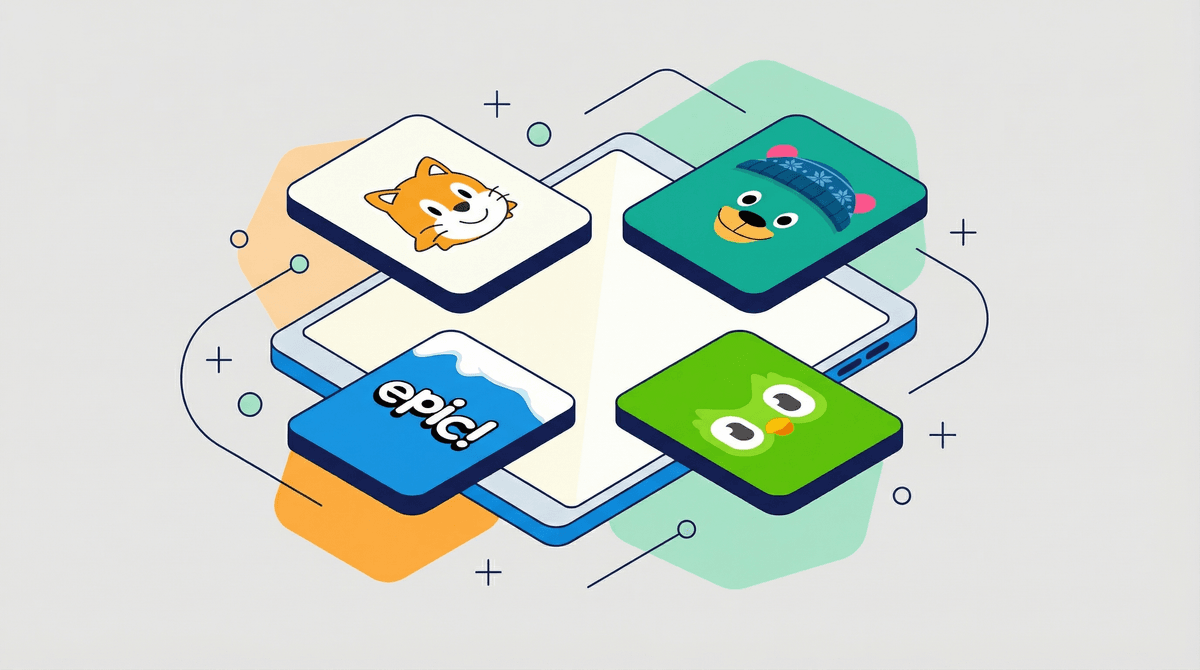
Look, the app store is an absolute wasteland of "educational" apps that are basically just digital candy wrapped in alphabet letters. But there are genuinely good apps out there for 5-8 year olds—ones that actually teach skills, spark curiosity, and don't feel like thinly-veiled slot machines designed to extract $4.99 from your wallet every week.
The sweet spot for this age is apps that balance actual learning with enough engagement that your kid doesn't immediately bail to watch YouTube shorts. We're talking reading foundations, math practice, creative expression, and maybe—just maybe—a second language while their brains are still sponges.
Here's the thing: not every app needs to be "educational." Sometimes you just need 20 minutes of peace while you make dinner, and that's fine. But if we're going to hand over devices anyway, we might as well load them up with stuff that's worth their time.
This is the gold standard, full stop. Completely free (no ads, no in-app purchases, no catch), covers reading, math, social-emotional learning, and creative activities. The interface is colorful without being chaotic, and it adapts to your kid's level.
Best for: Ages 2-8, especially if you want comprehensive learning without the constant upsell
Parent tip: The parent dashboard actually shows you what they're working on, which is rare and appreciated.
Yes, the owl is slightly unhinged and will send passive-aggressive notifications, but Duolingo is legitimately effective for language learning. The lessons are bite-sized (5-10 minutes), gamified enough to keep kids engaged, and the free version is actually usable.
Best for: Ages 6-8 who want to learn Spanish, French, or another language
Parent tip: The paid version removes ads and adds some features, but the free tier works fine for elementary ages. Just turn off notifications unless you enjoy guilt trips from a cartoon bird.
These apps are adorable, well-designed, and actually teach foundational literacy and numeracy skills. The monsters are charming, the animations are clever, and there's no pressure or timers—just exploration.
Best for: Ages 4-7, especially early readers and kids building number sense
Parent tip: One-time purchase, no subscriptions or ads. Worth every penny.
Not "educational" in the traditional sense, but these open-ended play apps (Toca Kitchen, Toca Hair Salon, Toca Life World) are basically digital dollhouses. Kids create scenarios, experiment, and use their imagination without being told what to do.
Best for: Ages 5-8 who love creative, unstructured play
Parent tip: Some are free, some are paid. Toca Life World is the hub app with lots of free content and optional purchases.
It's basically Netflix for kids' books—thousands of titles, read-to-me options, audiobooks, and learning videos. The library is massive and includes popular series like Dog Man and Magic Tree House.
Best for: Ages 5-8 who are learning to read or love being read to
Parent tip: Free for educators, $10/month for families. The read-to-me feature is clutch for emerging readers.
This one walks the line between educational and game-y. It's a fantasy RPG where kids answer math questions to battle monsters and progress through the story. The free version is solid; the paid version adds cosmetic stuff and extra content.
Best for: Ages 6-8 who need math practice but resist worksheets
Parent tip: The upsells can be annoying (your kid will definitely ask for the premium membership), but the core math practice is genuinely good and aligned with curriculum standards.
A simplified version of MIT's Scratch coding platform, designed for young kids. They create interactive stories and games by snapping together visual programming blocks. No reading required.
Best for: Ages 5-7 interested in how things work or early coding concepts
Parent tip: Completely free, no ads, made by actual educators. This is what "educational technology" should look like.
Apps with constant ads or aggressive in-app purchases. If your kid is getting interrupted every 90 seconds to watch an ad or buy gems/coins/whatever, delete it. Their attention span is being weaponized against your credit card.
"Educational" apps that are just dressed-up busywork. Endless bubble-popping with numbers on them isn't teaching math, it's teaching your kid to associate learning with mind-numbing repetition.
Anything that feels like a slot machine. Flashing lights, random rewards, loot boxes—if it looks like a casino designed for children, it probably is.
Here's the truth: even the best app is still screen time. A kid playing Khan Academy Kids for 30 minutes is probably learning more than a kid doing a boring worksheet, but they're also not outside climbing trees or building forts or arguing with their siblings about whose turn it is (all of which are also important developmental activities).
The goal isn't to find apps that justify unlimited screen time—it's to make sure that when screens are part of the day, the content is worth it. Think of these apps as tools in your parenting toolkit, not replacements for the other stuff.
Start with Khan Academy Kids (free, comprehensive, no nonsense) and Duolingo (if language learning interests your family). Add Endless Alphabet/Numbers for early literacy and math, and Epic! if your kid loves books. Throw in Toca Boca or Scratch Jr for creative play.
Set time limits (most devices have built-in parental controls—use them), keep devices in common spaces, and periodically check in on what they're actually doing. The best app in the world still benefits from a parent who's paying attention.
And remember: you're not a bad parent if your kid plays Minecraft instead of Khan Academy sometimes. Perfect is not the goal. Good enough, most of the time, absolutely is.
Want to compare notes? Screenwise can help you see what other families in your community are doing and get personalized recommendations based on your kid's age and interests. Because sometimes it helps to know you're not the only one trying to figure out if Roblox is rotting their brain or teaching them entrepreneurship.