

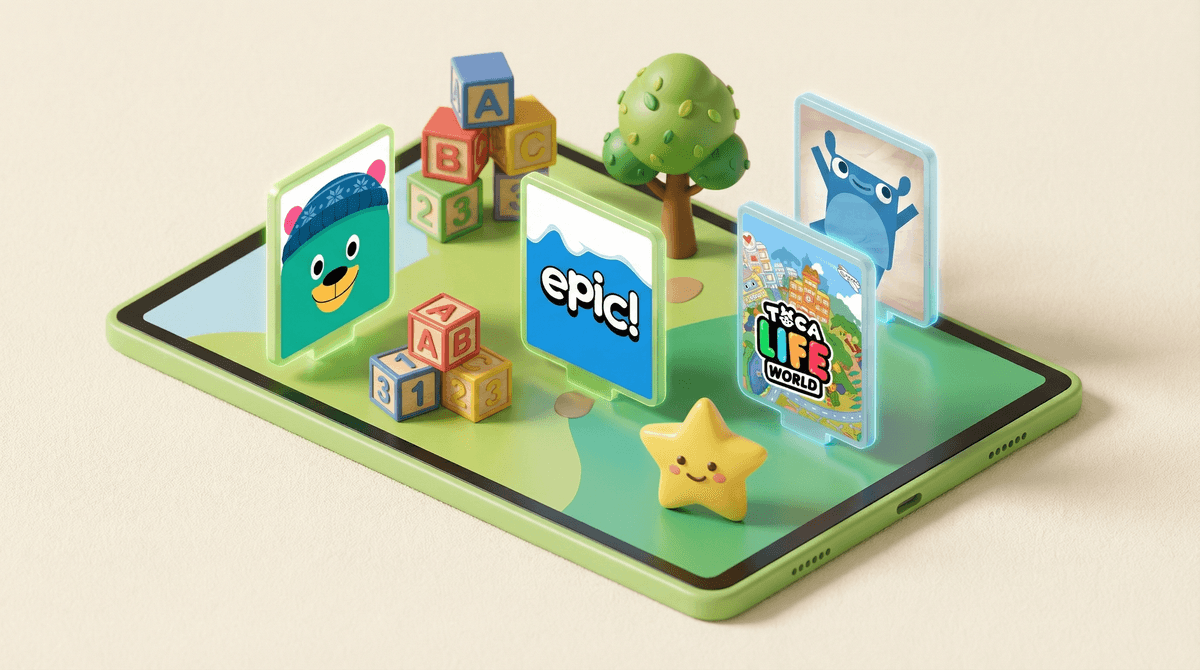
Look, we all know that moment. You're at the pediatrician's office, your three-year-old is melting down, and you're frantically scrolling through the Google Play Store trying to find something that will buy you five minutes of peace without feeling like you're rotting their brain. Been there.
Android apps for preschoolers are specifically designed for kids ages 2-5, typically featuring simple tap-and-swipe interactions, bright colors, repetitive learning patterns, and (hopefully) educational content. The good ones teach early literacy, numbers, problem-solving, and creativity. The bad ones are essentially slot machines wrapped in cartoon characters designed to extract money from your Google Play account.
The Android ecosystem is a bit different from iOS—there's more variety, more free options, and honestly, more junk to wade through. Unlike Apple's curated App Store, Google Play has a more "wild west" vibe, which means you need to be extra careful about what you're downloading.
Here's the thing: preschoolers are using tablets and phones earlier than any previous generation. Recent data shows that about 80% of kids under 5 have used a mobile device, and that number keeps climbing. Whether you're a "no screens until kindergarten" parent or a "hey, educational apps count as learning" parent, chances are your preschooler will interact with apps at some point—whether at home, at grandma's house, or at preschool.
The question isn't really if they'll use apps, but which apps and how much. And on Android specifically, you're dealing with a platform that has fewer built-in guardrails than iOS, more aggressive advertising, and a wider range of quality.
Before we get into specific recommendations, let's talk about what you should actually be looking for:
The green flags:
- No ads or in-app purchases (or at least ones that are truly locked behind parental gates)
- Simple, intuitive navigation that doesn't require reading
- Age-appropriate content that matches your kid's developmental stage
- Educational value beyond just "tap the thing, thing makes noise"
- Offline functionality because airplane mode is your friend
- Limited data collection (check those privacy policies, even though they're boring as hell)
The red flags:
- Apps that immediately ask for permissions they don't need
- "Free" apps that are actually free-to-play money pits
- Content that's clearly designed to be addictive rather than educational
- Apps with links to social media or web browsers
- Anything with user-generated content (your 3-year-old does NOT need to see what random internet people are creating)
Let me save you some time. Here are apps that actually deliver on their promises:
For Early Learning
Khan Academy Kids is genuinely free, ad-free, and excellent. It covers reading, math, social-emotional learning, and creative play. It's like the Mr. Rogers of apps—wholesome, thoughtful, and actually educational. Works great offline too.
Endless Alphabet and its companion apps (Endless Numbers, Endless Reader) are beautifully designed and teach foundational skills through interactive puzzles and animations. They're paid apps, but there are no in-app purchases or ads, which is refreshing.
PBS Kids Games bundles games from all your favorite PBS shows—Daniel Tiger, Wild Kratts, Curious George. It's free with minimal ads, and the content is solid because PBS actually cares about child development.
For Creativity
Toca Boca apps (Toca Kitchen, Toca Hair Salon, Toca Life World) are open-ended digital play spaces. No winning, no losing, just exploration. They're paid apps, but they're worth it if your kid likes imaginative play.
Sago Mini games are adorable, gentle, and perfect for younger preschoolers (2-4). They're subscription-based now, which is annoying, but the quality is consistently high.
For Reading
Epic! is a digital library with thousands of books. The free version is limited, but if you're already paying for streaming services, this might be worth the subscription. Way better than watching random YouTube videos.
Starfall has been around forever and still works. It teaches phonics and early reading through songs and games. The free version is solid; the paid version removes ads.
About screen time: The AAP recommends no more than one hour of high-quality programming per day for kids 2-5. But here's the reality—some days you're going to exceed that, and you're not a bad parent. The key word is "high-quality." Twenty minutes of Khan Academy Kids is not the same as twenty minutes of random YouTube Kids content.
About "educational" apps: Just because an app claims to be educational doesn't mean it is. Lots of apps slap "learning" in the title and then just have your kid tap things repeatedly for rewards. Real educational apps require some cognitive engagement—problem-solving, pattern recognition, cause and effect.
About in-app purchases: Even with parental controls, kids are SHOCKINGLY good at figuring out how to buy things. Use Google Play's parental controls to require authentication for all purchases, and consider setting up a family payment method that requires your approval. Learn more about Google Play parental controls.
About data privacy: Free apps make money somehow, and often that "somehow" is your kid's data. Check what permissions apps are requesting. A coloring app doesn't need access to your contacts or location.
The best Android apps for preschoolers are the ones that feel more like digital toys than digital slot machines. They should be engaging without being addictive, educational without being boring, and safe without requiring you to hover constantly.
Start with these three:
- Khan Academy Kids for comprehensive learning
- PBS Kids Games for familiar characters and variety
- One Toca Boca or Sago Mini app for creative play
Set up your parental controls BEFORE handing over the tablet, use Android's Kids Space or Family Link if your device supports it, and remember that apps are a tool, not a babysitter (even though sometimes we definitely use them that way, and that's okay).
Set up your device properly: Take 15 minutes to configure Google Family Link and create a kid-specific profile on your Android device. Future you will thank present you.
Try before you commit: Most paid apps have free versions or lite versions you can test. Don't buy a subscription until you know your kid will actually use it.
Check in regularly: What worked for your 2-year-old won't work for your 4-year-old. Revisit your app selection every few months and delete what's not being used.
And if you're feeling overwhelmed by all of this—totally normal. Digital parenting is hard because we're literally the first generation figuring this out in real time. You're doing fine.