The digital busy board
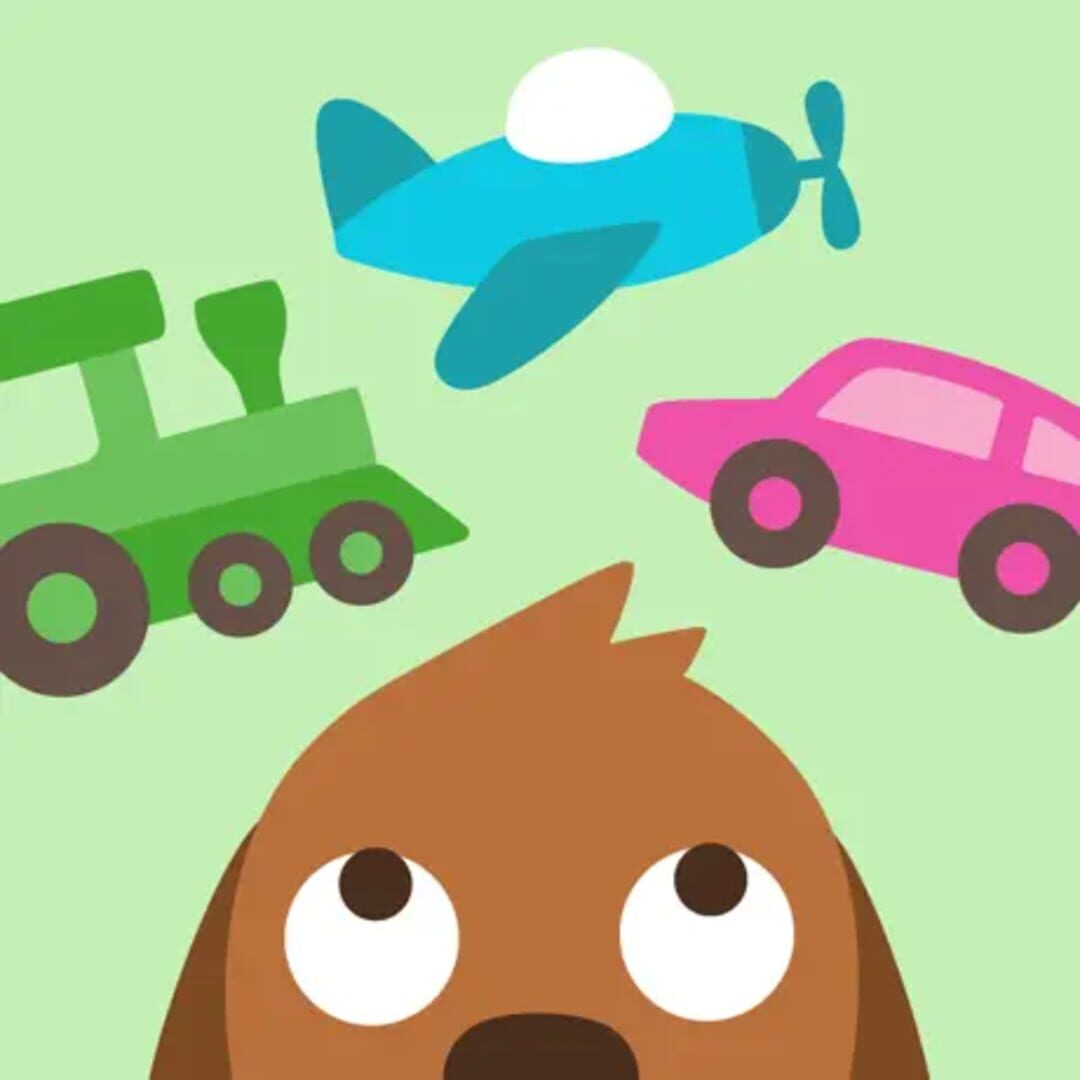
If you’ve ever handed a toddler a physical "busy board" with latches, zippers, and wheels, you know the appeal here. Sago Mini Trips isn't a game in the traditional sense—there are no high scores, no "Game Over" screens, and no ticking clocks. It is a digital toy box. The magic is in the agency of the small stuff.
The game loop usually starts with packing a suitcase. For a three-year-old, deciding whether to pack a rubber ducky or a slice of cheese is a high-stakes executive function exercise. They aren't trying to beat a level; they are testing the world's boundaries. When they pick the pickle-boat or the lemon-car, they’re looking for the gag, not the finish line. This is the same design philosophy seen in Toca Boca titles (their sister studio), where the goal is simply to see what happens when you poke the environment.
The Apple Arcade value proposition
This specific release is part of the "Plus" collection, meaning it’s bundled into a subscription rather than sold as a one-off $2.99 app. Because Apple Arcade is a 100% ad-free gaming subscription with zero in-app purchases, you don't have to worry about your kid accidentally buying a "Mega Train Pack" or getting stuck behind a paywall mid-flight.
The trade-off is that you never truly own the game. If you cancel the subscription, the car ride entertainment vanishes. However, for parents who want a "set it and forget it" digital environment where every button is safe to press, this model is the gold standard. It removes the friction of managing individual app updates and microtransactions across the four different travel themes.
Why it works on a plane (literally)
Most "travel apps" claim to be offline-friendly but then glitch out the moment they can't ping a server to load an ad or verify a license. Sago Mini Trips is built for the dead zone. Once it’s downloaded, it’s rock solid.
The four-game split (Road Trip, Boats, Planes, and Trains) provides just enough variety to keep a preschooler's attention through a long layover. If they get bored of the road, they switch to the sky. The mechanics remain the same—tap, drag, and watch the animation—which prevents the "How do I play this?" frustration that usually leads to a meltdown in Terminal B.
Knowing when to delete
There is a very specific shelf life here. If your kid has started asking for Roblox or wants to play anything with a "level up" mechanic, they will find this boring within ten minutes. It’s a transition tool. It’s for the window of time after they stop eating the iPad and before they start wanting to compete with others.
If your child enjoys open-ended "house" play or spends hours moving toy cars from one side of the rug to the other, this will be a hit. If they need a "win" state to feel engaged, look elsewhere. This is about the journey, quite literally, and once a kid realizes the destination doesn't actually matter, the spell is broken.