

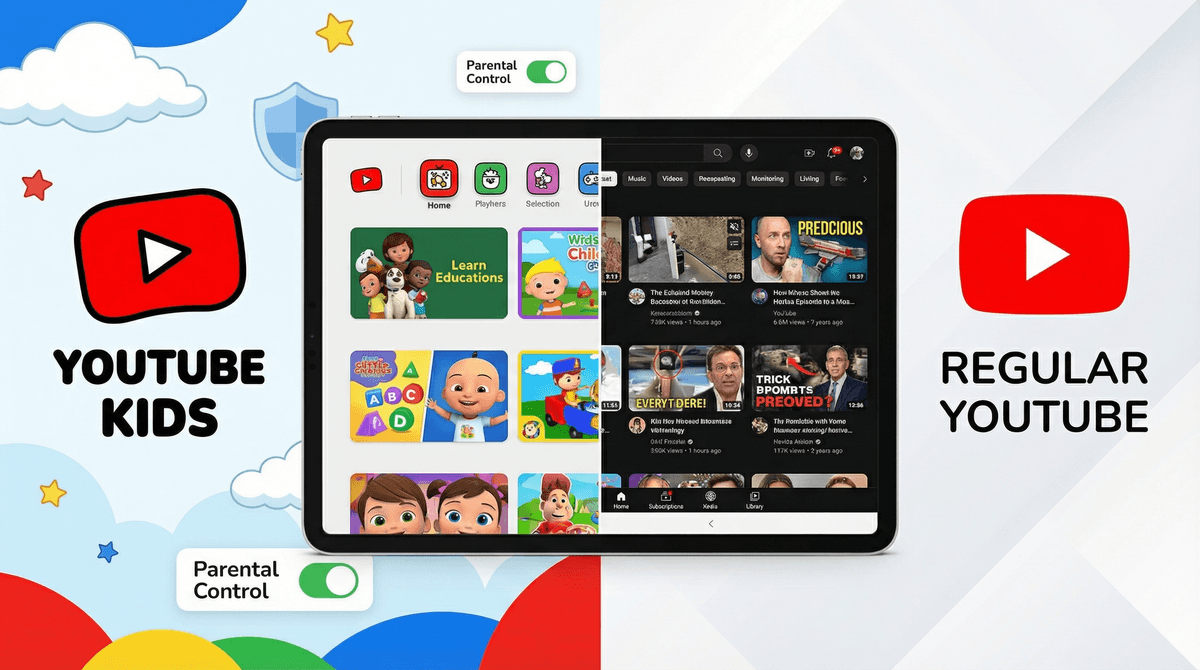
YouTube Kids vs. YouTube: The Ultimate Safety Showdown
YouTube Kids is the safer bet for elementary-aged kids (under 12), with curated content and built-in guardrails. Regular YouTube with a supervised account works better for tweens and teens who need access to educational content, music, and creator culture—but requires active parental involvement. Neither platform is perfect, and both need ongoing monitoring.
Quick recommendation:
- Ages 4-8: YouTube Kids only
- Ages 9-11: YouTube Kids, transitioning to supervised YouTube for specific needs
- Ages 12+: Regular YouTube with supervised account and ongoing conversations
The question isn't really "which is safer?" It's "which is safer for your kid, right now?" Because here's the reality: YouTube Kids is more restrictive but still imperfect. Regular YouTube offers more value but requires more vigilance. And your 7-year-old's needs are completely different from your 13-year-old's.
YouTube Kids launched in 2015 as Google's answer to parents' (very legitimate) concerns about what their kids were stumbling into on regular YouTube. It's a separate app with:
The Good:
- Content filtered by a combination of automated systems, human review, and parental feedback
- No comments section (huge win)
- Limited search functionality you can disable entirely
- Timer features built in
- Age-based content levels: Preschool (4 and under), Younger (5-8), and Older (9-12)
- Can't navigate away from approved content
The Not-So-Good:
- Automated filtering isn't perfect—inappropriate content still slips through
- Tons of low-quality "content farm" videos (think: weird Elsa/Spider-Man scenarios, unboxing videos, toy reviews designed to sell stuff)
- Limited educational content compared to main YouTube
- Can feel restrictive for older kids who need legitimate resources
Regular YouTube with Supervised Accounts
In 2021, Google introduced supervised YouTube accounts specifically for kids under 13 who've outgrown YouTube Kids. These live within the regular YouTube app but with guardrails:
The Good:
- Access to way more educational content, tutorials, music, and creator culture
- Three content settings: Explore (9+), Explore More (13+), and Most of YouTube (some restrictions)
- Parents can block specific channels and videos
- Pause watch and search history
- Still has some protections around ads and data collection
The Not-So-Good:
- Comments are visible (though the kid can't comment)
- More exposure to consumerism, influencer culture, and algorithm-driven recommendations
- Requires actual parental involvement—not a "set it and forget it" solution
- The content settings are broad strokes, not precise
Let's be honest about what we're actually worried about:
Inappropriate Content Both platforms have had issues with disturbing content slipping through. YouTube Kids had the whole "Elsagate" scandal (creepy, inappropriate videos disguised as kids' content). Regular YouTube has... well, the entire internet. The difference is scale and likelihood. On YouTube Kids, you're more likely to encounter weird-but-not-harmful content farm stuff. On regular YouTube, the potential exposure is much broader.
Consumerism and Manipulation YouTube Kids is absolutely packed with toy unboxing videos and content that's essentially 10-minute ads. Regular YouTube has this too, plus influencer culture, brand deals, and the whole "please subscribe and smash that like button" economy. Neither platform is teaching media literacy—that's on us.
Algorithm Rabbit Holes Both platforms use recommendation algorithms, and both can lead kids down weird paths. YouTube Kids might take them from legitimate kids' songs to low-quality knockoffs. Regular YouTube can take them from a Minecraft tutorial to... who knows where. The autoplay feature is designed to keep eyes on screens, not to serve your kid's best interests.
Screen Time Neither app is particularly good at encouraging kids to stop watching. YouTube Kids has a timer feature, which helps. Regular YouTube has nothing. Both are designed for engagement (read: addiction).
Ages 4-8: YouTube Kids (With Co-Viewing)
At this age, YouTube Kids is the right call. But "right call" doesn't mean "safe to use unsupervised." The content quality is inconsistent, and even "approved" videos can be mind-numbing.
Set it up right:
- Use the Preschool or Younger content setting
- Turn off search entirely (browse only approved content)
- Set up the timer feature
- Regularly check watch history and block channels that are low-quality or overly commercial
- Co-view when possible—it's the best way to understand what they're actually watching
Better yet: Curate a playlist of specific channels you've vetted, like Bluey clips, StoryBots, or Sesame Street. Then they're watching within a contained ecosystem you've approved.
Ages 9-12: The Transition Zone
This is where it gets tricky. Many kids this age need YouTube for school projects, music, hobby tutorials (drawing, coding, gaming strategies), and yes, to understand the cultural references their friends are making. YouTube Kids starts feeling babyish. But regular YouTube is a lot.
Option 1: Supervised YouTube Account Set up a supervised account with the "Explore" (9+) setting. This gives access to more content while maintaining some guardrails. You'll need to:
- Have regular conversations about what they're watching
- Teach them to recognize clickbait and manipulative content
- Block channels and videos as needed
- Check in on their watch history weekly (not as punishment, but as ongoing guidance)
Option 2: Continued YouTube Kids with Specific Exceptions Keep them on YouTube Kids for general browsing, but watch specific regular YouTube content together when they need it for school or hobbies. More work for you, but more control.
The real work at this age: Teaching media literacy. Why do creators want you to subscribe? How do they make money? What's the difference between information and entertainment? Why does the algorithm show you certain videos?
Ages 13+: Regular YouTube (With Ongoing Dialogue)
By middle school, most kids need access to regular YouTube. They're watching music videos, following creators, learning skills, and participating in digital culture. Trying to keep them on YouTube Kids is both impractical and potentially socially isolating.
Set up supervised accounts with "Most of YouTube" setting:
- They get access to nearly everything (with some restrictions on mature content)
- You maintain visibility into watch history
- You can still block channels if needed
- Restricted Mode is automatically on
But here's what actually matters: The conversations. By this age, you're not controlling what they watch—you're teaching them to think critically about it. Talk about:
- How algorithms work and why they're designed to keep you watching
- The business model of YouTube (ads, sponsorships, parasocial relationships)
- The difference between creators they actually enjoy and content they're watching because it's algorithmically served
- How to recognize manipulation, misinformation, and unhealthy content
Neither platform is a babysitter. This is the hard truth. YouTube Kids seems like it should be safe for independent use, but the content quality is so variable that you really need to stay involved. Regular YouTube definitely requires ongoing oversight.
The algorithm is not your friend. Both platforms are designed to maximize watch time, not to serve your family's values or your child's developmental needs. The autoplay feature, the endless recommendations, the "up next" queue—it's all engineered for engagement.
Content settings are broad. When you select "Younger" on YouTube Kids or "Explore" on a supervised account, you're getting Google's interpretation of age-appropriate, which may not match yours. You'll still need to block specific channels and videos.
Watch history is your friend. Check it regularly. Not to catch your kid doing something wrong, but to understand what they're actually consuming and to have informed conversations about it. It's also how you'll discover the weird algorithm rabbit holes they've fallen into.
Co-viewing is underrated. Watching together—even for 10 minutes—gives you insight into what they're interested in, what the content quality is like, and what values are being communicated. Plus, it's a natural conversation starter.
YouTube Kids is the safer starting point for elementary-aged kids, but it's not a perfect solution. It's more like training wheels—helpful at first, but you're still teaching them to ride the bike.
Regular YouTube with supervised accounts is appropriate for older kids and teens who need access to the broader platform, but it requires active parenting. You're not just setting up controls—you're having ongoing conversations about media literacy, digital wellness, and how to navigate creator culture.
The honest answer: Neither platform is truly "safe" in a set-it-and-forget-it way. YouTube Kids reduces risk but doesn't eliminate it. Supervised YouTube accounts provide access with some guardrails, but the guardrails are pretty basic.
The real safety comes from you: co-viewing when possible, checking watch history, blocking low-quality channels, teaching media literacy, and having regular conversations about what they're watching and why.
-
Audit what they're currently watching. Pull up the watch history and spend 20 minutes clicking through. You might be surprised—good or bad.
-
Set up the right platform for their age. Use the guidance above, but trust your judgment about your specific kid.
-
Block the obvious junk. You'll quickly identify low-quality channels that are just noise. Block them.
-
Have the first conversation. Not a lecture—a conversation. Ask what they like watching and why. Share your concerns. Explain how algorithms work.
-
Check in regularly. Put "review YouTube history" on your calendar every week or two. It takes 5 minutes and keeps you informed.
Want to dig deeper into managing screen time or teaching media literacy? We've got you covered.
And if you're wondering whether there are alternatives to YouTube that might work better for your family, that's worth exploring too.