

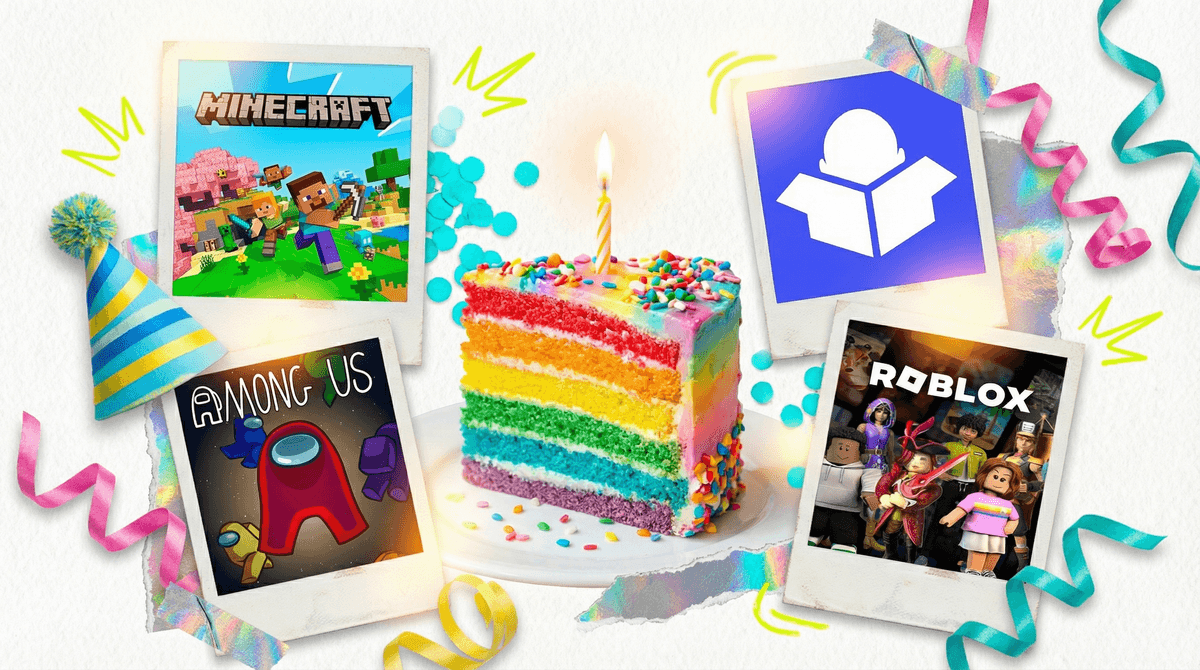
Look, nobody wanted to become an expert in virtual birthday parties. But here we are in 2026, and honestly? They're not going anywhere. Whether you've got a kid with a winter birthday during flu season, family scattered across time zones, or you're just trying to include that one friend who moved to another state, virtual parties have become a legitimate option in the birthday playbook.
A virtual birthday party is exactly what it sounds like—celebrating online through video calls, multiplayer games, or creative digital hangouts. The challenge isn't the technology (kids figured out Zoom faster than most adults). The challenge is making it feel like an actual party and not just "sitting in front of a screen with cake."
Here's the thing: kids don't automatically think virtual = less special. They're already hanging out with friends in Roblox and Minecraft after school. They FaceTime their cousins. They watch their favorite YouTubers like they're hanging out with friends. Digital spaces ARE social spaces for them.
The magic isn't in the medium—it's in the intentionality. A half-baked in-person party where everyone's on their phones feels worse than a well-planned virtual party where everyone's actually engaged. Your job is to create structure, energy, and those little special touches that signal "this is a celebration."
For younger kids (ages 5-8): The sweet spot is something visual and interactive, not just faces in boxes. Consider:
- Zoom with activities: Yes, basic Zoom, but you need a plan. Virtual scavenger hunts ("go find something blue!"), show-and-tell, digital backgrounds that match a theme
- Watch parties: Disney+ GroupWatch or Teleparty to watch a movie "together"
- Hosted experiences: Companies like Outschool or local children's museums offer hosted virtual birthday parties with magic shows, science experiments, or art classes
For middle elementary (ages 8-11): They want more autonomy and actual gameplay:
- Minecraft server party: Set up a private realm, everyone logs in, you've got a shared world to explore together. Works especially well if you can set up a themed build challenge
- Roblox private server: Similar concept. Pick a game everyone likes, create a private server, and let them play together. You can even buy the birthday kid some Robux as the "party favor"
- Among Us or Fall Guys: Multiplayer games where everyone's in on the action together
For tweens/teens (ages 11+): They'll probably have opinions about what they want:
- Discord watch party: They likely already use Discord. Set up a private server, stream a movie or YouTube videos, let them voice chat
- Gaming tournament: Fortnite creative mode, Mario Kart online, whatever they're into
- Jackbox Games: Legitimately fun party games that work great remotely—everyone joins from their phone while watching the main screen together
The difference between "just another screen session" and "a party" comes down to these details:
Send something physical beforehand: Mail or drop off a small party box to each guest. Doesn't have to be elaborate—a cupcake, some candy, a party hat, maybe a small activity kit. Opening these together at the start creates a shared moment.
Create a beginning and end: Don't just... start. Have a clear "party starts now" moment. Maybe everyone wears a silly hat, or you do a countdown, or there's a special entrance for the birthday kid. And have a clear ending—a final song, a group photo (screenshot!), something that signals closure.
Limit the guest list: This is not the time to invite the whole class. 4-8 kids max, depending on age. More than that and it becomes chaos where nobody can hear anything and half the kids zone out.
Keep it shorter than in-person: 60-90 minutes tops. Virtual fatigue is real. Better to end with everyone still having fun than drag it out until kids are literally walking away from their screens.
Have a backup plan: Someone's internet will crash. Someone's sibling will scream in the background. Someone won't be able to figure out how to unmute. Build in flexibility and don't stress about perfection.
Ages 5-7: Keep it to 45-60 minutes. They need frequent activity changes (every 10-15 minutes). Consider having parents stay nearby to help with tech issues. Simple activities work best—show and tell, Simon Says, dance party, story time.
Ages 8-10: Can handle 60-75 minutes. They can mostly manage the tech themselves but may need help with game logins or server access. They're old enough to appreciate themed activities but young enough that you still need structure.
Ages 11-13: Can do the full 90 minutes if the activity is engaging. They'll want more control over what happens. Consider letting the birthday kid co-plan. They can handle more complex games and appreciate inside jokes and social dynamics.
Ages 14+: Honestly, at this point, they might prefer to plan it themselves. Your role might be providing the platform subscription, ordering the food delivery to their friends' houses, and staying out of the way. And that's okay.
The cost reality: Virtual parties can actually be more expensive than you'd think if you're mailing party boxes, paying for a hosted experience, or buying game subscriptions. But they can also be nearly free if you stick to basic video calls and games you already own. Set a budget first.
The parental involvement spectrum: Some platforms require more adult management than others. Minecraft realms need someone who knows how to set up servers. Zoom parties need an adult to manage breakout rooms and mute chaos. Gaming parties might need less intervention once everyone's logged in.
The "this isn't what I imagined" grief: If you're doing this because circumstances forced it (not choice), acknowledge that disappointment—for you and your kid. It's okay to say "I wish we could all be together in person" while also making the virtual version as good as it can be.
The invitation logistics: Be crystal clear in invitations: platform, login info, time zone (seriously), what kids need to have ready, whether parents need to help with setup. Send a reminder 24 hours before with all the details again.
Virtual birthday parties aren't a consolation prize—they're just a different format. Kids who've grown up with FaceTime and multiplayer games don't automatically see "online" as "less than." They see it as a different way to connect.
The magic comes from the same place it always has: making the birthday person feel special, creating shared moments with friends, and having fun together. The screen is just the venue.
Will it be perfect? No. Will someone's little brother photobomb? Probably. Will the WiFi cut out at exactly the wrong moment? Maybe. But will your kid remember that their friends showed up to celebrate them? Absolutely.
If you're planning a virtual party:
- Pick your platform based on your kid's age and interests
- Keep the guest list small and the timeline short
- Add physical elements (mailed boxes, delivered treats)
- Plan activities with clear structure
- Test the tech beforehand
- Let go of perfection
If your kid was invited to one:
- Help them set up and test the tech 10 minutes early
- Make sure they're in a quiet space with good WiFi
- Have them prepare anything requested (costume, show-and-tell item, snack)
- Stay nearby for younger kids but give older kids space
- Encourage them to actually participate (not just lurk silently)
And if you need help figuring out which games are actually appropriate for group play or how to set up parental controls for any of these platforms, Get help planning a virtual birthday party —we've probably already researched it.