

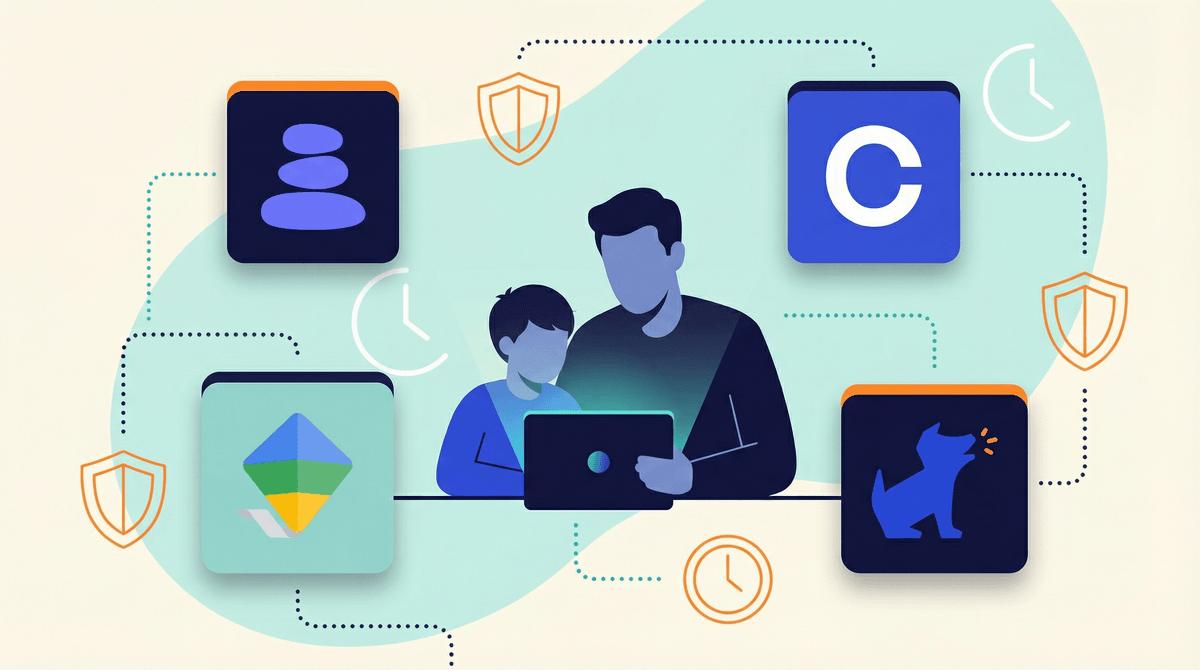
Parental control apps are software tools that let you monitor, limit, or filter your kid's device usage. They can block websites, set screen time limits, track location, monitor texts and social media, and generate reports about what your kids are doing online.
The market is flooded with options—from basic built-in tools (Apple Screen Time, Google Family Link) to comprehensive paid platforms that promise to protect your child from every digital danger imaginable.
Here's the thing: parental control apps are a tool, not a parenting strategy. They work best when they're part of a broader approach to digital wellness that includes open communication, teaching digital literacy, and building trust. If you're just installing monitoring software and calling it a day, you're missing the point.
Let's be real—the digital landscape is overwhelming. Kids are getting devices younger, social media is genuinely harmful in ways we're still discovering, and the idea that your 10-year-old could stumble onto hardcore pornography or get groomed by a stranger feels terrifying.
Parental control apps promise peace of mind. They say: "Install this, and you'll know your kid is safe."
But here's what they don't always tell you: monitoring can damage trust, kids are incredibly resourceful at circumventing controls, and no app can replace actual parenting conversations about why we make certain digital choices.
That said, there are legitimate reasons to use these tools:
- Younger kids (ages 5-10) who need guardrails while they're learning digital citizenship
- Kids with impulse control challenges who benefit from external limits
- Families recovering from a breach of trust where monitoring is part of rebuilding accountability
- Protecting kids from age-inappropriate content during the early device years
Let's break down what's actually out there:
Built-In Options (Free)
Apple Screen Time and Google Family Link are your starting point. They're free, integrated into your devices, and cover the basics: app limits, content restrictions, screen time reports, and bedtime schedules.
Pros: No extra cost, can't be easily deleted, works across Apple/Google ecosystems Cons: Limited monitoring features, kids can request more time (and wear you down), doesn't work across different OS platforms
These are honestly enough for many families, especially if you're focused on time limits rather than surveillance.
Comprehensive Platforms ($$$)
Apps like Bark, Qustodio, Net Nanny, and Circle offer much more robust features:
- Social media monitoring (Bark scans for concerning content in messages and posts)
- Web filtering beyond basic categories
- Location tracking
- Detailed activity reports
- Multi-device management
- Alerts for concerning behavior
Bark (around $14/month for unlimited devices) is popular because it focuses on monitoring content rather than reading every message—it uses AI to flag potential issues like cyberbullying, depression, or predatory behavior. It's less invasive than reading your kid's diary but more protective than nothing.
Qustodio ($55-138/year depending on device count) is comprehensive but can feel like Big Brother—detailed reports on every click, every app, every minute. Some parents love this. Some kids feel suffocated.
Circle ($10/month or $130 one-time for hardware) manages your home network, so it works on all devices connected to your WiFi. Smart for families with multiple kids and devices, but useless when kids are on data or other WiFi networks.
Router-Level Options
Disney Circle, Gryphon, and Firewalla are physical devices that manage your home network. They're great for younger kids who primarily use devices at home, but they don't travel with your kid's phone to school or friends' houses.
Here's the uncomfortable truth: every parental control can be bypassed. Kids use VPNs, factory reset devices, use friends' phones, or just get really good at deleting history. If your kid is motivated to get around your controls, they probably will.
What does work:
- Age-appropriate boundaries that match developmental stages
- Transparency about what you're monitoring and why
- Gradual trust-building where controls loosen as kids demonstrate responsibility
- Open communication about why certain content or time limits matter
What doesn't work:
- Secret monitoring that kids discover later (instant trust destruction)
- Overly restrictive controls that make kids feel infantilized
- Using monitoring as a substitute for actual conversations about digital safety
- Never adjusting as kids get older and more responsible
Ages 5-8: Built-in parental controls are plenty. Focus on co-viewing content, setting clear time limits, and keeping devices in common areas. YouTube Kids with strict settings is your friend here.
Ages 9-12: This is prime parental control territory. Kids are getting more independence but still need guardrails. Consider time limits, content filters, and maybe location tracking for safety. Have conversations about why these limits exist—not just "because I said so."
Ages 13-15: Tricky years. Teens need privacy to develop independence, but they're also navigating complex social dynamics and genuinely risky content. Consider shifting from control to monitoring—less about blocking everything, more about having conversations when concerning patterns emerge. Bark's content monitoring approach makes sense here.
Ages 16+: At this point, heavy monitoring often backfires. Focus on teaching critical thinking, consent, digital citizenship, and media literacy. If you haven't built trust by now, an app won't create it.
Let's address the elephant in the room: monitoring your kid's messages and social media is reading their diary. Some parents feel this is necessary for safety. Some kids feel it's a massive violation.
There's no universal right answer, but here are some guidelines:
- Be transparent: If you're monitoring, your kid should know what you can see
- Explain the why: Help them understand it's about safety, not control
- Respect developmental needs: A 14-year-old needs more privacy than an 8-year-old
- Have an exit plan: "When you're 16, if you've shown responsibility, we'll remove X restriction"
- Don't weaponize information: If you read something concerning, approach with curiosity, not punishment
Some families do "spot checks"—occasional reviews rather than constant surveillance. Some use monitoring apps but commit to only reading flagged content, not everything. Some kids are fine with open-phone policies. Find what works for your family values.
These apps are a business. Many use fear-based marketing ("predators are everywhere!") to sell subscriptions. Yes, digital dangers exist. No, your kid probably doesn't need military-grade surveillance.
They create a false sense of security. Just because you're monitoring doesn't mean your kid is safe. They might be having concerning conversations on a friend's phone, or at school, or in person.
They can harm your relationship. Multiple studies show that teens whose parents use heavy-handed monitoring report lower trust, more deceptive behavior, and worse mental health outcomes. The goal is raising a kid who wants to come to you with problems, not one who gets better at hiding.
Technical literacy matters. If you're going to use these tools, understand how they work. Kids will ask questions, and "because the app said so" isn't a parenting strategy.
Different families need different approaches. A family with a neurodivergent kid who struggles with impulse control might need different tools than a family with a particularly trustworthy teen. A family recovering from a scary online incident might need temporary intensive monitoring. There's no one-size-fits-all.
Parental control apps can be useful tools, especially for younger kids or specific situations. But they're not magic, they're not foolproof, and they're definitely not a substitute for actual parenting.
The best "parental control" is a kid who:
- Understands why certain content is harmful
- Knows how to recognize manipulation and grooming
- Feels comfortable coming to you when something goes wrong
- Has practiced making good digital decisions with increasing independence
Start with built-in tools like Screen Time or Family Link. They're free and cover most families' needs. If you need more robust monitoring, Bark's content-scanning approach is less invasive than reading everything. If you want network-level control for younger kids, Circle or router options work well.
But whatever you choose, talk to your kids. Explain what you're doing and why. Listen to their concerns. Adjust as they grow. And remember: the goal isn't perfect control—it's raising a human who can navigate the digital world safely and thoughtfully when you're not looking over their shoulder.
Not sure what level of monitoring your family needs? Screenwise can help you figure out age-appropriate boundaries based on your specific situation and community norms. Take the family digital habits survey to get personalized recommendations.
Want to dive deeper into specific platforms? Check out our guides on setting up Apple Screen Time, Google Family Link best practices, or how to talk to kids about privacy and monitoring.
And if you're wondering whether your kid is ready for social media at all, we should probably talk about that too .
.