

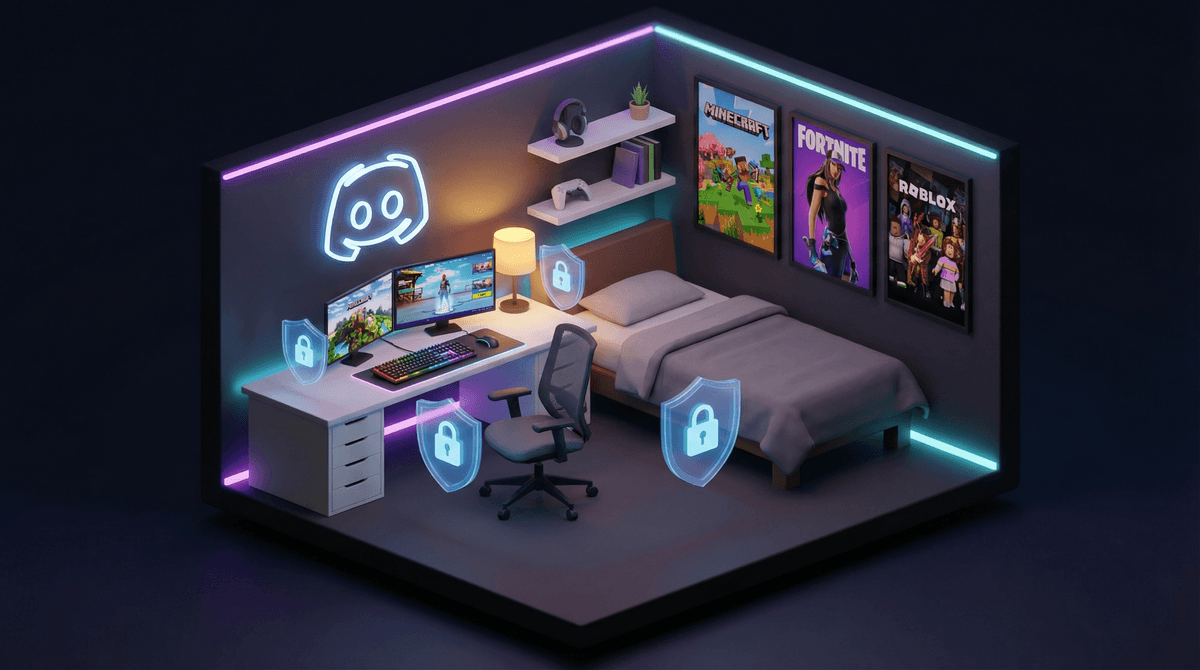
Discord started as a voice chat app for gamers who needed to coordinate raids and trash-talk in real-time, but it's evolved into something much bigger. Think of it as a combination of Slack (for work), Reddit (for communities), and a group text thread—but with voice channels, video calls, and a culture all its own.
Your teen probably uses it to hang out with friends while gaming, participate in fan communities (anime, K-pop, Minecraft builders), or even for school project groups. Unlike Snapchat or Instagram, Discord is built around servers—basically private or public group spaces organized by topic or friend group.
The platform requires users to be 13+, though let's be real: enforcement is minimal. Discord has over 150 million monthly active users, and a significant chunk are teens and tweens.
Discord hits different than other social platforms because it's activity-based rather than performance-based. No likes, no follower counts, no pressure to post the perfect photo. Kids can:
- Actually talk to friends while playing Roblox, Minecraft, or Fortnite
- Find their people in niche communities (speedrunning, art, coding, whatever)
- Control their social environment by creating private servers with just their friends
- Customize everything with bots, roles, and channels that make them feel like they're building something
The interface looks intimidating to parents (it's very "gamer aesthetic"), but for kids who've grown up on apps, it's intuitive.
Let's not sugarcoat this: Discord has legitimate safety issues that require your attention.
Direct Messages from strangers are the biggest risk. Unlike servers where there's some community oversight, DMs are private and hard to monitor. Predators know this. Discord has been involved in enough grooming cases that it's on every safety organization's radar.
Server content varies wildly. Your kid might be in a wholesome Pokémon trading server, but that doesn't mean they can't stumble into or be invited to servers with explicit content, hate speech, or worse. Public servers are essentially unmoderated until someone reports them.
Screen-sharing and voice chat add layers of risk. Kids can accidentally (or intentionally) share personal information, their location, or other identifiable details.
The culture skews older. Even in "kid-friendly" game servers, the average user is often 16-25, which means language, humor, and topics might not be age-appropriate for your 13-year-old.
Discord has actually improved its safety tools, though they're not turned on by default (of course).
Privacy Settings (Start Here)
Go to User Settings (the gear icon) → Privacy & Safety:
- Enable "Keep Me Safe" - This scans and deletes direct messages containing explicit content. It's not perfect, but it catches a lot.
- Turn off "Allow direct messages from server members" - This prevents random people from DMing your kid just because they're in the same server. Huge one.
- Disable "Allow friends of friends to add me" - Limits who can send friend requests.
Friend Requests
Under Privacy & Safety, you can restrict who can send friend requests. Set it to "Friends of Friends" or "Server Members" only—definitely not "Everyone."
Explicit Content Filter
Discord has a content filter for images. Set it to "Keep me safe" (scans messages from everyone except friends) or "Safe Direct Messaging" (scans all DMs). Find this under Privacy & Safety too.
Blocking and Reporting
Teach your kid how to block users (right-click username → Block) and report concerning behavior (right-click message → Report). Discord does take reports seriously, though response times vary.
Here's where it gets frustrating: Discord has no real parental controls. There's no parent dashboard, no screen time limits, no content filtering beyond the basic explicit image scanner, and no way to monitor what servers your kid joins without physically looking at their device.
You can't "approve" servers before they join. You can't see their DMs. You can't restrict voice chat.
This means parental oversight requires either:
- Device-level controls (Screen Time on iOS, Family Link on Android, or third-party apps)
- Regular check-ins where you actually look at the app together
- Trust and communication (yeah, I know)
Ages 13-14: If they're using Discord, it should be private servers only with IRL friends. No public servers, no DMs from non-friends, and you should know every server they're in. Consider having them share their screen periodically or keeping Discord use to shared family spaces.
Ages 15-16: They can probably handle some public servers (game-specific, hobby communities), but DM restrictions should stay on. Have conversations about what to do if someone makes them uncomfortable, asks personal questions, or tries to move conversations off-platform.
Ages 17+: At this point, they're navigating a lot independently, but it's still worth checking in about who they're talking to and what communities they're part of. The risks don't disappear at 18.
1. Set up their account together. Go through every privacy setting before they start using it. Make this non-negotiable.
2. Establish server rules. They need to tell you before joining any new server, especially public ones. You don't have to approve every single one, but you should know what they're in.
3. Keep Discord on shared devices or in shared spaces (at least initially). This isn't about spying—it's about age-appropriate transparency.
4. Role-play uncomfortable scenarios. "What would you do if someone asked for your Instagram?" "What if someone sent you a weird image?" "What if a server started posting stuff that made you uncomfortable?"
5. Check in regularly. Not helicopter parenting, just: "What servers are you in these days? Anyone new you're talking to?" Keep it conversational.
6. Consider alternatives. If Discord feels like too much, Guilded is similar but has slightly better moderation. For just gaming voice chat, console party systems (Xbox, PlayStation) are more controlled.
Discord isn't inherently dangerous, but it's also not designed with kids in mind—despite millions of teens using it. The platform puts the responsibility for safety almost entirely on users, which means you need to be actively involved.
The good news? Kids who learn to navigate Discord safely are building digital literacy skills they'll use forever: how to recognize manipulation, set boundaries, leave toxic spaces, and curate their online communities.
But that learning happens with your guidance, not despite it.
Set up the privacy settings, maintain open communication, and don't be afraid to say "not yet" if your kid isn't ready for the responsibility. Discord will still be there in a year.
Want to dive deeper? Check out our guide to gaming chat safety or learn about monitoring teen social apps without invading privacy.