

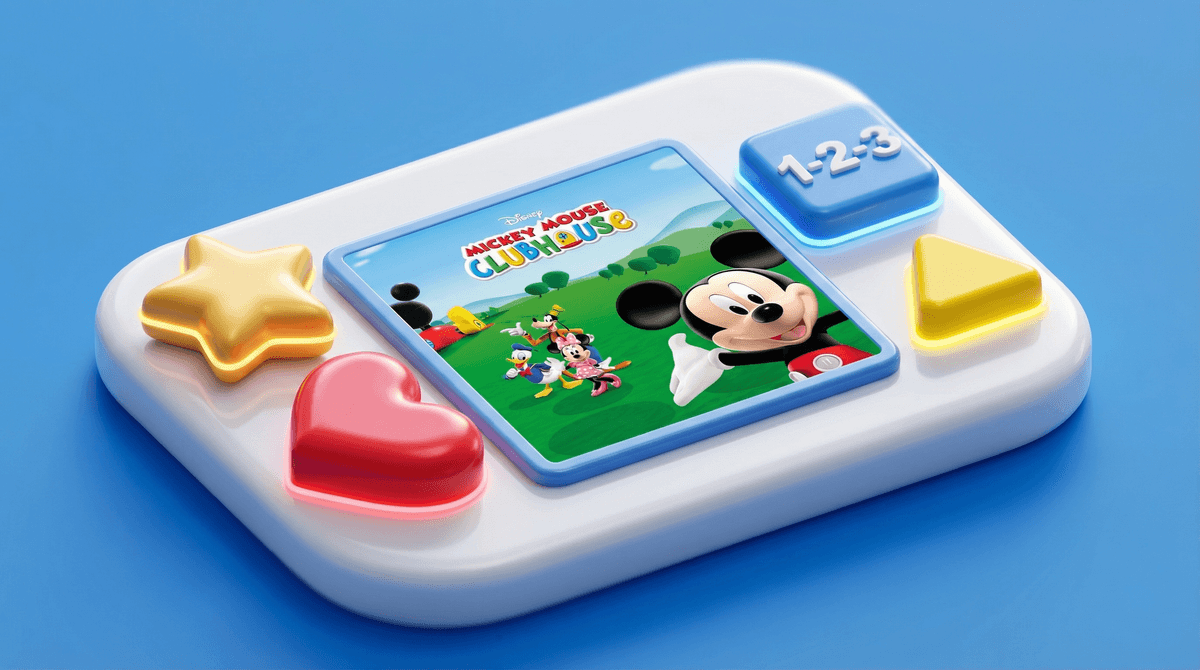
If you've got a preschooler, you've probably heard the "Hot Dog Dance" enough times to hear it in your sleep. Mickey Mouse Clubhouse ran from 2006-2016 on Disney Junior, and it's still a massive presence in the toddler/preschool content universe. The show's popularity spawned a whole ecosystem of digital games—from apps to browser-based games to console titles—all featuring Mickey, Minnie, Goofy, and the gang helping kids with problem-solving and early math skills.
Here's the thing: not all Mickey Mouse Clubhouse games are created equal. Some are genuinely educational and age-appropriate. Others are just digital slot machines designed to extract $4.99 from exhausted parents at Target checkout. Let's break down what's actually out there and what's worth your time (and money).
Browser and Online Games: Disney Junior's website has historically offered free Mickey Mouse Clubhouse games—simple point-and-click activities focused on colors, shapes, and counting. These are generally fine for supervised play, though the quality varies wildly. Some are thoughtfully designed; others feel like they were coded during someone's lunch break.
Mobile Apps: This is where things get messy. There are legitimate Disney-published apps, and then there are dozens of knockoff "Mickey games" that are basically ad-delivery systems with a mouse-eared wrapper. Always check the publisher before downloading.
Physical-Digital Hybrids: Games like the VTech MobiGo Mickey Mouse Clubhouse game exist in that weird space between toy and screen. Common Sense Media notes these can be "cute and age appropriate" but often lack storyline or guided progression—your kid just bounces between activities without much structure.
Board Game Adaptations: Yes, there's a Mickey Mouse Clubhouse version of Hi Ho! Cherry-O. It's exactly what you think it is.
The original show was designed to be interactive—Mickey literally asks kids to help solve problems and waits for responses. It's like an early version of Blue's Clues, and parents on Reddit generally agree it's "an innocent little program that grabs kids' attentions" and encourages interaction.
The games try to replicate this formula. Kids feel like they're helping Mickey find Goofy's lost shoe or count Minnie's bows. It's empowering for a 3-year-old who can't tie their shoes yet but CAN tap the right shape on a screen.
The concern? That same interactive design can make these games incredibly sticky. Your kid isn't passively watching—they're actively engaged, which means it's harder to pull them away. And in our Screenwise community data, 50% of families report unsupervised tablet usage, while the average screen time sits at 4.2 hours per day. Mickey Mouse Clubhouse games can absolutely contribute to that creep if you're not paying attention.
Ages 2-3: Honestly? These kids are better off with physical toys. If you do use Mickey Mouse Clubhouse games, keep sessions to 10-15 minutes max, and sit with them. Co-play is everything at this age.
Ages 3-5: This is the sweet spot for these games. The problem-solving elements align well with preschool cognitive development. But here's the key: these should supplement, not replace, physical play. If your kid is getting more than 30 minutes a day of Mickey Mouse Clubhouse games, you're probably tipping into diminishing returns.
Ages 6+: Your kid has probably moved on, but if they're still into it, that's fine. Just know that the educational value plateaus hard after kindergarten. They're not learning much at this point—it's pure comfort content.
The Good: Common Sense Media confirms the show (and by extension, most official games) helps preschoolers acquire problem-solving and early mathematics skills. IMDB's parent guide shows virtually no concerning content—no violence, no profanity, nothing that'll give you a heart attack.
The Bad: The games are often repetitive to the point of mind-numbing for adults. And because they're designed for very young kids, there's minimal progression or challenge—your child might play the same activity 47 times in a row because it makes them feel competent.
The Ugly: Knockoff apps are EVERYWHERE. Search "Mickey Mouse game" in any app store and you'll find dozens of unauthorized games with ads, in-app purchases, and questionable data practices. Stick to official Disney apps only.
-
Audit what's actually installed: Go through your devices and delete any Mickey Mouse game that isn't published by Disney. Seriously, do this now.
-
Set clear boundaries: If Mickey Mouse Clubhouse games are part of your routine, decide when and for how long. "After breakfast for 20 minutes" is way better than "whenever you grab my phone."
-
Co-play when possible: Sit with your kid and engage. Ask them why they picked that answer. Make it a conversation, not a babysitter.
-
Consider alternatives: If you're looking for similar problem-solving games with more depth, check out guides to educational games for preschoolers. PBS Kids games often have better educational design and zero ads.
Mickey Mouse Clubhouse games aren't going to rot your kid's brain, but they're also not some magical learning tool. They're fine—genuinely fine—as one small part of a balanced media diet for preschoolers. The show itself has stood the test of time for a reason, and the official games generally maintain that quality.
But here's the thing: 55% of families in our community report gaming usage, and the average daily screen time is over 4 hours. Mickey Mouse Clubhouse games can easily become part of that creep if you're not intentional about it.
Treat these games like dessert: a little bit is fine, maybe even enjoyable. But if it becomes the main course, you've got a problem. Your preschooler needs blocks, crayons, outdoor time, and face-to-face interaction way more than they need to help Mickey find his Mouseketool for the 400th time.
Set your boundaries, stick to official apps, and don't feel guilty about saying no. Hot dog, hot dog, hot diggity dog—but maybe not for two hours straight.