

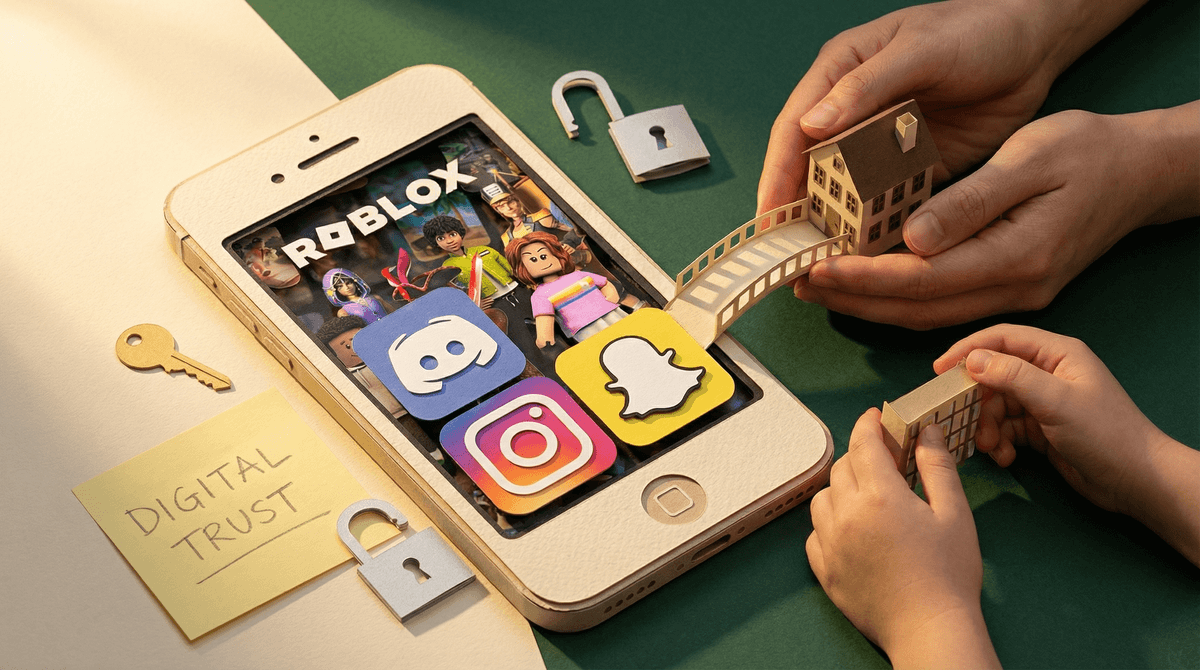
At some point, most parents wonder: Should I know my kid's passwords? Should I have their Instagram login written on a Post-it in my desk drawer? Their Snapchat credentials in my Notes app? Their Discord password "just in case"?
It's a question that sounds simple but lands right in the messy intersection of safety, trust, privacy, and control. And honestly? There's no one-size-fits-all answer. But let's talk through what actually matters here.
The impulse is totally reasonable. You're trying to keep your kid safe in a digital world that feels like it changes every 20 minutes. You've heard the horror stories: cyberbullying, predators, kids sharing things they shouldn't, getting into group chats that turn toxic, stumbling into corners of the internet that even adults find disturbing.
Having passwords feels like having keys to the house. You wouldn't let your 12-year-old have a locked bedroom you could never enter, right? So why should their phone be different?
Plus, there's the practical stuff. Your kid will forget their password at the worst possible moment. They will get locked out of something important. Having access can genuinely help.
Here's the thing though: demanding passwords often creates the exact problems it's trying to prevent.
When kids know you can (and will) check everything, they don't learn to make good decisions—they learn to hide things better. They create finsta accounts. They use friends' phones. They move to apps you don't know about. They get really, really good at covering their tracks.
And more importantly, it erodes trust at exactly the age when you need to be building it. Middle school and high school are when kids are supposed to be developing independence, learning to navigate social situations, making mistakes and recovering from them. If they feel surveilled rather than supported, they stop coming to you when things go wrong—which is precisely when you most need them to talk to you.
Research on adolescent development is pretty clear: kids need increasing privacy as they get older to develop healthy autonomy. That doesn't mean zero oversight. It means the oversight needs to evolve.
Instead of "I demand your passwords," try building a system around transparency and access—which are different things.
For younger kids (roughly ages 8-12):
- Yes, you should know passwords and have access
- Devices should be used in common areas mostly
- You're checking in regularly, not secretly surveilling
- You're teaching them how to use these platforms safely
- Frame it as: "We're learning this together, and I'm here to help"
For middle schoolers (roughly ages 12-15):
- Transition from "I check your phone" to "your phone stays unlocked and in common areas"
- You might still know passwords, but you're using them less
- Focus on regular conversations about what they're seeing and doing online
- Spot-check with permission: "Hey, can I see that TikTok you were talking about?"
- Install monitoring software if needed, but be transparent about it—no secret spyware
For high schoolers (roughly ages 15-18):
- They're practicing for adulthood; privacy becomes more important
- You probably shouldn't be regularly checking their messages anymore
- Focus on trust-building conversations and clear family agreements
- Keep passwords written down somewhere safe for true emergencies only
- The goal is teaching them to self-regulate, not controlling their every move
You know what's more protective than having passwords? Being the person your kid comes to when something goes wrong.
The research on this is consistent: kids who have open communication with parents about their online lives are safer than kids whose parents just monitor everything. Not because monitoring is bad—but because monitoring without relationship just teaches kids to hide.
Here's what actually works:
Regular, casual check-ins. Not interrogations. Just "What's happening on Discord these days?" or "Show me that funny video you mentioned."
Clear family agreements. Not rules you impose, but expectations you discuss together. Like: "Phones charge in the kitchen overnight" or "If someone makes you uncomfortable online, you can always tell me without getting in trouble."
Teaching digital literacy. Help them understand why they shouldn't share certain things, how to recognize manipulation, what healthy online friendships look like. Learn more about teaching digital citizenship .
.
Being curious, not suspicious. Ask about their favorite YouTubers, what games they're playing, what's happening on Roblox. Show genuine interest in their digital life.
Responding calmly when they mess up. Because they will. If your kid knows that showing you something concerning means you'll freak out and take everything away, they simply won't show you.
There's a difference between routine access and emergency access.
You should always have a way to access your kid's accounts in a true emergency—if they're missing, if you have serious safety concerns, if they're in crisis. That's just responsible parenting.
But "I'm curious what they're texting about" isn't an emergency. "They seem a little off lately" isn't an emergency. Those situations call for conversation, not covert surveillance.
One practical approach: keep passwords written down in a sealed envelope in a safe place. Your kid knows you have them. You both know they're only for genuine emergencies. That's access without surveillance.
Look, there are absolutely situations where closer monitoring is appropriate:
- Your kid has shown they can't handle the responsibility yet
- They've been involved in serious online issues (bullying, sharing inappropriate content, talking to adults they shouldn't)
- They're very young and just starting out online
- They're struggling with mental health and you need to watch for warning signs
- You have specific, concrete safety concerns (not just general anxiety)
But even then, be transparent about it. Secret monitoring destroys trust. Open monitoring with clear expectations teaches accountability.
If you're going to use monitoring software like Bark or Qustodio, tell your kid. Explain why. Make it a family decision, not a punishment. Read more about monitoring software options.
Instead of: "Give me all your passwords right now"
Try: "As you get older and use more apps, we need to talk about privacy and safety. Here's what I'm thinking..."
Instead of: Secretly checking their phone while they're asleep
Try: "Hey, can we look through your Instagram together? I want to understand what you're seeing"
Instead of: "I'm taking your phone because I don't trust you"
Try: "I'm concerned about [specific behavior]. Let's talk about what's going on and figure out what support you need"
The goal isn't to never know what's happening in your kid's digital life. It's to build a relationship where they want to share it with you—or at least don't feel like they have to hide everything.
Should you demand your kid's passwords? Probably not—at least not as a blanket policy for all ages.
Should you have access to your kid's digital life in age-appropriate ways? Absolutely.
The difference matters. One is about control. The other is about guidance, safety, and gradually building the skills they'll need to navigate the digital world as adults.
Start with trust and transparency. Build in accountability. Keep communication open. Adjust as they grow.
And remember: the point of parenting isn't to monitor them forever. It's to teach them to make good decisions when you're not watching. You can't do that if they never get practice making decisions without you watching.
If your kid is young (8-12): Set up devices together, know passwords, establish that you'll be checking in regularly, and frame it as learning together.
If your kid is older (12+): Have a conversation about privacy, safety, and family expectations. Work together on agreements rather than imposing rules.
If you're worried about something specific: Talk to your kid first. If you need to check something, be honest about it. If you need help, explore monitoring options or talk to a family therapist who understands digital issues.
If you've been secretly monitoring and want to change course: Have an honest conversation. Yes, it'll be awkward. But rebuilding trust starts with being trustworthy yourself.
Your relationship with your kid matters more than any password. Build that first, and the safety stuff gets a lot easier.