

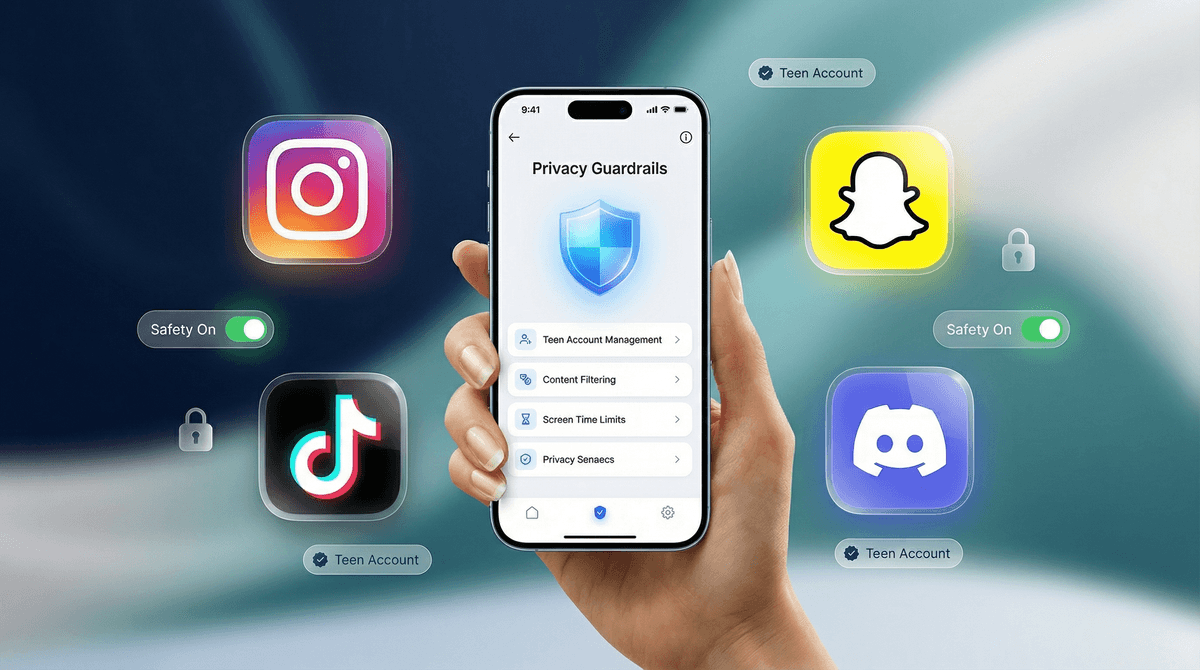
TL;DR: Social media privacy isn't just a "set it and forget it" toggle anymore. In 2026, the big players have shifted toward "protected by default" for minors. The heavy hitters you need to know are the new Instagram Teen Accounts, TikTok Family Pairing, and Snapchat Family Center. If your kid is one of the 82% of middle schoolers currently navigating these apps, these updates are your new best friends.
Let's be honest: trying to keep up with social media updates feels like a part-time job that pays in eye-rolls and "you wouldn't get it, Mom/Dad." One day they're watching Skibidi Toilet clips and the next they're telling you your dinner is "so Ohio" (which apparently just means weird or cringey now—don't ask me, I don't make the rules).
But 2025 has actually brought some decent news for once. The "Wild West" era of kids having the exact same app experience as a 35-year-old is ending. Platforms are finally building guardrails that don't require you to be a cybersecurity expert to navigate.
Here is the breakdown of how to lock things down without being the "digital warden" who kills the vibe.
Instagram recently overhauled their entire approach for users under 18 with "Teen Accounts." This isn't just a setting; it’s a completely different version of the app.
The New "Teen Account" Standard
If your kid is under 16, their account is now private by default. They have to manually accept new followers, and people who don’t follow them can’t see their content or interact with them.
- Messaging Restrictions: They can only be messaged by people they already follow or are already connected to. No more "creepy rando in the DMs" by default.
- Sensitive Content Control: Instagram has cranked the "anti-brain rot" filter to the max. It automatically limits content showing things like cosmetic procedures or "get rich quick" schemes.
- Sleep Mode: The app now mutes notifications from 10 PM to 7 AM and sends "auto-replies" to DMs telling people the user is sleeping.
Pro-Tip: If your kid is 16 or 17, they can technically opt out of some of these, but for those under 16, they need your permission to make the account public or change these settings.
We all know the TikTok algorithm is addictive. It’s designed to keep them scrolling until their thumb falls off. But their "Family Pairing" feature is actually one of the more robust parental suites out there.
Setting Up Family Pairing
You link your account to theirs (don't worry, you don't have to post any dances) and you get a dashboard of control:
- Screen Time Limits: You can set a hard stop. No more "just five more minutes" that turns into two hours.
- Content Filtering: You can actually block specific keywords or hashtags from appearing in their "For You" feed. If you’re tired of them seeing "alpha male" nonsense or specific influencers, you can zap those words from their feed entirely.
- Direct Messaging: You can turn off DMs entirely or restrict who can message them. For kids under 16, DMs are now disabled by default on TikTok anyway, which is a massive win.
Snapchat is the one that usually keeps parents up at night because of the disappearing messages and the "Snap Map."
The "Ghost Mode" Essential
If you do nothing else, make sure your kid is in Ghost Mode. The Snap Map allows friends to see exactly where you are in real-time. In 2026, Snapchat added more "safety nudges" that remind kids to check their sharing settings, but you should still verify this manually.
Snapchat’s "Family Center" doesn't let you see what they are saying (privacy, right?), but it does let you see who they are talking to. If you see a name you don't recognize, it’s a natural bridge to a conversation.
If your kid plays Minecraft, Roblox, or Fortnite, they are almost certainly on Discord. It’s the "town square" for gamers, but it can get messy.
Privacy Guardrails
Discord is organized into "Servers." Think of these like giant chat rooms.
- Direct Message Filters: Set their "Safe Direct Messaging" to "Keep Me Safe." This automatically scans and deletes DMs that contain explicit content.
- Friend Request Privacy: Limit who can add them as a friend to "Friends of Friends" or "Server Members" only. This prevents random users from finding their profile and spamming them.
According to recent community data, by the time kids hit 9th grade, nearly 90% are active on at least two social platforms. We can’t just ban our way out of this—they’ll just find a workaround on a friend's phone or a school iPad.
The goal isn't to read every single message (honestly, who has the time to decode that much slang?). The goal is to create an environment where the "defaults" are safe, so they can learn to navigate the digital world without stumbling into the darker corners of the internet.
When you sit down to set these up, avoid the "I'm doing this because I don't trust you" speech. It never works. Instead, try:
- The "Big Tech" Angle: "Look, these apps are designed by billionaires to keep you staring at your screen so they can sell your data. I'm just turning on these features to give you a bit of your life back."
- The "Safety Audit" Approach: "Every six months, we’re going to do a quick 5-minute privacy check on your apps just to make sure the settings didn't reset during an update."
- The Mutual Agreement: If they want a specific app like TikTok, the "price of admission" is Family Pairing. It’s a fair trade.
Check out our guide on starting the social media conversation
- Ages 10-12: Total oversight. Use Family Pairing and Family Center. Accounts should be 100% private. No DMs with strangers.
- Ages 13-15: Partial oversight. Use the "Teen Account" features on Instagram. Start discussing the "permanent record" of what they post.
- Ages 16-18: Trust but verify. They might have more public profiles if they are building a portfolio or sports recruiting page, but Ghost Mode on Snap should still be non-negotiable.
Digital parenting in 2026 is about layers. No single setting is a silver bullet. You want the app's internal privacy settings (the guardrails), your own check-ins (the eyes), and an open line of communication (the heart).
If they come to you and say, "Hey, I saw something weird on my feed," that’s a win. It means the relationship is stronger than the algorithm.
- Open Instagram and check if your kid’s account has been migrated to a "Teen Account" yet.
- Enable Ghost Mode on Snapchat immediately.
- Set a "Digital Sunset"—use the app's built-in sleep modes to ensure phones aren't in bedrooms after 10 PM.
Ask our chatbot for a customized privacy checklist for your family