

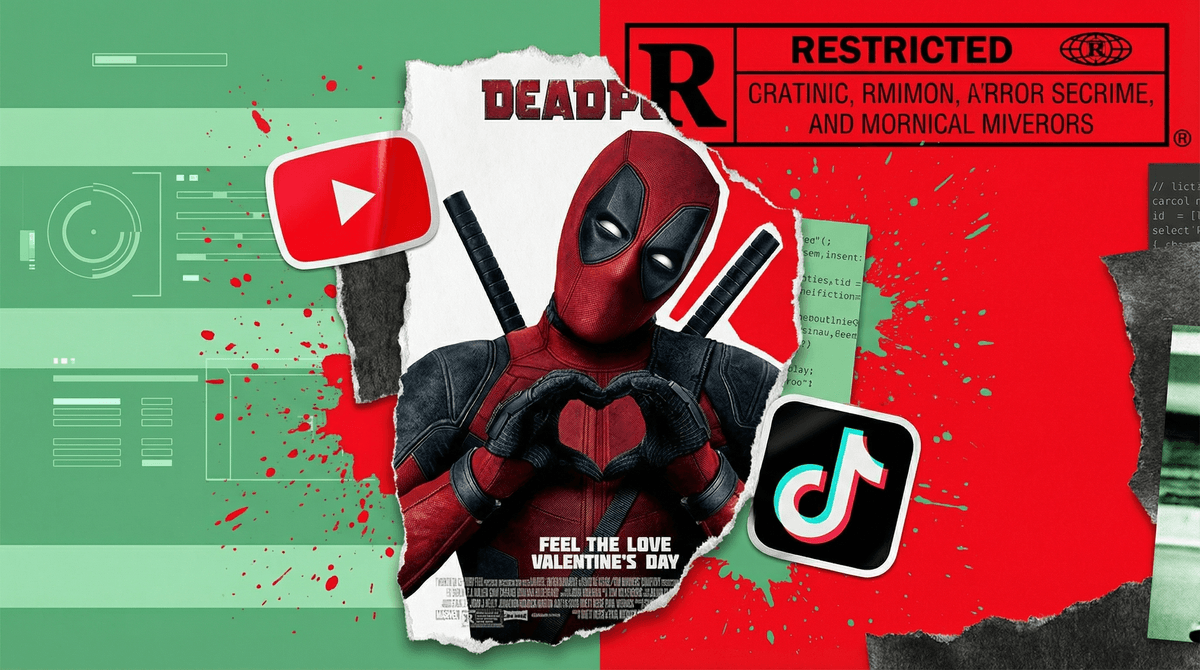
You know how you're scrolling through YouTube with your kid, or you're at the movies waiting for the main feature to start, and suddenly there's a trailer that's... not for kids? That's probably a red-band trailer.
Red-band trailers are movie previews that contain content restricted to viewers 17 and older. They're called "red-band" because they literally have a red background on the rating card at the beginning (as opposed to the green background on all-ages trailers). Think of them as the R-rated version of movie advertising.
These trailers can include strong language, sexual content, graphic violence, drug use, or other mature themes. They're designed to give adult audiences a real taste of what an R-rated movie will be like — which means they're absolutely not appropriate for kids.
Here's the thing: red-band trailers are everywhere online, and they don't always come with clear warnings. Your 10-year-old could be watching a Minecraft tutorial on YouTube and suddenly get hit with a red-band trailer in the pre-roll ads. Or they're browsing movie content on TikTok and boom — graphic violence or explicit language from a trailer that wasn't meant for them.
In movie theaters, there's supposed to be some gatekeeping. Red-band trailers should only play before R-rated films. But online? It's the Wild West. YouTube, social media platforms, and streaming services all have their own policies about age-gating this content, but enforcement is inconsistent at best.
The other issue is that trailers are designed to be maximally engaging. They're literally engineered to grab attention and create excitement. So even if your kid stumbles onto something inappropriate, they're more likely to keep watching than they would be with, say, a boring documentary about tax policy.
The good news is that red-band trailers are supposed to be labeled. Look for:
- A red background on the rating card at the start of the trailer (instead of green)
- Text that says "This preview has been approved for RESTRICTED AUDIENCES ONLY"
- Age restriction warnings on YouTube (though these only work if your kid is logged into an account with parental controls enabled)
- Mature content tags on social media platforms
But here's the reality: if your kid is scrolling fast, clicking through content, or watching on a friend's device, they're probably not reading those warnings carefully. And some platforms are better than others at actually enforcing age restrictions.
Ages 0-12: Red-band trailers are a hard no. Even if your 11-year-old swears they can handle it because they've "seen worse on TikTok" (which... is its own conversation), these trailers are specifically designed to showcase the most intense, shocking, or explicit moments from R-rated films.
Ages 13-16: This is gray area territory. Some mature 15-year-olds might be ready for red-band trailers for movies you'd actually let them see. But remember: trailers often show the most intense moments, sometimes more graphically than the actual film. Just because your teen can watch Deadpool doesn't mean they need to see every red-band trailer that comes out.
Ages 17+: Technically, they're the target audience. Though you still might want to have conversations about media literacy and understanding that trailers are marketing, not reality.
YouTube is the biggest culprit. Even with Restricted Mode turned on, red-band trailers can slip through. The algorithm doesn't always catch them, especially if they're embedded in other content or uploaded by unofficial channels.
Movie theater apps and websites often auto-play trailers without clear age warnings. If your kid is browsing Fandango or the AMC app to pick a movie, they might encounter red-band content.
Social media amplifies everything. A red-band trailer that goes viral on TikTok or X (Twitter) will get shared, remixed, and reposted without any of the original age restrictions. Your kid might see clips without even knowing they're from a restricted trailer.
The "forbidden fruit" effect is real. If your kid knows red-band trailers exist and are "not for them," they might actively seek them out. This is where having honest conversations about why certain content isn't appropriate becomes more effective than just blanket bans.
Set up actual parental controls. Not just "I told them not to watch that stuff." YouTube's Restricted Mode, device-level content filters, and streaming service parental controls all help. They're not perfect, but they're better than nothing.
Have the "why" conversation. Instead of just saying "you can't watch that," explain why red-band trailers exist and why they're age-restricted. Kids are more likely to respect boundaries when they understand the reasoning.
Preview movie content together. If your kid wants to see what movies are coming out, watch green-band trailers together. Make it a fun "what should we see?" activity rather than something they have to do secretly on their phone.
Teach them to recognize the warnings. Show your kid what a red-band rating card looks like. Make it a media literacy moment: "This is what you'll see at the start, and if you see that red background, you close it immediately."
Monitor, don't spy. Periodic check-ins on browser history and YouTube watch history are reasonable. You're not trying to catch them doing something wrong; you're trying to spot patterns and have conversations.
Red-band trailers are R-rated content disguised as "just a preview." They're easy to stumble onto, especially online, and they're designed to be as attention-grabbing as possible. The rating system exists for a reason, but it only works if we actually use it.
This isn't about being a helicopter parent or sheltering your kids from reality. It's about making sure they're consuming age-appropriate content at the right developmental stage. A 9-year-old doesn't need to see graphic violence from a horror movie trailer, even if they think they can handle it.
Set up the guardrails, have the conversations, and remember: you can't control everything they see, but you can absolutely influence how they think about what they're watching.
Want to dig deeper? Check out how to set up YouTube parental controls or learn more about age ratings and what they actually mean.