

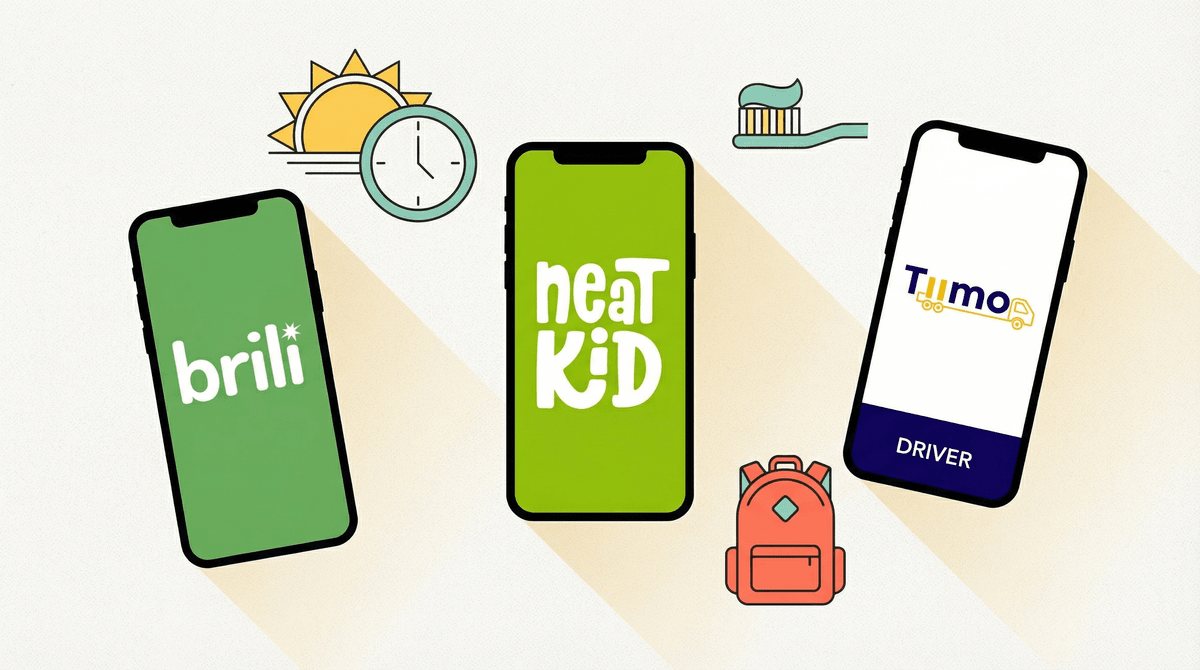
Morning routine apps are digital tools designed to help kids move through their morning tasks—brushing teeth, getting dressed, eating breakfast, packing backpacks—with less nagging from parents. They typically use timers, checklists, rewards, and sometimes gamification to motivate kids to get out the door on time.
Popular options include apps like Brili Routines, which breaks tasks into timed steps with visual cues, and ChoreMonster, which turns daily tasks into a game where kids earn points for rewards. There are also simpler timer apps like Tiimo that provide structure without the bells and whistles.
The promise is compelling: replace your exhausted morning voice with a cheerful digital assistant, reduce power struggles, and help kids build independence. But here's the tension every parent feels: Are we solving a problem or just adding another screen to the chaos?
Let's be real—mornings with kids can be absolutely brutal. You're trying to get yourself ready, make lunches, find the missing shoe, and somehow get a human who moves at sloth speed to the bus stop in 12 minutes. The idea of outsourcing some of that mental load to an app sounds like a lifeline.
And honestly? For some families, these apps genuinely help. Kids who struggle with time blindness (common with ADHD) can benefit from visual timers showing exactly how long they have. Kids who resist parental reminders sometimes respond better to a neutral third party—even if that third party is a cartoon character on a screen.
The apps can also teach executive function skills: breaking big tasks into smaller steps, estimating time, and following sequences independently. These are legitimately valuable life skills.
But here's what the app marketing won't tell you: the app isn't teaching the skill if you're still managing the app. If you're the one opening it, setting it up, troubleshooting when it freezes, and dealing with meltdowns when the reward system doesn't work as expected, you've just traded one form of morning management for another.
Here's the uncomfortable truth: most morning routine apps require a device to be in your child's hands during the exact time of day when you're probably trying to minimize screen time.
You finally got your kid off YouTube, out of bed, and now you're... handing them a tablet to tell them to brush their teeth? The irony is thick.
And let's talk about what actually happens. Kid opens the app to check the next task. Notification pops up from another app. Or they "accidentally" swipe over to Roblox. Or they spend three minutes customizing their avatar instead of putting on pants. The device that was supposed to streamline the morning just became another distraction.
Some apps try to solve this with "kiosk mode" or restricted access, but now you're managing device settings at 7:15 AM while your coffee gets cold. Fun times.
Before you download anything, try the analog version first:
Visual schedules on the wall. Print out pictures of each morning task in order. Laminate them if you're feeling fancy, or just use paper and tape. Kids can move a clip or check off tasks with a dry-erase marker. No battery required, no notifications, no distractions.
Time-based music playlists. Create a morning playlist that's exactly as long as your routine needs to be. "When this song ends, you should be dressed." "When we get to the third song, it's time for breakfast." Kids can learn to pace themselves, and music naturally energizes most people anyway.
Analog timers. A simple kitchen timer or Time Timer (the visual kind that shows time as a shrinking red disk) gives kids the time awareness without the device. They're like $25 and last forever.
Consistent routine, same order, every day. The human brain is really good at automaticity. If your kid does the same tasks in the same order every single day, their brain will eventually just... do it. This takes weeks, not days, but it works better than any app.
Okay, but sometimes the analog stuff isn't cutting it. Here's when an app might be worth trying:
Ages 8-12 with ADHD or executive function challenges. Kids in this range who genuinely struggle with time perception and task initiation might benefit from the structure, especially if the app has visual timers and step-by-step breakdowns.
Families where the parent-child dynamic around mornings has become toxic. If every morning is a battle and you've become the drill sergeant, sometimes removing yourself from the equation helps. The app becomes the authority instead of you. This can reset the dynamic—though ideally, you'd also work on the underlying relationship stuff .
.
Temporary scaffolding during transitions. New school year, new house, new routine—sometimes an app can help during the adjustment period. Just have an exit plan. You don't want your 10-year-old still needing an app to remember to brush their teeth when they're 14.
Set it up on a device that's NOT their main device. Use an old phone or tablet that only has the routine app on it. No games, no YouTube, no other apps. This prevents the distraction spiral.
Make the reward system non-digital. If the app has a points system, great—but the reward should be something in real life (extra story at bedtime, picking dinner, staying up 15 minutes later on Friday) not screen time or in-app purchases.
Plan your exit strategy from day one. This is temporary scaffolding. Every few weeks, remove one task from the app and expect them to remember it on their own. Gradually fade the support.
Don't let the app become a negotiation tool. "But I didn't get my points!" "The app didn't buzz!" These are not valid excuses for not doing basic life tasks. The app is a helper, not a requirement.
Morning routine apps aren't evil, but they're also not magic. They're a tool, and like any tool, they work better for some situations than others.
The best morning routine is the one your kid can eventually do without you—and without a device. If an app helps you get there faster, fine. But if it's just replacing your nagging with digital nagging while adding screen time and new tech management headaches to your morning, skip it.
Most families will get better results from simple visual schedules, consistent routines, and natural consequences (miss the bus, deal with the inconvenience) than from any app. But if you've tried everything else and your kid genuinely responds better to digital structure, go ahead and try one—just keep your expectations realistic and your exit plan ready.
And remember: if your kid can memorize 47 Pokémon names and their evolution levels, they can remember to put on shoes before breakfast. Sometimes they just need the routine to become boring enough that their brain does it automatically. Give it time.