

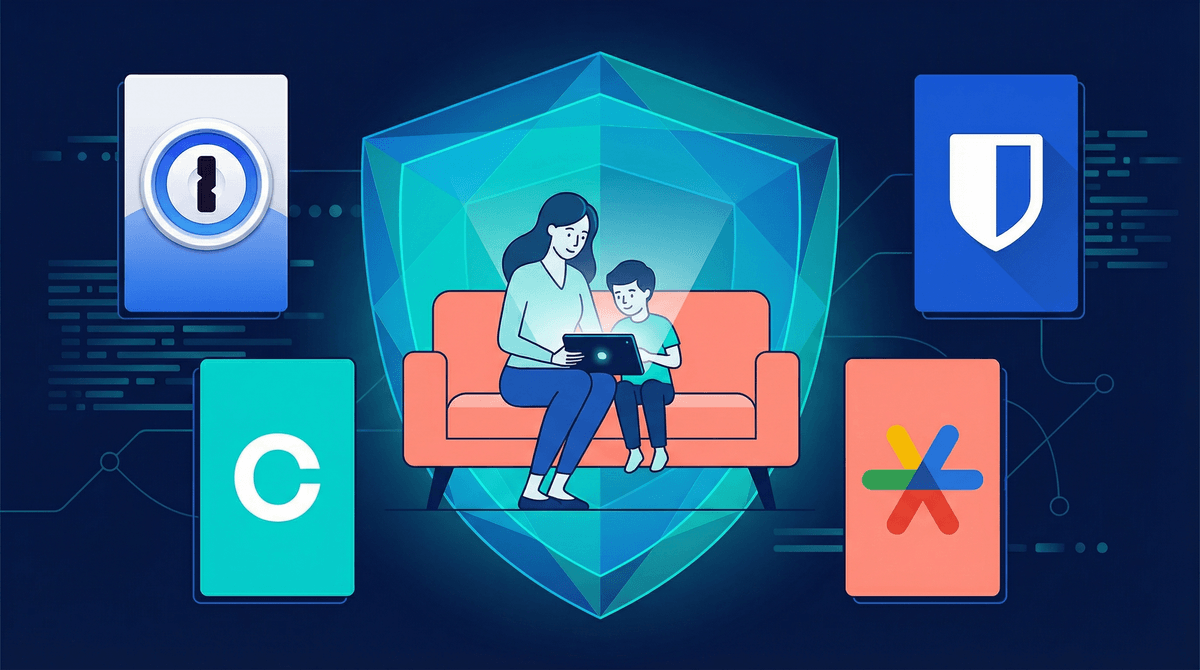
The 5 Non-Negotiable Steps to Protect Your Family's Data
Here's the thing: every time your kid downloads an app, creates an account, or even just searches for "how to draw a cat" on YouTube, they're creating a digital trail. And that trail? It's being collected, analyzed, and often sold by companies who see your family as a data goldmine.
I know, I know—this sounds like fear-mongering. But it's not about being paranoid. It's about being realistic. Your kids' data is valuable, and unlike physical strangers we teach them not to talk to, digital data collectors are invisible, persistent, and really good at what they do.
The good news? You don't need to become a cybersecurity expert or move off the grid. You just need to take five concrete steps that will dramatically reduce your family's digital vulnerability. Let's get into it.
By age 13, the average child has had 72 million data points collected about them. That's not a typo. Seventy-two million.
This data includes everything from browsing history to location tracking, purchase patterns to facial recognition data. It's used to build advertising profiles, predict behavior, and in some cases, make decisions about future opportunities like college admissions or job prospects.
And here's the kicker: most of this data collection happens through apps and services parents explicitly allowed their kids to use. That free game? It's tracking location. That homework help site? It's selling browsing data. Even educational apps aren't always as innocent as they seem.
The stakes are real, but the solutions are surprisingly straightforward.
1. Lock Down Your Router (Yes, Really)
Your home WiFi is the gateway to everything your family does online. And most routers come with default passwords like "admin" or "password123" that literally anyone can guess.
What to do:
- Change your router's admin password immediately (not just the WiFi password—the actual router admin panel password)
- Enable WPA3 encryption if your router supports it (WPA2 minimum)
- Set up a separate guest network for smart home devices and IoT gadgets
- Consider a router with built-in parental controls like Circle or eero
This takes 20 minutes, max. And it's the foundation for everything else.
2. Use a Password Manager for the Whole Family
If you're still using "Fluffy2015" as your password across multiple sites, we need to talk.
The reality: password reuse is the #1 way families get hacked. One data breach on a random gaming site, and suddenly someone has access to your email, banking, and your kid's school portal.
What to do:
Yes, there's a learning curve. Yes, your kids will complain about not being able to remember their passwords. That's literally the point.
3. Turn Off Location Tracking (Everywhere)
Your kids don't need to broadcast their location to every app they download. Neither do you.
What to do:
- Go through every app on your kids' devices and set location to "Never" or "Ask Each Time"
- Turn off location history in Google/Apple accounts
- Disable photo geotagging
- Review which apps actually need location (maps, yes; random games, absolutely not)
The only apps that should have "Always" location access are Find My Friends/Family type apps you've deliberately chosen. Everything else? Hard pass.
Pro tip: Make this a quarterly family check-in. Apps love to reset permissions after updates.
4. Create Separate Email Addresses for Different Purposes
This is the one that sounds annoying but is genuinely life-changing.
The strategy:
- One email for school/important accounts
- One email for games and entertainment
- One email for shopping/newsletters
- One email for social media (when age-appropriate)
Why this matters: When (not if) one account gets compromised or starts getting spam, it doesn't cascade into your entire digital life. Plus, it makes it way easier to monitor what your kids are actually signing up for.
Use email aliases or services like SimpleLogin to create disposable addresses that forward to a main inbox.
5. Enable Two-Factor Authentication on Everything That Matters
This is your last line of defense when passwords fail.
What to do:
- Turn on 2FA for email accounts (this is the master key to everything)
- Enable 2FA for banking, school portals, and social media
- Use authenticator apps (like Google Authenticator or Authy) instead of SMS when possible
- Keep backup codes somewhere safe (like your password manager)
Yes, it adds an extra step. Yes, it's worth it. A study by Google found that 2FA blocks 100% of automated bot attacks and 96% of bulk phishing attacks.
Great question. Here's the honest truth: privacy settings on individual apps are important, but they're not enough.
Companies change their policies constantly. Apps get acquired and their data practices shift overnight. And even with the "best" privacy settings, most apps are still collecting more data than you'd be comfortable with if you read the fine print.
That said, yes, absolutely review privacy settings on major platforms your kids use:
- Roblox parental controls
- YouTube Kids settings
- TikTok privacy settings (if your teen is on it)
- Discord safety settings
But think of those as layer two. The five steps above are your foundation.
Look, I'm not going to lie—implementing these changes will cause some friction. Your kids might complain that logging in is "too hard" or that they can't remember which email they used for which game.
Here's how to frame it: "We're not doing this because I don't trust you. We're doing this because there are companies making billions of dollars off of collecting data about kids. Our family's information is valuable, and we're going to protect it the same way we lock our doors at night."
Also? Involve them in the process. Let older kids help set up the password manager or review location permissions together. Make it a learning experience, not a punishment.
Family data protection isn't about achieving perfect security or living off the grid. It's about taking five concrete, non-negotiable steps that dramatically reduce your vulnerability:
- Lock down your router
- Use a password manager
- Turn off location tracking
- Create separate email addresses
- Enable two-factor authentication
These aren't optional nice-to-haves. They're the baseline for responsible digital parenting in 2026.
Will this solve every privacy concern? No. But it will put your family in the top 10% of data-protected households, which is a pretty good place to be.
Pick one of these five steps and do it this week. Just one. Then add another next week.
If you want to go deeper, explore our guide to teaching kids about digital privacy or learn about privacy-focused alternatives to popular apps.
And if you're thinking "this all sounds great but I have no idea where to start," that's exactly what Screenwise is here for. We'll walk you through your family's specific situation and help you prioritize what matters most.
Your family's data is worth protecting. Start today.