

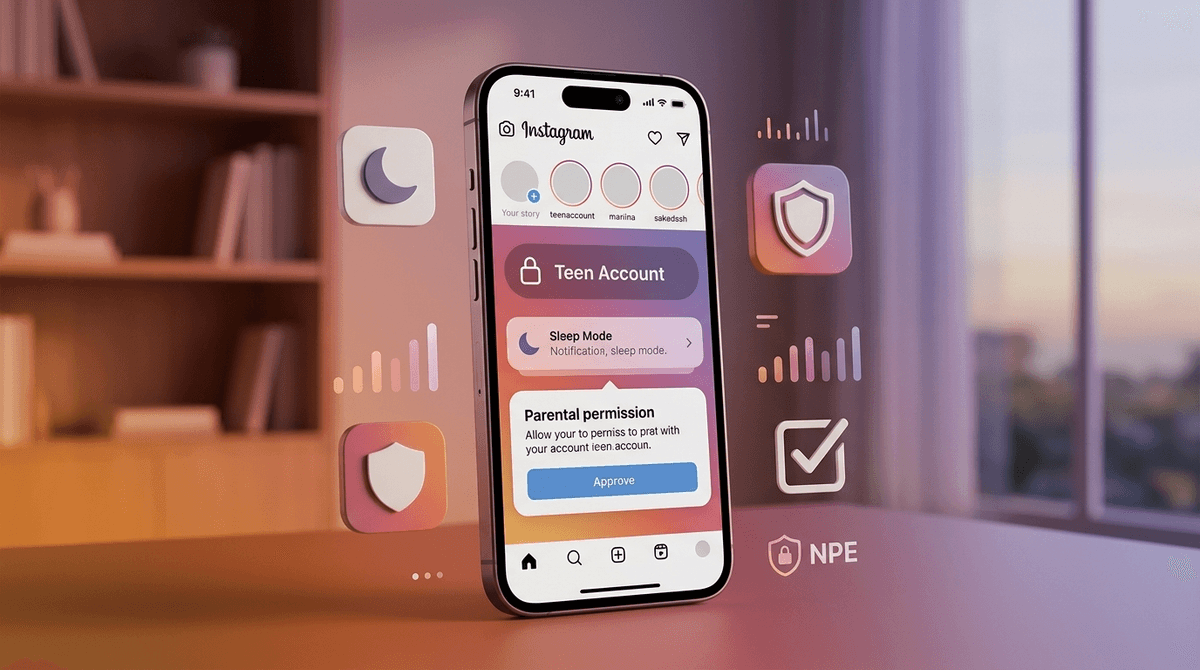
TL;DR: The "Cheat Sheet" for Instagram’s 2025 Teen Accounts
If you only have 60 seconds before you have to jump out of the car for soccer practice, here is what has actually changed: Meta has finally stopped pretending that a 13-year-old and a 35-year-old should have the same experience on Instagram.
- Private by Default: All accounts for kids under 18 are now "Teen Accounts," which are private by default. They have to approve every single follower.
- The "Sleep Mode" Lock: Notifications are muted from 10 PM to 7 AM. No more 2 AM "fit check" comments keeping them awake.
- Messaging Lockdown: Teens can only be messaged by people they already follow or are already connected to.
- Parental "Veto" Power: For kids under 16, parents must give permission to turn these protections off. 16 and 17-year-olds can toggle them, but you’ll be notified.
Learn how to set up Instagram Parental Supervision
Check out our guide to social media for middle schoolers
See if Instagram is safer than TikTok
For years, Instagram was basically the Wild West with a "Valencia" filter. You’d set up an account, tell the app you were born in 1980 (classic move), and you were off to the races. After a lot of pressure from parents, researchers, and—let's be real—Congress, Meta launched a massive pivot.
The 2026 update isn't just a new setting; it’s a fundamental change in how the app treats anyone under 18. Instead of parents having to opt-in to safety features, the safety features are now the "factory settings." If your kid is on Instagram, they’ve likely already been migrated into a "Teen Account."
If your kid thinks something is "Ohio" (that’s teen-speak for weird/cringe/bad, for those of us still saying "on fleek"), they usually mean it’s trying too hard. For a long time, Instagram's safety features felt like they were trying too hard but doing too little.
This update matters because it tackles the three biggest "brain rot" contributors:
- The Scroll Hole: Endless scrolling into the night.
- The Creep Factor: Random adults sliding into DMs.
- The Algorithm Trap: Being shown "thinspo" or violent content because the AI thinks it'll keep them engaged.
1. Private Accounts by Default
This is the big one. Previously, kids would often set their accounts to public to get more likes or "fame." Now, everyone under 18 is defaulted to private. This means:
- Their content doesn't show up in "Explore."
- Strangers can't see their photos.
- They have to manually approve every "follow" request.
2. Sleep Mode and Time Limits
Meta is finally acknowledging that a teenager’s impulse control is... well, non-existent. Sleep Mode automatically turns on at 10 PM. It mutes notifications and sends auto-replies to DMs saying the teen is offline. They also get a "nudge" after 60 minutes of daily use telling them to close the app.
3. Sensitive Content Restrictions
Instagram has always had a "Sensitive Content" filter, but for Teen Accounts, it’s now cranked up to the "Most Restrictive" setting. This limits content showing cosmetic procedures, people fighting, or "idealized" body types. It’s not a perfect shield, but it’s a much thicker one than we had in 2023.
Read our guide on how algorithms affect teen body image
Screenwise is all about being an "intentional parent," not a "digital warden." Meta’s updated Parental Supervision tools are designed to give you a window into their world without reading their private thoughts.
What you CAN see:
- Who they’ve messaged in the last seven days (just the names, not the content).
- Who follows them and who they follow.
- How much time they are actually spending on the app.
- The ability to set specific "blocked hours" (like during homework time).
What you CANNOT see:
- The actual text of their DMs.
- What they are searching for.
- What they are looking at in their private feed.
This is a good balance. It allows you to say, "Hey, I noticed you were messaging someone named 'SkibidiLover69'—do we know them from school?" rather than hovering over their shoulder while they try to talk to their crush.
Learn how to talk to your teen about digital privacy
Meta treats different ages differently, and you should too.
For the 13-15 Age Group
They are in the "Restricted" phase. They cannot change their safety settings (like making their account public or turning off Sleep Mode) without your explicit digital signature. If they try to change a setting, you get a notification on your phone and have to hit "Approve" or "Deny."
For the 16-17 Age Group
They have more autonomy. They are still put into Teen Accounts by default, but they can change the settings themselves. However, if they do, you’ll get a notification. This is the "training wheels" phase—letting them make decisions but keeping an eye on the dashboard.
Let’s be no-BS here: Instagram is still a business built on attention. While these updates are great, they don't solve everything.
- The "Finsta" Problem: Kids are smart. They can still create secondary accounts with fake birthdays if they have a second email address. Meta is using "AI age-prediction" to catch this, but it’s a cat-and-mouse game.
- The Comparison Trap: Even with "Sensitive Content" filters, Instagram is a curated highlight reel. Your kid is still seeing their friends at parties they weren't invited to. No privacy setting can fix the "FOMO" (Fear Of Missing Out).
- The "Vibe" of the App: Unlike Roblox, which is about "doing" things, or YouTube, which is often about "learning" things (even if it's just how to beat a boss in Minecraft), Instagram is about "being seen." That shift in focus is what usually causes the most mental health friction.
Check out our review of the best 'low-anxiety' apps for teens
If you just go in and "lock down" their phone, you’re going to get the "Ohio" treatment. Instead, frame this as a platform change, not a "you" change.
Try saying this: "Hey, Instagram updated their whole system for everyone under 18. It’s called 'Teen Accounts.' It’s actually pretty cool because it stops random creeps from messaging you and helps keep the feed from getting too weird. I need to link our accounts so the app knows you're verified. I won't be reading your DMs, but I'll be able to see if you're staying up until 3 AM on the 'Explore' page again."
Avoid saying this: "I'm putting you on a leash because I don't trust you on that app." (This is a one-way ticket to them finding a workaround in five minutes).
The 2025 Instagram update is a massive win for parents who are tired of being the "bad guy." Meta is finally taking on some of the policing duties.
Is Instagram now "safe"? No app is 100% safe. But with Teen Accounts, it has moved from "potentially toxic" to "manageable with supervision."
If your kid is begging for an account, this is the best time in the last decade to say "maybe" or "yes"—provided you actually take the five minutes to link your accounts and walk through the settings together.
- Check the Version: Make sure the Instagram app on your teen's phone is updated to the latest version.
- Verify the Birthday: Ensure their account has their real birth year. If they lied and said they’re 22, none of these protections will work.
- Set Up Supervision: Open your Instagram app, go to Settings -> Supervision, and invite your teen.
- The "Check-In": Schedule a 5-minute chat for next Sunday to see if the "Sleep Mode" is actually helping them feel less tired on Monday morning.
Get a script to talk to your teen about social media
Explore alternatives to Instagram for creative teens