

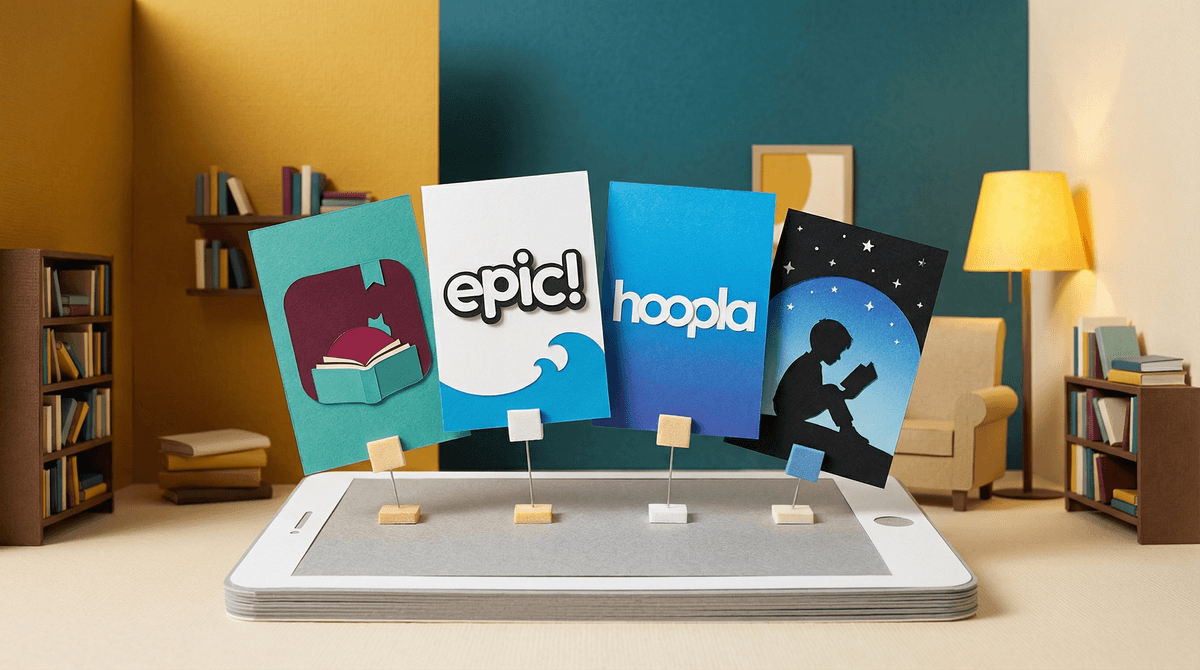
Digital libraries are apps and platforms that give kids access to thousands of books on tablets, phones, or e-readers. The big players are Epic! (subscription-based, aimed at kids 12 and under), Libby (free through your local library), Hoopla (also free through libraries), and platforms like Kindle Unlimited or Apple Books.
The promise is compelling: your kid can carry an entire library in their backpack, discover new books instantly, and you never have to worry about late fees or lost library books again. But here's the thing—just because it's "reading" doesn't mean it's automatically better screen time, and not all digital libraries are created equal.
Let's be honest: some kids genuinely prefer digital reading. The ability to adjust font size, look up words instantly, or have text read aloud can be game-changing for reluctant readers or kids with dyslexia or other learning differences. The immediate gratification of "I want this book RIGHT NOW" can hook kids who might otherwise lose interest waiting for a library hold.
Epic! in particular knows how to gamify reading—kids earn badges, get personalized recommendations, and can watch read-aloud videos. For some kids, this is motivating. For others, it turns reading into just another thing with notifications and rewards.
But here's what parents often discover: many kids who "love" digital libraries are actually drawn to the screen itself, not the reading. They're clicking through books without really reading, watching videos instead of reading text, or getting distracted by the app's features. It's the digital equivalent of a kid who checks out a huge stack of library books but only reads three pages of each.
Libby (and its older sibling OverDrive) is the gold standard if your library supports it. It's completely free, has no ads, no gamification, no videos—just books. The interface is clean, the selection depends on your library system, and there are wait times for popular titles just like physical libraries. This is as close to "just reading" as digital gets.
Hoopla is similar—free through libraries, no waiting for books, but with a monthly limit on checkouts. Great for families who want digital access without the subscription cost.
Epic! is where things get complicated. For about $13/month, kids get unlimited access to 40,000+ books, plus read-aloud videos and educational videos. Sounds great, right? But the app is designed to keep kids engaged—which means recommendations, badges, streaks, and a lot of content that's more "edutainment" than actual reading. Some of the "books" are basically glorified picture slideshows with minimal text. The quality is wildly inconsistent.
The other issue: Epic! was recently acquired and has had some concerning data privacy practices worth looking into. They collect a lot of data about what kids are reading and how they're using the app.
Kindle and Apple Books are fine if you're already in those ecosystems, but they're more expensive per book and don't offer the "all you can read" model that makes digital libraries appealing for voracious readers.
Ages 4-7: Digital libraries can work, but honestly, physical books are usually better for this age. The tactile experience of turning pages, the lack of distractions, and the ease of reading together make physical books ideal. If you do go digital, stick with Libby and read together on a tablet.
Ages 8-12: This is where digital libraries can shine—IF your kid is an actual reader and not just clicking around. Epic! can work for reluctant readers who need the gamification, but watch out for kids who are "reading" for badges instead of enjoyment. Libby is better for kids who already love reading and just want more access.
Ages 13+: Most teens who want digital reading will prefer a regular e-reader or tablet with Libby, Kindle, or Apple Books. Epic! skews younger and teens will likely find it babyish. If your teen is into graphic novels, Hoopla often has great selections.
The screen time question: Yes, reading on a screen is different from playing Roblox or watching YouTube. But it's still screen time, and it still involves blue light, eye strain, and the potential for distraction. If your family has a "no screens before bed" rule, digital reading might need to be an exception—or you might need to get an e-ink reader like a Kindle or Kobo that doesn't have the same backlit screen issues.
The distraction factor: Tablets and phones have other apps. Even with parental controls, the temptation to switch over to something else is real. Dedicated e-readers eliminate this problem, but they're an extra expense.
The "are they actually reading?" problem: With physical books, you can kind of tell if your kid is reading or just staring at pages. With digital books, it's harder. Some kids become very good at looking like they're reading while actually just scrolling or clicking around. Epic! in particular makes this easy because of all the video content mixed in with actual books.
Library cards are magic: If you're not already using your library card for digital access, you're missing out. Most library systems offer Libby, Hoopla, or both—completely free. The selection might not be as vast as Epic!, but the quality is generally higher and there's zero cost.
Consider the real goal: Do you want your kid to read more, or do you want to feel like they're reading more? Digital libraries can create the illusion of reading (look how many books they've "read"!) without the actual comprehension and engagement. If your kid is genuinely reading and enjoying books digitally, great. If they're just gaming the system for badges, maybe not.
Digital libraries aren't inherently good or bad—they're tools. Libby and Hoopla are excellent if your library supports them: free, ad-free, and focused on actual reading. They're worth setting up even if your kids prefer physical books, just to have the option.
Epic! is more complicated. For some families with reluctant readers, the gamification and variety genuinely help. For others, it's an expensive subscription that encourages shallow engagement with books and collects a lot of data about your kid's reading habits. If you try it, watch how your kid actually uses it—are they reading full books or just clicking around for badges?
The best approach for most families: Start with your library's free digital options (Libby or Hoopla), see if your kids actually use them, and only consider paid subscriptions if there's a clear gap in what they want to read. And remember: physical books aren't obsolete. Sometimes the best reading experience is still the one without a charger.
- Check what your library offers - Most libraries have Libby and/or Hoopla. Get the apps and link your library card.
- Try before you buy - Epic! offers a free trial. Use it to see if your kid actually reads or just clicks around.
- Set expectations - If digital reading is part of screen time limits, make that clear. If it's exempt, explain why and what the rules are.
- Check in regularly - Ask your kid about what they're reading, not just how many books they've finished. Comprehension matters more than quantity.
Want to dig deeper into specific apps or compare options for your family's reading habits? Find the best digital reading apps for kids or explore our guide to building healthy reading habits.