

Apps to Watch Out For: Red Flags Parents Should Know
Look, I'm not here to tell you to throw all the tablets in the trash and move to a commune. Apps aren't inherently evil. But some of them? They're designed in ways that should make any intentional parent pause and ask questions.
The tricky part is that the apps with the biggest red flags are often the ones kids beg for most. That's not a coincidence—it's by design. Let's talk about what to actually watch out for, because "screen time bad" isn't helpful. Specific warning signs? Those are.
Anonymous or "Stranger Danger" Chat Features
Any app where your kid can chat with strangers—especially anonymously—deserves serious scrutiny. This includes:
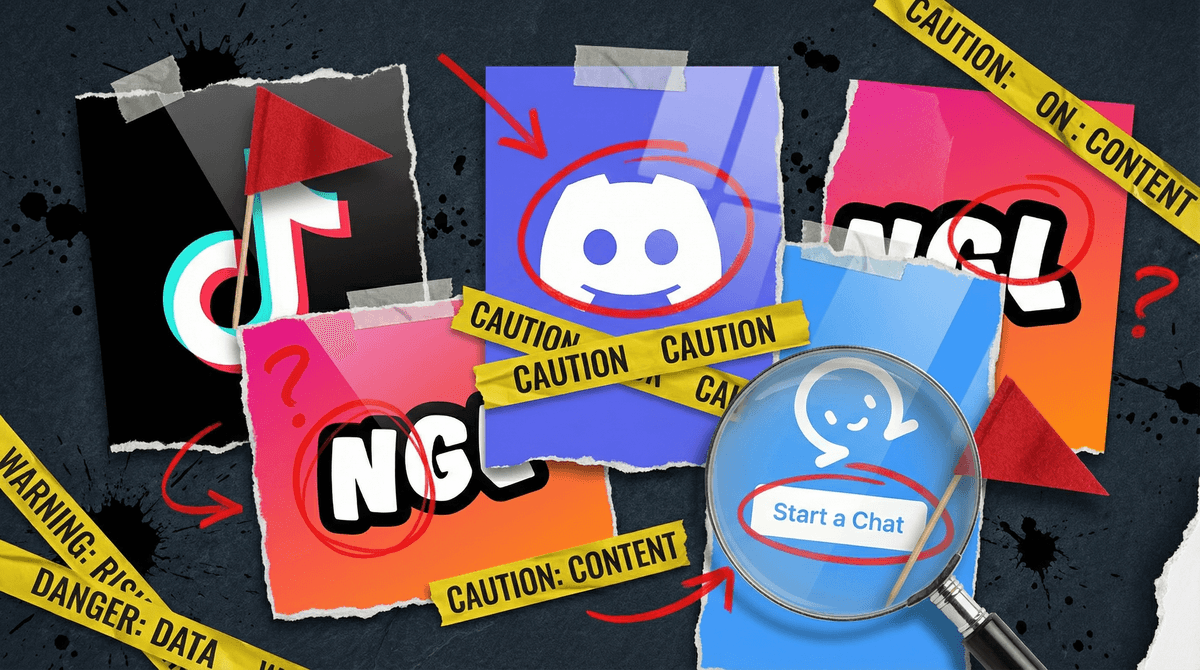
- Anonymous Q&A apps like NGL ("Not Gonna Lie"), which literally markets itself as "anonymous messages for your Instagram" and has become a bullying factory
- "Random chat" apps like Omegle clones (yes, Omegle shut down, but new versions pop up constantly)
- Gaming platforms with open chat where usernames don't reveal identity
The issue isn't just predators (though that's real). It's also that anonymity brings out the absolute worst in humans. Kids receive death threats, sexual harassment, and targeted bullying from people they'll never identify.
What to do: If an app has chat, ask: Can my child only talk to people they know IRL? Can I see the conversations? Can we turn chat off entirely? If the answers are no, that's a problem for most kids under 15.
Predatory In-App Purchases
Some apps are basically slot machines dressed up as games. The warning signs:
- Loot boxes or "mystery" purchases where you don't know what you're getting (learn more about how these work like gambling
 )
) - Constant interruptions pushing you to buy things
- "Pay to win" mechanics where kids without money can't actually play effectively
- Currency confusion (looking at you, Roblox and your Robux)
Roblox isn't evil, but its economy is designed to make kids feel poor. Same with many free-to-play games. The "free" part is the hook.
What to do: Turn off in-app purchases at the device level, or require password approval for every transaction. Check your bank statements. Seriously—kids have accidentally spent thousands.
Data Collection Nightmares
Some apps collect an absurd amount of data about your child. We're talking:
- Location tracking (even when the app isn't open)
- Contact lists
- Photos and camera access
- Microphone access
- Browsing history
- Biometric data
TikTok is the poster child here—it's been caught accessing clipboard data, tracking keystrokes, and more. But it's not alone. Many "free" apps are free because your kid's data is the product.
What to do: Check app permissions regularly. Does a game really need access to your contacts? Does a photo editing app need your location? When in doubt, deny.
Age-Inappropriate Content Without Guardrails
Some apps claim they're 13+ but have zero meaningful age verification or content filtering. The worst offenders:
- Discord: Technically 13+, but servers can contain anything from wholesome gaming chats to hardcore porn. There's no way to verify what server your kid joins.
- Reddit: Same deal. Some subreddits are great. Others are... not suitable for humans, period.
- Snapchat: The "My Eyes Only" feature literally exists to hide content from parents, and the Discover section is a minefield of hypersexualized content marketed to teens.
What to do: If your kid is using these apps, you need to be involved. Not helicopter-hovering, but checking in. Ask what servers/communities they're in. Look at the app together occasionally.
Social Media That Prioritizes "Engagement" Over Wellbeing
Instagram and TikTok are the big ones here. The algorithm doesn't care if your kid is happy—it cares if they're engaged. That means:
- Endless scrolling (no natural stopping point)
- Content that triggers strong emotions (often negative)
- Comparison culture on steroids
- Beauty filters that literally change facial structure
For kids under 16, these apps are strongly correlated with anxiety and depression. Not "screen time" in general—these specific platforms.
What to do: Delay as long as possible. When they do join, use built-in time limits, turn off notifications, and have regular conversations about what they're seeing. Here's how to set up Instagram parental controls.
Apps Designed to Bypass Parental Controls
There are literally apps whose entire purpose is to hide other apps or content from parents:
- Calculator vault apps (they look like calculators but are actually hidden photo/video storage)
- Private browsers marketed as "hide your history"
- Fake name apps that let kids create burner identities
If you find these on your kid's phone, that's a conversation about trust, not just technology.
The "Sketchy Clone" Problem
Be wary of apps that are knockoffs of popular games/apps but from unknown developers. They're often loaded with inappropriate ads, malware, or worse. This is especially common with:
- Minecraft clones
- Among Us ripoffs
- "Free" versions of paid games
What to do: Stick to official apps from known developers. Check reviews and ratings. If an app has 47 downloads and weird grammar in the description, that's a no.
Don't panic-delete everything. Instead:
-
Do an app audit together. Go through your kid's devices and ask about each app. What do they use it for? Who do they talk to? This shouldn't feel like an interrogation—frame it as curiosity.
-
Set up proper controls. Use parental control features at the device level, not just in individual apps.
-
Have the "why" conversation. Explain that you're not trying to ruin their fun—you're trying to protect them from apps designed to manipulate them. Most kids get this when you're honest.
-
Stay current. New sketchy apps emerge constantly. Check in every few months. Ask other parents what they're seeing. Use resources like Common Sense Media or, you know, Screenwise.
The goal isn't to eliminate all risk—it's to make informed decisions. Some families will be comfortable with apps that others won't touch, and that's fine. What matters is that you know what you're allowing and why.
The apps to watch out for aren't necessarily the ones that make headlines. They're the ones with design patterns that prioritize profit over kids' wellbeing: predatory purchases, addictive algorithms, privacy violations, and unsafe social features.
Your job isn't to be the fun police. It's to be the informed adult in the room who can spot these patterns and have real conversations about them.
- Check your kid's app list this week. Just scroll through together and ask questions.
- Review app permissions in your device settings. Revoke anything that seems excessive.
- Set up purchase controls if you haven't already. Seriously, do this today.
- Join a parent community (like Screenwise!) where you can ask "is anyone else seeing this app?" when something new pops up.
And remember: You don't have to figure this out alone. That's literally why Screenwise exists—to help you make informed decisions without the panic or judgment. See if specific apps are safe and appropriate about specific apps if you're unsure. We've got your back.