The 'Anti-Worksheet' Platform
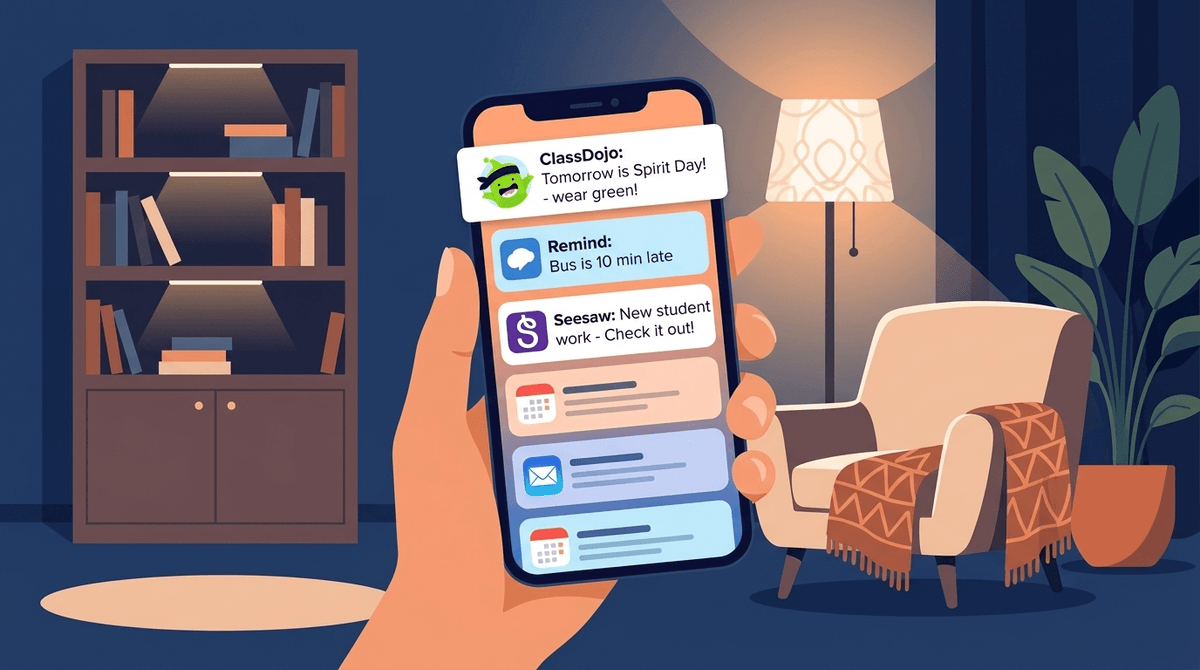
If your school uses Seesaw, you've probably already seen the notification pings. But it's worth looking closer at why it works. While platforms like Google Classroom are essentially administrative—handling hand-ins and grading—Seesaw is designed for the student to be the creator.
Instead of just handing in a paper, a kid can snap a photo of their block tower and record a voice-over explaining the engineering behind it. This 'multimodal' approach is huge for kids who might struggle with writing but are brilliant at verbalizing their ideas. It levels the playing field in a way that traditional homework just doesn't.
The Privacy Angle
Parents are right to be skeptical of any app that asks for photos and videos of their kids. However, Seesaw's Privacy Center is actually readable and robust. They don't own the content; the school and the student do. They don't show ads. They don't track your kid across the web.
One nuance to understand: the 'Classroom' setting. In most setups, kids can see a 'Class Feed' where everyone's work is visible. This is intended to mimic a physical classroom where work is pinned to the wall. If your child is particularly self-conscious or if you have specific privacy needs, that’s a conversation for the teacher, as they have the 'off' switch for that feature.
Making the Most of It
Don't just 'like' the posts. Seesaw allows parents to leave voice comments on their kid's work. For a 6-year-old, hearing their parent's voice praising a specific drawing they did two hours ago is a massive hit of positive reinforcement. It’s the best way to use tech to bridge the gap between the school day and home life.