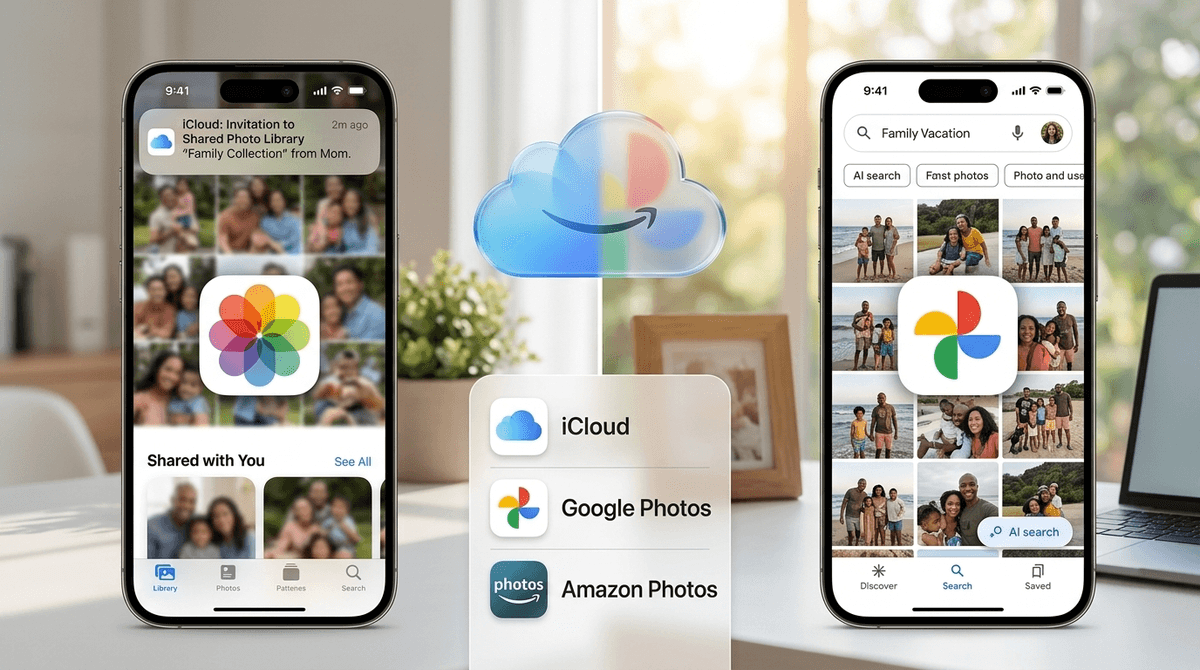


iCloud is infrastructure, not entertainment—so judging it on imagination or enrichment feels a bit like scoring your home Wi-Fi router. That said, it's a critical piece of family digital life, and when configured properly with Family Sharing and Screen Time, it's a genuinely useful tool for keeping kids safe and teaching them responsible device habits.
The catch: it's only as good as the effort you put in. Out of the box, iCloud is just cloud storage. You need to create child Apple IDs, set content restrictions, turn on Ask to Buy, and regularly check their device to see what's actually being stored. Apple's parental controls are robust, but they're not automatic, and you can't remotely snoop through your kid's iCloud Drive files—you'll need hands-on access.
For families deep in the Apple ecosystem, iCloud is a no-brainer—it just works, and the privacy model is leagues better than many alternatives. But if you're expecting it to parent for you, or if you're not willing to spend 20 minutes setting up Family Sharing, it's just expensive cloud storage. Pair it with a third-party monitoring app like Bark if you need deeper oversight, and you've got a solid foundation for intentional family tech use.