

Family Trivia Night: The Best Apps for Your TV
You know what's wild? About 92% of families have a TV in their home, and 40% are regular Netflix users, but most of us are still just... watching stuff. Meanwhile, there's this whole world of interactive trivia games just sitting there, ready to turn your living room into a game show set.
If you're looking to actually do something together as a family beyond scrolling through Netflix for 20 minutes trying to agree on a show, trivia apps are legitimately great. They're competitive enough to keep everyone engaged, educational without feeling like homework, and honestly? They're a solid way to level the playing field between kids and adults (because yes, your 9-year-old probably knows more about Pokémon than you do, and that's fine).
Screenwise Parents
See allLet's start with the easy option since you already have Netflix. They've got two interactive trivia experiences built right into the platform:
Trivia Quest is their daily trivia series. It's got questions across history, art, science, pop culture — pretty much everything. The format varies by difficulty level, so you can adjust based on who's playing. It's genuinely well-produced and doesn't feel cheap or gimmicky.
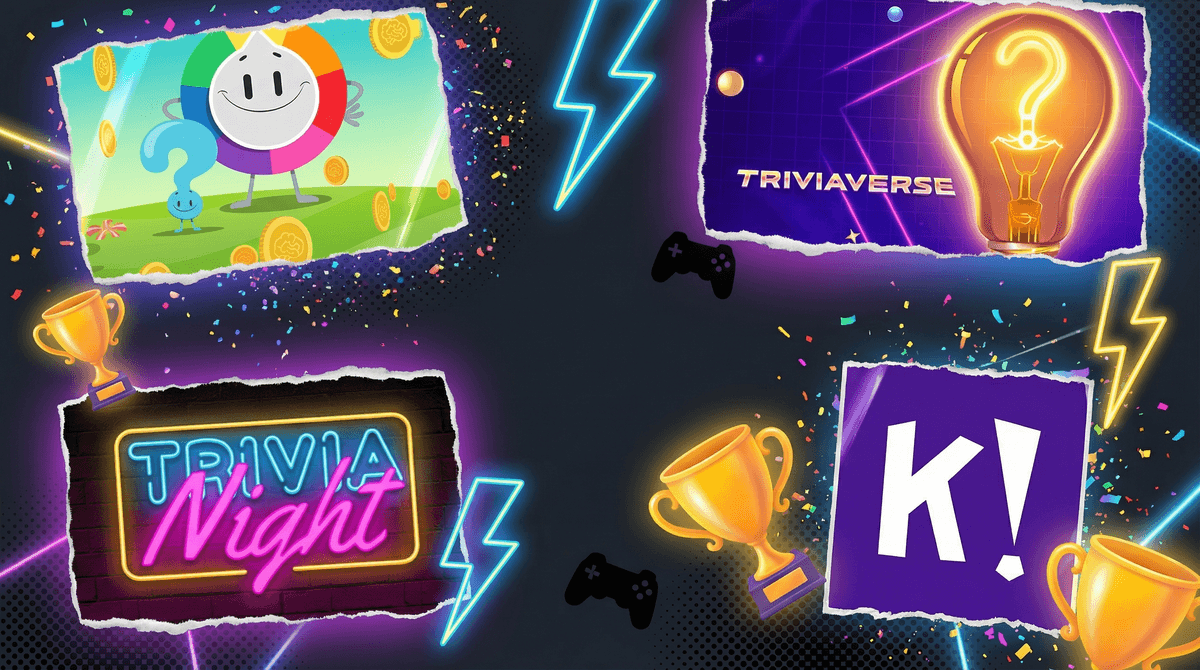
Triviaverse is more rapid-fire. You can challenge a friend or play against the AI, and it throws random questions at you across different categories. It's faster-paced than Trivia Quest, which makes it better for shorter attention spans or when you just want a quick 10-minute game.
Here's the thing though: Netflix is reportedly phasing out some of their interactive content. According to recent reports, these trivia specials might not be around forever, so enjoy them while they last. Classic Netflix move, honestly.
They also launched Best Guess Live, which is a mobile game show with actual cash prizes, but you need to download a separate app and it's more of a scheduled event thing than a "let's play right now" option.
If you're willing to screen mirror from your phone or tablet (which, let's be real, takes like 30 seconds to set up), you've got way more options:
For Actual Family Game Night
Kahoot! is the gold standard here. Teachers use it in classrooms for a reason — it works. You can create your own trivia games or use millions of pre-made ones. Everyone plays on their own device while the questions show up on the TV. It's free (with ads and some limitations), or you can pay for more features. Ages 6+ can handle this easily.
TriviaHub is similar to Kahoot but feels a bit more grown-up. Good for families with older kids (10+) who want something that doesn't feel quite so elementary-school-ish.
CrowdParty is an interactive icebreaker platform that includes trivia games, plus other stuff like "Pick Who" and emoji guessing games. No downloads or sign-ups required, which is clutch when you just want to play without creating yet another account.
For More Traditional Trivia Feel
[Sporcle](https://screenwiseapp.com/media/sporcle-website has been around forever and has thousands of quizzes on literally everything. It's not specifically designed for group play on a TV, but you can absolutely mirror it and play together. Great for older kids (12+) and adults.
Trivia Star is a solid free option that starts easy and gets progressively harder. It's more of a solo experience, but you can pass the phone around or mirror it and play as a team.
The Jeopardy-Style Apps
If your family is into the actual TV game show format, there are apps that replicate that experience:
Family Trivia Night is explicitly designed to feel like Jeopardy. Categories, point values, the whole thing. Reviews say it provides "many hours of wholesome entertainment," which is parent-review-speak for "my kids actually stayed engaged."
Trivia Night has hundreds of categories "designed for regular people" (their words, not mine), plus multiple types of hints if you need help. Good for mixed-age groups.
Ages 6-8: Stick with Kahoot using kid-friendly quiz sets, or Netflix's Trivia Quest on easier difficulty levels. They'll need help reading questions sometimes, but that's actually part of the fun.
Ages 9-12: Pretty much all of these work. Kahoot, Triviaverse, Family Trivia Night — they're in the sweet spot where they can compete with adults on some categories (especially pop culture and video games) and learn from the ones they don't know.
Ages 13+: They can handle everything, including Sporcle's more obscure quizzes. This is also the age where they might actually want to play with you, so take advantage of it.
The free versions have ads. Not terrible, but they exist. Paid versions of Kahoot, Sporcle, and others remove ads and add features. Decide if it's worth it based on how often you'll actually use them.
Screen mirroring isn't hard, but it's not always seamless. Sometimes there's lag, sometimes the connection drops. Have a backup plan (like just playing on the phone/tablet without mirroring) if tech decides to be annoying.
These games are actually educational. Kids are learning geography, history, science, and vocabulary without realizing it. It's stealth learning, which is the best kind.
Competitive kids might get intense. If you've got a sore loser in the family, maybe play in teams rather than individually. Or use it as a chance to work on handling disappointment , which is a life skill they need anyway.
You've got solid options both within Netflix and through screen mirroring. If you want zero setup, start with Netflix's Trivia Quest or Triviaverse. If you're willing to spend 2 minutes connecting your phone to your TV, Kahoot and CrowdParty open up way more possibilities.
The real win here is that trivia games are one of those rare screen activities that actually bring families together instead of isolating everyone. You're talking, laughing at wrong answers, learning random facts about penguins or the Roman Empire, and actually enjoying each other's company.
Plus, when your kid beats you at geography trivia, you can blame it on "the American education system" and move on with your life.
- Start simple: Try Trivia Quest or Triviaverse on Netflix tonight
- Download Kahoot! if you want more variety and don't mind screen mirroring
- Check out CrowdParty for a no-signup, low-commitment option
- Set a weekly trivia night — consistency makes it an actual family tradition instead of a one-off thing
And if you want to explore more family-friendly games and apps, Screenwise has you covered.