

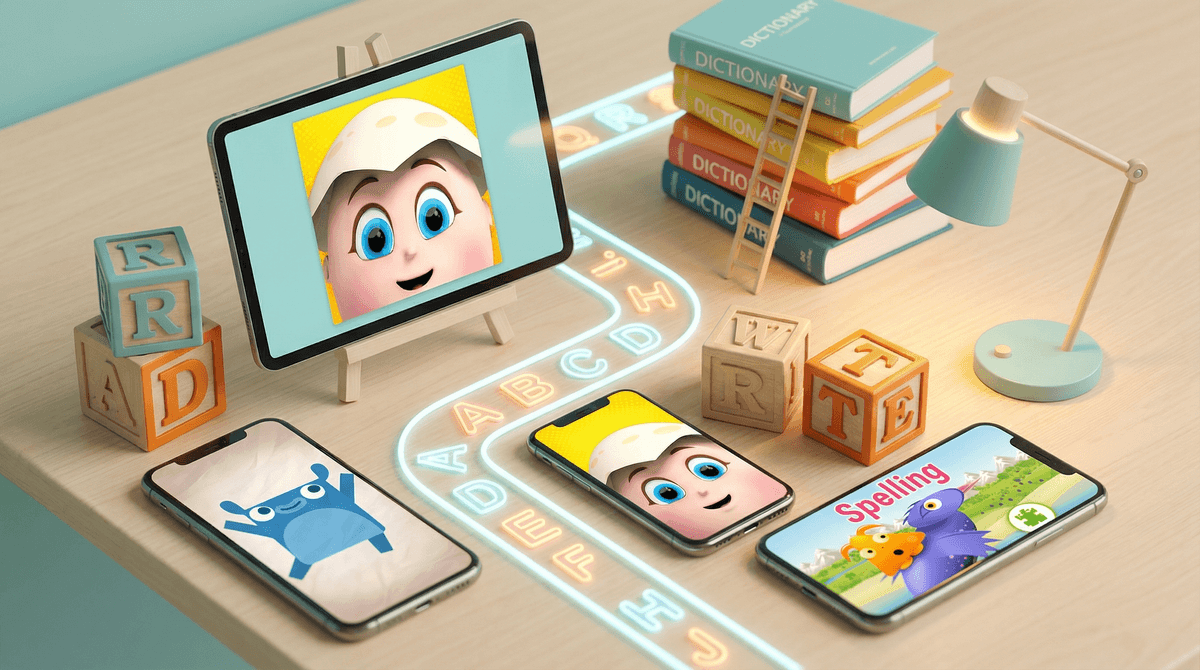
Look, we've all been there. Your kid brings home a spelling list, you think "there's gotta be an app for this," and suddenly you're drowning in a sea of cartoon bees, gamified nonsense, and apps that seem more interested in teaching your kid to watch ads than to spell "necessary."
The truth is, most spelling apps are just digital busywork. They keep kids occupied, sure, but they're not actually building the skills that lead to confident, competent spelling. The ones that do work share a few key characteristics: they're based on actual literacy research, they adapt to your kid's level, and they focus on patterns and understanding rather than just memorization.
The apps worth your time (and money) fall into a few categories:
- Research-backed phonics apps that teach spelling through sound patterns
- Adaptive practice apps that meet kids where they are and adjust difficulty
- Multisensory apps that combine visual, auditory, and kinesthetic learning
- Word study apps that teach spelling rules and patterns, not just lists
Here's the thing: spelling matters more than ever, even in an autocorrect world. Kids who can spell well are better readers, better writers, and more confident communicators. But traditional spelling homework—write each word 10 times—is basically educational torture that doesn't work.
Good spelling apps can actually be more effective than traditional methods because they:
- Provide immediate feedback (kids know right away if they got it right)
- Adapt to individual learning pace (no one's bored, no one's overwhelmed)
- Use spaced repetition (the science-backed way to move info into long-term memory)
- Make practice less painful (let's be honest, spelling lists are boring)
The problem? For every app that works, there are twenty that are just dressed-up worksheets or, worse, slot machines with a thin educational veneer.
The Research-Backed Winners
Spelling City (Ages 5-14) This one's been around forever because it works. Teachers love it, and for good reason—it lets you input your kid's actual spelling list and then provides multiple ways to practice. The free version is limited but functional. The premium version ($39.99/year) is worth it if you have multiple kids or want access to the full game library.
Downsides: The interface looks like it was designed in 2010 (because it was). Kids used to slick modern apps might find it clunky. But function over form, right?
Reading Eggs Spelling (Ages 3-13) Part of the larger Reading Eggs ecosystem, this app teaches spelling through systematic phonics instruction. It's colorful, engaging, and actually follows a logical progression. Around $10/month or $60/year.
Best for: Younger kids (K-3) who are still building foundational skills. Less useful for older kids who just need to practice specific word lists.
The Adaptive Practice Apps
Squeebles Spelling Test (Ages 6-11) A UK import that's genuinely clever. You record yourself saying each spelling word, then your kid takes a "test" with your voice. It tracks progress, adapts difficulty, and has a reward system that's motivating without being manipulative. One-time purchase around $3.99.
Why it works: The personalization is key. Kids hear their parent's voice, which feels more like actual homework help than a random app. Plus, it's cheap enough that if your kid hates it, you're not out $50.
Gappy Learns Writing (Ages 4-10) This one's more about writing mechanics and letter formation, but it includes spelling practice that's actually thoughtful. Uses a multisensory approach—kids trace, hear, and see words simultaneously. Around $5.99.
Best for: Kids with dyslexia or dysgraphia, or younger kids who struggle with letter formation alongside spelling.
Lit Spelling (Ages 5-14) Browser-based, no account needed for the free version. A kid hears a word, types or speaks it back, and gets instant feedback — no timer, no points, no badges. Free tier covers a 15-word daily challenge; paid plans (Plus at $9.99/month for one kid, or Ultimate at $14.99/month for up to five) unlock 22,000+ words across 300+ lists, including pattern lists like consonant digraphs and short vowel sounds, US, UK, and Australian spelling, and NAPLAN prep.
Why it works: The untimed, no-frills format matches what this guide already recommends — 10-15 minutes, no distractions. Difficulty adapts per learner, so siblings at different levels can share one account without stepping on each other's lists.
Downside: It's a drill tool, not a rules teacher — it won't explain why a word is spelled a certain way the way Spelling City's pattern-based lessons do, and the useful stuff sits behind a subscription.
The "Meh, But Kids Like Them" Category
Endless Alphabet (Ages 3-6) Cute monsters, fun animations, decent for vocabulary building. But it's more about word recognition than actual spelling skills. Free with in-app purchases.
Real talk: Your kindergartner will love this. Your third grader will be insulted. Use it for what it is—a vocabulary builder with spelling as a side benefit.
Let's talk about the apps that are everywhere but don't actually teach spelling:
Memorization-only apps: If an app just shows a word and asks your kid to spell it with no instruction on why it's spelled that way, it's not teaching spelling—it's testing memorization. That works for some kids (usually the ones who'd be fine spellers anyway), but it doesn't build transferable skills.
Ad-heavy "free" apps: If your kid spends more time watching ads than practicing words, what are we even doing here? Some apps are just ad delivery systems with educational window dressing.
Gamification overload: When the game mechanics (collecting coins, building worlds, unlocking characters) overshadow the actual learning, you've got a problem. Your kid might love the app, but are they learning to spell or learning to chase dopamine hits?
Ages 4-6: Focus on phonics-based apps like Reading Eggs or Gappy Learns Writing. At this age, spelling is about sound-letter relationships, not memorizing word lists.
Ages 7-10: This is prime Spelling City territory. Kids have weekly spelling lists, and they need practice that's more engaging than writing words 10 times. Squeebles is also great here.
Ages 11+: Honestly? By middle school, if your kid still struggles with spelling, an app probably isn't the answer. They might need actual intervention—talk to their teacher about whether there's an underlying issue like dyslexia.
Here's where most parents go wrong: they download the app, hand the kid the iPad, and hope for the best. That's not how learning works.
Set a routine: 10-15 minutes a day, same time, every day. Spelling is a "little and often" skill. Cramming doesn't work.
Start with the list: If your kid has a school spelling list, use an app like Spelling City that lets you input those exact words. Practicing random words is less useful than practicing the words they'll be tested on.
Check in on progress: Most good apps have parent dashboards. Actually look at them. If your kid is stuck at the same level for weeks, the app might not be right for them.
Don't rely on apps alone: Apps are practice tools, not teachers. If your kid doesn't understand a spelling pattern, sit down and explain it. "Words with 'igh' make the long i sound—like night, light, fight. See the pattern?"
Most spelling apps are garbage. Sorry, but it's true. They're designed to keep kids busy and parents feeling productive, not to actually teach spelling.
The apps that do work—Spelling City, Reading Eggs, Squeebles—share common traits: they're based on research, they adapt to your kid's level, and they teach patterns and rules, not just memorization.
But here's the real talk: no app is a magic bullet. If your kid struggles with spelling, an app can help with practice, but it won't fix underlying issues. And if your kid is already a decent speller, an app might just be a more engaging way to do homework they'd do anyway.
The best spelling app is the one your kid will actually use consistently. Try a few, see what sticks, and don't be afraid to abandon ship if something isn't working. You're not failing if the app fails—you're just being an intentional parent who refuses to waste time on digital busywork.
- Try before you buy: Most good apps have free trials or lite versions. Test them with your kid before committing to a subscription.
- Talk to your kid's teacher: Ask what they recommend. Teachers often know which apps align with their curriculum.
- Set realistic expectations: 10-15 minutes a day of focused practice beats an hour of distracted "app time."
- Monitor progress: If you're not seeing improvement after a few weeks, reassess. Maybe the app isn't right, or maybe your kid needs different support.
And remember: learning to spell is about patterns, not perfection. Even with the best app, your kid will still mix up "their" and "there" sometimes. That's called being human.