

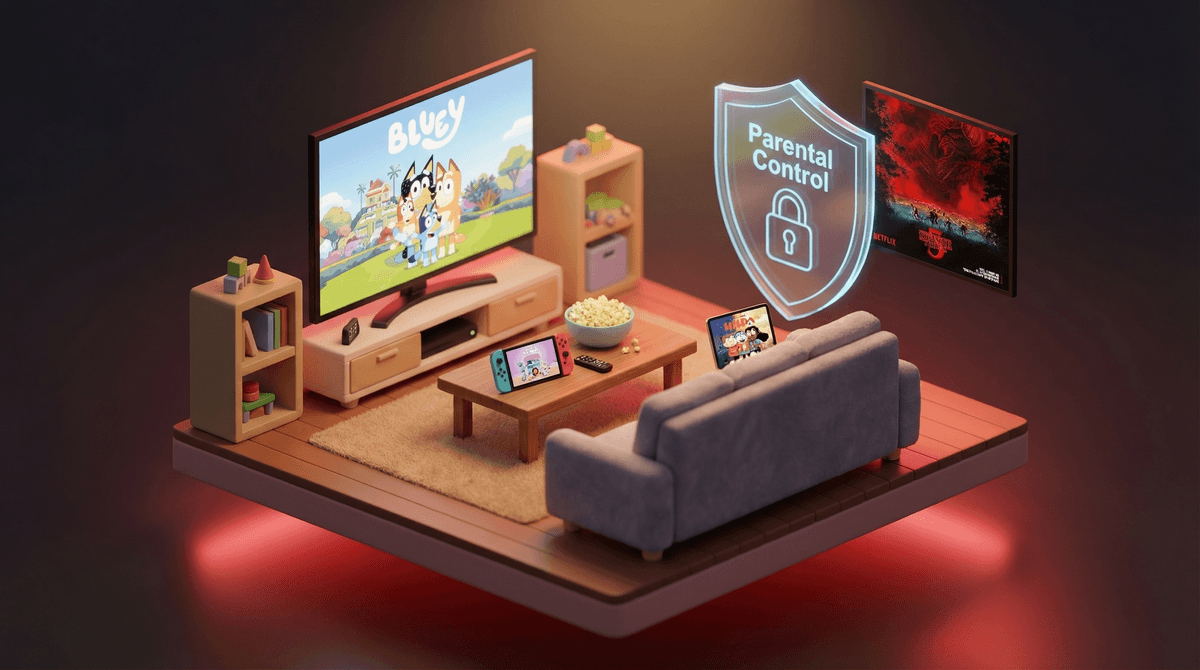
Netflix ships a full set of parental controls that most families never switch on. Four settings, about ten minutes, and the app goes from "whatever plays next" to something you can hand a 7-year-old without hovering.
Here is the setup, what the age ratings do and don't tell you, and what is worth watching once the guardrails are up.
Compared with YouTube's recommendation engine or a TikTok feed, Netflix is a closed library, and on a straight comparison of streaming parental controls it comes out ahead of Hulu and Prime. Nothing appears on it overnight, every title has been through a ratings process, and the catalog your kid can reach is one you can see and audit.
The platform itself scores WISE 52, which sounds low until you understand what it measures: the platform, not the programming. The shows on it span the entire range. Bluey scores 96. Cocomelon scores 38. Both live in the same app, one tap apart.
So the work is picking what your kid reaches when they open it.
Do these in order, from a browser rather than the TV app. The TV interface hides half of them.
One profile per kid. Manage Profiles, add a profile, and switch on the Kids toggle. The Kids experience is a different product: no autoplay of unrelated titles, no search bar for the youngest tier, and a home row built from a curated set rather than from platform trends.
Set the maturity level per profile. Account, Profile & Parental Controls, pick the kid, Viewing Restrictions. The tiers are Little Kids (TV-Y), Older Kids (TV-PG), Teens (TV-14), and adult. Match it to the kid, not to the household.
Set a profile lock PIN. Same menu. This is the only thing standing between a logged-in device and the adult profiles. A four-digit PIN that is not a birthday, an anniversary, or 1234. Kids who can recall the type chart for 150 Pokemon can recall your wedding date.
Turn off autoplay. Account, Playback Settings, uncheck both "Autoplay next episode" and "Autoplay previews." This is the setting that changes daily life most, and it is the one people skip.
Block individual titles from the same Viewing Restrictions screen if there is a specific show you would rather not argue about. Squid Game is the usual candidate, and blocking it by title is cleaner than dropping the whole maturity tier.
Netflix ratings come from the TV Parental Guidelines and MPAA systems. Those systems count sex, violence, and language. They do not measure whether a show is any good, whether it will hold attention, or whether it is doing anything for a developing brain.
That gap is the whole reason WISE scores exist. Cocomelon is rated TV-Y and is appropriate for a 2-year-old by every content measure. It scores 38 because the editing is engineered for attention capture rather than for play, language, or story. Hey Duggee carries the same TV-Y rating and scores 90.
The rating tells you nothing separates those two. They are not close.
Ratings also run in the other direction. A TV-PG title can be too intense for a sensitive 9-year-old and fine for a calm 7-year-old. Temperament beats birthday most of the time.
Every title here is on Netflix and scored by us. Ages are the range the show lands for, not the rating board's floor.
Ages 2 to 6. Hey Duggee (90) is fast, funny, and built around a group of small animals solving a problem together. Numberblocks (93) does more real early-maths work than any app you could buy. StoryBots Super Songs (94) answers the questions kids this age keep asking. Octonauts: Above & Beyond (90) is marine biology wearing an adventure plot.
Ages 4 to 9. Bluey (96) is the highest-scoring kids' show in our catalog and the rare one that rewards a parent watching alongside. Ada Twist, Scientist (88) runs a real hypothesis-and-test loop per episode. Gabby's Dollhouse (82) is gentler and leans craft.
Ages 7 to 12. Avatar: The Last Airbender (93) has better character writing than most adult drama, and the animated original beats both remakes. Hilda (90) is adventurous without being frightening. The Wild Robot (87) is gorgeous and will make somebody cry. Paddington 2 (94) is close to a perfect family film. Mark Rober's CrunchLabs (94) turns engineering into a spectator sport.
Ages 10 and up. Cells at Work! (92) teaches immunology through anime and is the one to start a curious kid on. Dr. Stone (92) rebuilds civilisation from first principles. Old Enough! (93) follows Japanese toddlers running their first errand and is quietly one of the best things on the service. The Great British Baking Show: Junior Edition (91) is the safest thing you can put on with a mixed-age room.
Teens. Our ranked list of the best Netflix shows for teens goes deeper, but start here. Heartstopper (88) is warm, inclusive, and genuinely appropriate. One Piece (91) is a thousand-episode commitment and worth it. Arcane (68) is brilliantly made and violent, so it depends on the kid.
The most common surprise on Netflix comes from assuming a cartoon thumbnail signals a kids' show. Plenty of the platform's animation is rated TV-MA and earns it.
Anime is where this bites hardest, because the art style spans every audience. Cells at Work! is a biology lesson. Titles two rows away on the same shelf are not. If your kid is into anime, check the individual series instead of the category.
Wednesday (58) is the other recurring one. It looks like a Tim Burton comedy for kids, is rated TV-14, and includes on-screen deaths and body horror. Plenty of 12-year-olds handle it. It is not a family-movie-night pick.
Squid Game (18) is the reason kids' profiles exist. The playground-game imagery travels through schoolyards long before anyone watches it, so your 8-year-old may well ask about it. A straight answer works better than a search.
Controls stop the accidents. They do nothing for judgement, and judgement is the thing you are building.
The cheapest version is the first-episode rule: they pick a new show, you watch the pilot together, then they carry on alone if it holds up. It costs 25 minutes, tells you more than any rating, and it lands as interest rather than inspection.
Some of this is a genuinely good use of your evening. Bluey episodes are seven minutes long and several of them are about being a tired parent. Avatar: The Last Airbender holds up completely.
With older kids, the useful conversation is about the design of the thing. Autoplay, cliffhangers, and the countdown to the next episode are engineered to remove the decision point. Teenagers tend to find that interesting rather than preachy, because it is a fact about the product rather than a rule about them.
Q: What age should each Netflix profile be set to?
Little Kids (TV-Y) suits roughly ages 2 to 6, Older Kids (TV-PG) roughly 7 to 12, and Teens (TV-14) roughly 13 and up. Set it to the kid in front of you rather than to the oldest child in the house, which is the most common mistake. Each profile holds its own setting, so a 6-year-old and a 14-year-old can share one account without sharing a catalog.
Q: Can my kid get around the Netflix parental controls?
Yes, in two ways. If the account password is saved in the browser, they can change the settings directly, so the profile lock PIN is what matters. And if the PIN is guessable, the whole system is decorative. Everything else, including the Kids profile and the maturity tier, holds up well.
Q: Does the Netflix Kids profile block everything inappropriate?
It blocks anything above the maturity tier you picked, which handles sex, violence, and language reliably. It does not filter for quality, intensity, or how mindless something is. A show can sit inside a Kids profile and still be junk, which is what WISE scores are for.
Q: How do I stop Netflix autoplaying the next episode?
Sign in through a browser, go to Account, pick the profile, and open Playback Settings. Uncheck "Autoplay next episode in a series" and "Autoplay previews while browsing." The setting is per profile, so repeat it for each kid, and it is not available in most TV apps.
Q: Is Netflix safer than YouTube for kids?
For most families, yes. Netflix is a closed, rated catalog with no comments, no uploads, and no recommendation engine pulling from an open platform. That removes the main risks on YouTube. What Netflix does not solve is how much gets watched, which is why autoplay is the setting worth changing first.
Q: Why does Netflix score 52 if it has good shows on it?
The WISE score for the Netflix app rates the platform: its defaults, its design, and how much work a parent has to do. The shows carry their own scores, and they range from 96 down to the high 30s. A low platform score with excellent titles on it is exactly the case for setting it up deliberately rather than avoiding it.
Turn off autoplay and set a PIN that is not a birthday. That is ten minutes and it is most of the value on this page.
If you want a longer shortlist, we keep ranked picks for 8-year-olds, tweens, and family documentaries.
Then open each kid's Continue Watching row. It is the most accurate picture of their media diet you will get, and it is usually a small surprise in one direction or the other.
Then pick one thing from the age lists above and watch the first episode together. Bluey for the under-8s, Hilda above that. Ask what they thought of it afterwards rather than whether it was appropriate.