

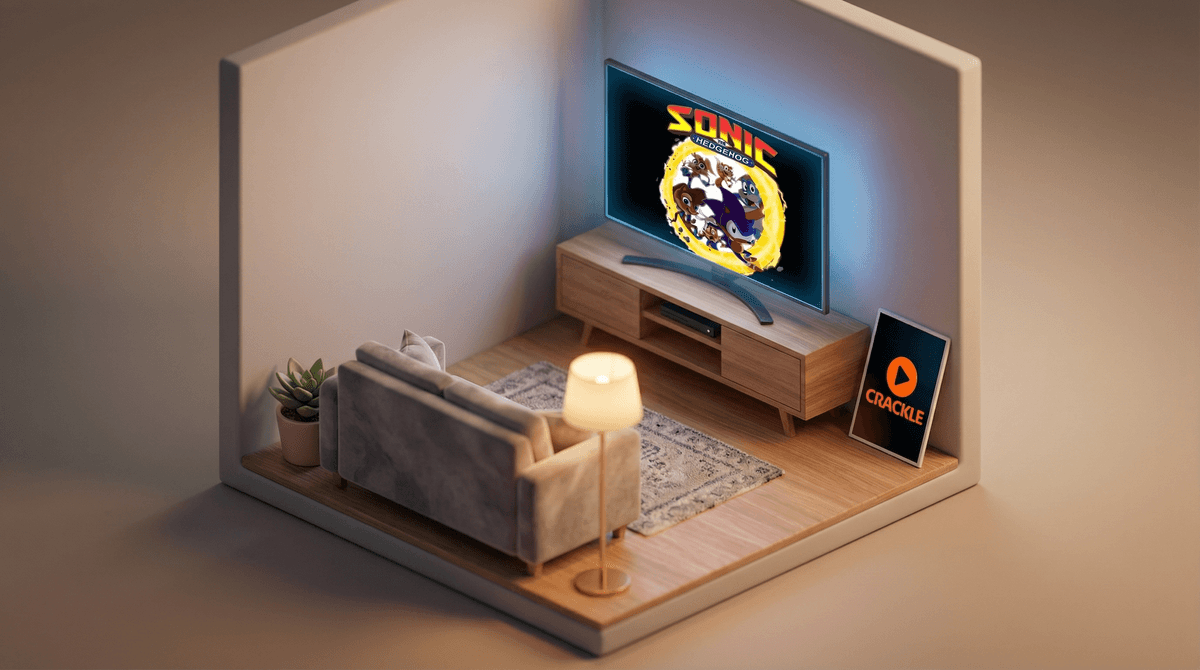
Crackle is Sony's free, ad-supported streaming service that's been around since 2007 (making it basically ancient in streaming years). Unlike Netflix or Disney+, there's no subscription fee — you just watch ads, like the old days of actual TV.
The service has a mix of movies and TV shows, mostly older Sony titles and some original content. Think Seinfeld reruns, action movies from the 2000s, and a rotating selection of films that used to be big deals. It's not exactly a treasure trove of premium content, but hey, it's free.
Here's the thing parents need to know: Crackle has a "Kids Mode" that's supposed to filter content for children. But before you hand over the remote thinking you've found the holy grail of free kids' entertainment, let's talk about what that actually means.
Crackle's Kids Mode is... sparse. We're talking about a pretty limited selection of content compared to what you'd find on Netflix Kids, Disney+, or even YouTube Kids. The library includes some classic animated movies and family-friendly shows, but don't expect the latest Pixar release or trending kids' series.
The content tends to skew older — think public domain cartoons, older animated films, and shows that were popular 5-10 years ago. You might find some Sonic the Hedgehog episodes, some generic superhero cartoons, and animated movies your kids have probably never heard of.
The real question: Is it actually safe?
Kids Mode does filter out R-rated content and most mature themes, but the curation isn't as tight as dedicated kids' platforms. You're not going to find the same level of age-specific categorization (like "Ages 2-4" or "Ages 5-7") that you'd get elsewhere. It's more of a binary: kid-appropriate or not.
Let's address the elephant in the room: ads on free streaming services aimed at kids are a whole thing.
Crackle shows ads before and during content, and while Kids Mode theoretically filters out inappropriate advertising, you're still exposing your children to commercial content. This means:
- Ad literacy becomes important — your kids need to understand they're being sold to
- Ads can be repetitive — get ready to hear the same commercial eight times in one sitting
- You have less control — unlike ad-free subscriptions, you can't just skip them
Some parents are totally fine with this (we all grew up with Saturday morning cartoon commercials, right?), while others consider it a dealbreaker. Neither position is wrong — it's about what works for your family.
If you're considering Crackle for your kids, here's how to think about it by age:
Ages 3-6: Honestly, this probably isn't your best bet. The content selection for really young kids is limited, and the ads can be confusing or overstimulating for this age group. You're better off with PBS Kids or the free content on YouTube Kids (with heavy parental supervision).
Ages 7-10: This is where Crackle might work as a supplemental option. Kids this age can handle ads better and might enjoy some of the older animated content. But you'll want to preview content first — just because it's in Kids Mode doesn't mean it's perfect for your specific child.
Ages 11+: Tweens and teens might actually appreciate Crackle more for the non-kids content (action movies, comedies, etc.), but at that point, you're not really using Kids Mode anyway.
The good:
- It's actually free (no credit card, no trial that auto-renews)
- No account creation required for basic viewing
- Works on most devices (smart TVs, Roku, phones, tablets)
- Can be a good option for grandparents' houses or as a backup
The not-so-good:
- Limited kids' content compared to paid services
- Ads (did we mention the ads?)
- Content rotates out, so favorites might disappear
- Less robust parental controls than dedicated kids' platforms
- No download option for offline viewing
The practical reality: Crackle is probably not going to be your primary kids' streaming service. It's more like that free toy in the cereal box — nice to have, but you weren't buying the cereal for the toy.
If you decide to give Crackle a shot:
- Set it up yourself first — explore Kids Mode before showing it to your children
- Preview content — just because something's animated doesn't mean it's appropriate for your kid's age or your family's values
- Watch together initially — see how your kids respond to both the content and the ads
- Have the ad conversation — talk about what commercials are trying to do and why companies pay for them
- Set clear expectations — explain that this is a "sometimes" option, not unlimited screen time just because it's free
Crackle's Kids Mode is a legitimate free option for families looking to supplement their streaming lineup, but it's not a replacement for more robust kids' platforms. The content is limited, the ads are real, and the curation isn't as tight as what you'd get from paid services.
It works best as:
- A backup option when kids have burned through everything on your paid services
- Content for grandparents' or relatives' houses where you don't want to share passwords
- A way to introduce older kids to classic content they might not find elsewhere
- A test case for teaching media literacy and critical thinking about advertising
It's probably not ideal if:
- You're looking for the latest, greatest kids' content
- You want ad-free viewing
- You need really specific age-appropriate filtering
- You want robust parental controls and usage tracking
The real value proposition here is "free" — and that's worth something. Just go in with realistic expectations about what free actually means in the streaming world. You're not getting Bluey or Encanto, but you might find some perfectly fine content to fill a rainy afternoon.
And honestly? In a world where we're all juggling multiple streaming subscriptions, having one free option in your back pocket isn't the worst idea.