

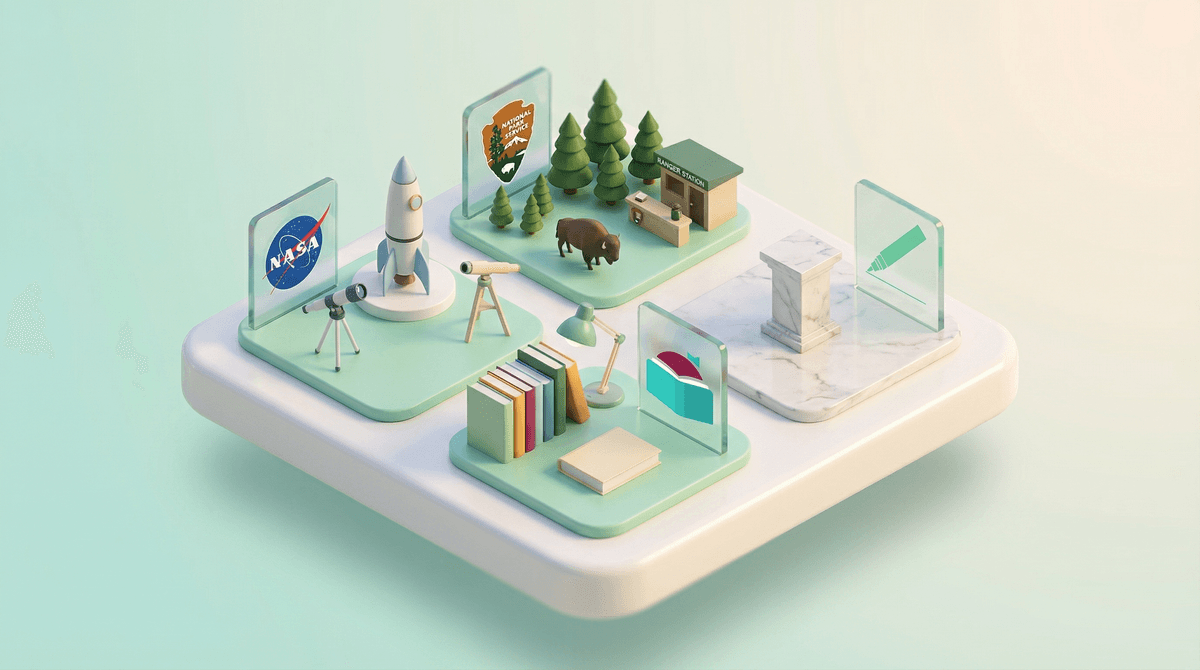
Government apps for kids are official digital services created by public institutions—libraries, schools, state agencies, and federal departments—designed to provide educational content, essential services, or access to public resources. Think digital library cards, state learning portals, DMV practice tests for teens, parks passes, and educational apps from NASA or the Smithsonian.
These aren't the flashy, algorithm-driven platforms your kids are begging for. They're the digital equivalent of a library card or a museum membership—useful, often free, and built without the goal of maximizing engagement metrics or selling your data to advertisers.
But here's the thing: just because something comes from a government agency doesn't automatically make it amazing, safe, or even functional. Some of these apps are genuinely excellent. Others feel like they were designed in 2009 and haven't been updated since. And yes, even official government apps can have privacy concerns worth understanding.
In an era where most kids' digital experiences are shaped by for-profit tech companies optimizing for attention and ad revenue, government apps represent something different: public digital infrastructure designed (in theory) to serve rather than extract.
Your kid's school district probably has a learning portal. Your local library system almost certainly has an app for ebooks and audiobooks. Your state might offer educational resources, parks information, or even apps for teens learning to drive. The National Park Service, NASA, and the Library of Congress all have apps designed for families.
The catch? Most parents have no idea these exist, and even fewer know which ones are actually worth downloading.
No advertising. This is huge. When your kid uses Libby to check out library books or explores the NASA app, they're not being served ads for toys, games, or whatever algorithmic nightmare the platform thinks will keep them scrolling.
Educational value without gamification tricks. Government educational apps tend to focus on actual learning rather than engagement hacks. The Smithsonian Learning Lab isn't trying to create dopamine loops—it's just sharing cool museum collections.
Free or low-cost access to quality content. Library apps give kids access to thousands of books, audiobooks, and educational videos at no cost beyond your existing library membership (which is also free). State educational portals often provide learning resources that would otherwise cost hundreds of dollars.
Better privacy protections. Government apps are generally subject to stricter privacy regulations than commercial apps. They're not in the business of building advertising profiles on children. That said—and this is important—"better" doesn't mean "perfect." More on that below.
Terrible user experience. Let's be honest: many government apps feel clunky and outdated compared to the polished interfaces kids are used to. Getting your teen to use the DMV practice test app when they could use a sleeker third-party version? Good luck.
Inconsistent quality. Some government apps are genuinely excellent (Libby is beloved for good reason). Others are barely functional. There's no unified standard.
Limited tech support. When something breaks in a commercial app, there's usually a support team incentivized to fix it quickly. Government apps? You might be waiting a while, or dealing with a "contact your school district IT department" runaround.
Privacy policies you actually need to read. Yes, government apps are generally better on privacy than commercial ones. But "government app" doesn't automatically mean "zero data collection." School district apps, in particular, often collect more data than parents realize, and that data may be shared with third-party vendors.
Ages 5-8: Library apps like Libby or Hoopla are perfect for this age. Set them up on a shared family device and help your kid browse age-appropriate picture books and read-alongs. The PBS Kids Video app is also government-adjacent (PBS is publicly funded) and excellent for this age group.
Ages 9-12: This is prime time for educational apps from museums and science organizations. The NASA app, National Park Service apps, and Smithsonian resources are all great for curious kids. School district learning portals become more relevant here too—just keep an eye on what data they're collecting.
Ages 13+: Teens can benefit from DMV practice test apps (check your state's official version), library apps for research and leisure reading, and apps that help them access government services they'll need as they approach adulthood. Some states also have apps for finding summer jobs or volunteer opportunities.
Your library card is a digital goldmine. Seriously, if you take one thing from this guide, let it be this: download your library's app. Most public library systems offer Libby or Hoopla, giving you instant access to thousands of ebooks, audiobooks, movies, and music. It's the single best screen time upgrade you can make for free.
School district apps vary wildly. Some districts use well-designed platforms with strong privacy protections. Others use whatever vendor gave them the best sales pitch. Ask your school: What data does this app collect? Who has access to it? Is it shared with third parties? You have a right to know .
.
Look for ".gov" domains. If you're downloading an app claiming to be from a government agency, verify it's actually official. The app store listing should link to a .gov website. There are plenty of third-party apps that look official but aren't.
Government doesn't always mean safe for kids. Some government apps are designed for general audiences and include content that isn't age-appropriate. The Library of Congress app is amazing, but it's not curated for children—you'll want to supervise younger kids.
Government apps for kids are an underutilized resource in most families' digital lives. They offer a rare alternative to the attention-extraction model that dominates commercial tech—but they're not a magic solution to screen time concerns, and they come with their own limitations.
The best government apps (library services, NASA, quality educational portals) deserve a spot on your family's devices. The mediocre ones? Probably not worth the frustration of trying to get your kids to use them when better alternatives exist.
Start with your library app. That's the lowest-hanging fruit and the highest-value addition to your family's digital ecosystem. From there, explore what your school district, state, and favorite public institutions offer—just with the same critical eye you'd apply to any other app.
- Download your library's app today (probably Libby or Hoopla)
- Ask your school district what apps they use and request their privacy policies
- Explore apps from NASA, the Smithsonian, and the National Park Service with your kids
- Check out alternatives to YouTube that include PBS Kids and other publicly-funded options
Government apps won't solve all your digital parenting challenges, but they're a useful tool in the toolkit—and one that more families should know about.