

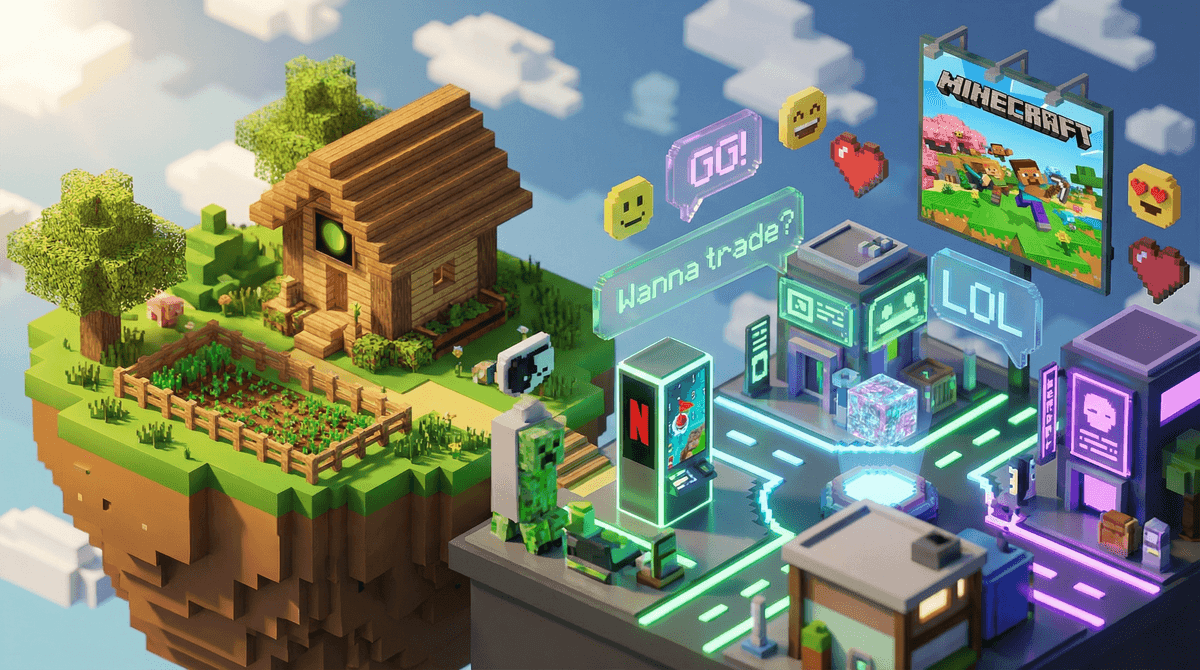
Yes, Minecraft absolutely has in-game messaging, and it's more complex than you might think. The chat features vary dramatically depending on how your kid is playing—single player offline, on a private realm with school friends, or on public multiplayer servers with thousands of strangers.
Here's the reality: about 60% of kids who play Minecraft are using it in ways that involve some form of communication with other players, based on our community data showing 35% playing offline multiplayer and 25% on servers. That means if your child is playing Minecraft, there's a pretty good chance they're chatting with someone.
The chat system itself is text-based (no voice chat built into vanilla Minecraft), appears at the bottom of the screen, and can be accessed by pressing "T" on a keyboard or through controller buttons. Players can send messages that everyone on that server or realm can see, and on some servers, there are private messaging features too.
Single Player Mode: No chat at all. Your kid is just building alone, which is what about 40% of families stick with according to our data.
Realms and Private Servers: This is where most families start with multiplayer. Realms are Microsoft's official private servers (subscription required) where you control exactly who can join—usually just friends from school or family members. The chat here is limited to invited players only. Think of it like a group text with their buddies, except it's about where they're building their castle.
Public Multiplayer Servers: This is the Wild West. Servers like Hypixel, Mineplex, or thousands of smaller community servers can have anywhere from 10 to 50,000+ players online at once. The chat can move FAST, and yes, you'll find the full spectrum of internet behavior—from genuinely helpful players explaining game mechanics to the usual online nonsense (spam, inappropriate language, scams, and occasionally worse).
The chat feature is honestly one of the main reasons kids love multiplayer Minecraft. It's not just about the building—it's about the social experience. They're collaborating on projects, trading items, making jokes, and yes, sometimes getting into drama that would make your middle school years look tame.
But here's what keeps parents up at night: unlike platforms with robust moderation like Roblox (which, for all its issues, has pretty aggressive chat filtering), Minecraft's chat moderation varies wildly by server. Some servers have excellent moderation teams and chat filters. Others have basically none.
The other concern? Predatory behavior. Public servers can be places where adults try to befriend kids, ask them to move conversations to Discord or other platforms, or attempt to get personal information. It happens. Not constantly, but enough that you need to be aware.
Ages 6-8: Stick with single-player or parent-supervised play on a private Realm with known friends only. At this age, they're still figuring out reading and typing anyway, so chat isn't usually the draw.
Ages 9-11: Private Realms with school friends are usually the sweet spot here. You can set up parental controls to disable chat entirely if you want, though many families find that supervised play with chat enabled is a good way to teach digital citizenship. Have their device in a common area so you can casually monitor what's happening.
Ages 12+: This is when kids start pushing for access to public servers, and honestly, many are ready for it with proper preparation. But "ready" means they understand online safety rules, know never to share personal information, understand that not everyone online is who they say they are, and will come to you if something feels off.
Microsoft Account Settings Are Your Friend: You can control a lot through your child's Microsoft account settings, including completely disabling multiplayer or chat features. Learn how to set up these controls properly.
Server Reputation Matters: Not all public servers are created equal. Larger, established servers like Hypixel generally have better moderation than random small servers your kid found through YouTube. Do some research before letting them join.
The "Move to Discord" Red Flag: If anyone in Minecraft asks your child to continue chatting on Discord, Snapchat, or any other platform, that's a massive red flag. Legitimate friendships might eventually move to other platforms, but immediate requests to move off Minecraft are a common grooming tactic.
Chat Logs Exist: On many servers and Realms, chat logs are saved. If something concerning happens, you may be able to review what was said.
Muting and Blocking Work: Teach your kids how to mute annoying players and report genuinely problematic behavior. Most servers have these features—make sure they know how to use them.
Minecraft's chat features aren't inherently dangerous, but they're also not automatically safe. It's like the difference between your kid playing at a friend's house versus at a public park—context and supervision level matter.
The good news? You have options. You can start with completely offline play, graduate to private Realms with known friends, and eventually (if appropriate for your child's maturity level) allow carefully monitored public server access. There's no rush. About 75% of families in our community keep their kids either offline or on private servers, and those kids are having a perfectly great time building and creating.
The key is having honest conversations about online safety, setting clear expectations, and checking in regularly about who they're playing with and what they're experiencing. Think of Minecraft chat like you would any other online communication tool—it requires the same digital literacy skills and safety awareness.
-
Check your current setup: Log into your child's Microsoft account and review the privacy and online safety settings. Make sure they match your comfort level.
-
Have the conversation: Talk with your kids about what they're experiencing in Minecraft chat. Ask who they're playing with, what server they're on, and whether anyone has ever made them uncomfortable.
-
Start conservative, adjust as needed: If you're unsure, begin with stricter settings and loosen them as your child demonstrates good judgment and digital citizenship.
-
Stay involved: Periodically play with your kids or watch them play. You'll learn a lot about their online social world, and it's honestly pretty fun to see what they're building.
Remember, the goal isn't to eliminate all risk—it's to help your kids develop the skills to navigate online spaces safely while still getting to enjoy the creative, social aspects that make Minecraft so engaging for 55% of gaming kids in our community.