

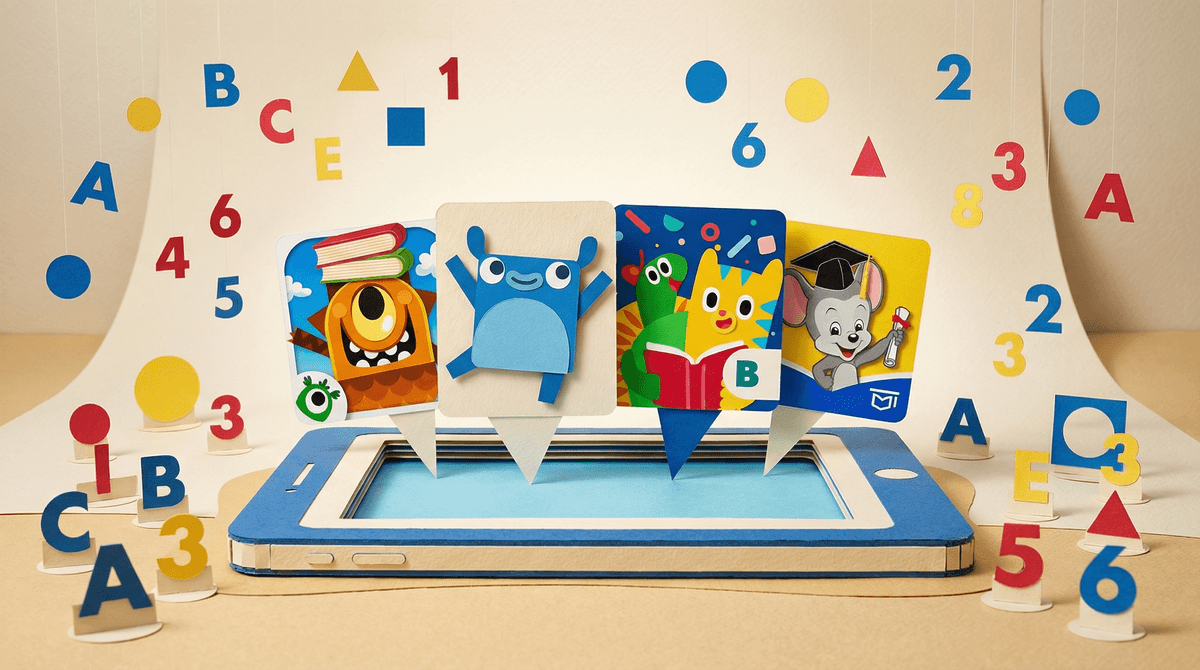
Look, the app store is flooded with literacy apps promising to turn your 3-year-old into a reading prodigy. Homer, ABCmouse, Endless Alphabet, Teach Your Monster to Read—the list goes on. They've got bright colors, cute characters, and marketing copy that makes you feel like you're failing your kid if you don't subscribe.
So can these apps actually teach your preschooler to read? The short answer: sort of, but with major caveats.
The research is pretty clear that apps can support early literacy skills—letter recognition, phonics, vocabulary—but they're not magic bullets. And they definitely shouldn't replace the thing we know works best: you, reading actual books with your kid.
Studies show that well-designed educational apps can help preschoolers with specific pre-reading skills. A 2019 review in Early Childhood Research Quarterly found that literacy apps improved letter knowledge and phonological awareness in kids ages 3-5. Another study from Ohio State found that kids using Homer showed reading gains equivalent to about three months of learning.
But here's the thing: the quality of the app matters enormously. Most of the positive research focuses on apps that:
- Follow evidence-based reading instruction (systematic phonics, not just memorization)
- Adapt to the child's level
- Minimize distractions and gamification gimmicks
- Encourage active participation, not passive watching
And even the good apps work best when used with parent involvement, not as a substitute for it. Kids who used literacy apps with their parents showed significantly better outcomes than kids who used them alone.
Reading is one of those foundational skills that affects literally everything else in school. Kids who enter kindergarten with strong pre-reading skills tend to stay ahead. Kids who start behind often stay behind.
So I get the appeal of apps. They're convenient, they keep kids occupied, and they feel educational. Plus, if you're working from home or juggling multiple kids, 20 minutes of ABCmouse can feel like a lifeline.
But here's what worries researchers (and should worry us): screen time is screen time. Even "educational" screen time for preschoolers comes with trade-offs. Time on apps means less time for:
- Free play (which builds creativity and problem-solving)
- Physical activity (crucial for brain development)
- Face-to-face interaction (where language really develops)
- Hands-on exploration (how young kids actually learn best)
The American Academy of Pediatrics recommends no more than one hour of high-quality screen time per day for kids ages 2-5. If you're using that hour on a literacy app, that's your budget. No YouTube, no Bluey, no Toca Boca games.
I'm not saying apps are useless. But if we're being honest about what actually teaches preschoolers to read, here's the hierarchy:
1. Reading real books together (still the gold standard) When you read with your kid, you're modeling fluency, building vocabulary, answering questions, making connections, and creating positive associations with reading. No app does all of that.
2. Talking, singing, playing with language
Rhyming games, silly songs, making up stories, playing with magnetic letters on the fridge—this stuff matters more than you think. Learn more about how oral language development predicts reading success .
.
3. High-quality literacy apps used with you If you're going to use apps, sit with your kid. Talk about what they're doing. Make connections to books you've read. Ask questions. This turns passive screen time into active learning.
4. High-quality literacy apps used independently Can provide some benefit, but the least effective option on this list.
Ages 2-3: Honestly? Skip the literacy apps entirely. At this age, reading means looking at board books together, pointing at pictures, and talking about what you see. If you want something digital, Vooks (animated storybooks you watch together) is better than drill-and-practice letter apps.
Ages 4-5: This is where literacy apps can actually be useful. Look for ones that:
- Focus on phonics and letter sounds (not just memorizing sight words)
- Let kids progress at their own pace
- Have minimal ads and in-app purchases
- Don't rely on extrinsic rewards (stickers, coins, prizes)
Homer and Teach Your Monster to Read are solid options. ABCmouse is popular but can feel overwhelming and cluttered—read this guide to ABCmouse alternatives if you want other options.
Kindergarten and beyond: At this point, apps can supplement what they're learning in school, but they shouldn't be doing the heavy lifting. If your kid is struggling, talk to their teacher before throwing apps at the problem.
Can apps teach preschoolers to read? Yes, but they're not the best tool for the job.
Apps work best as a supplement to regular reading, not a replacement. They can help with specific skills like letter recognition and phonics, especially if you use them together. But they're not going to magically create a reader.
If you're feeling guilty about not using literacy apps, don't. Reading actual books together is still the most effective thing you can do. If you are using apps, just be intentional about it—choose quality over quantity, stay involved, and keep it within your overall screen time limits.
And honestly? If your preschooler isn't reading yet, that's completely normal. Some kids click at 4, some at 6. The research is clear that early readers don't have any long-term advantage over kids who learn later. What matters more is whether they enjoy reading and see it as something meaningful.
- Audit your current setup: How much time is your preschooler spending on literacy apps? Is it cutting into book time or other activities?
- Try the 80/20 rule: 80% books and conversation, 20% apps (if any)
- Use apps together: Sit with your kid for at least the first few sessions to see what they're actually learning
- Check out alternatives: Here are some screen-free literacy activities that work just as well
Want to dig deeper? Explore our guides on early literacy and screen time or Get help for your specific situation.