

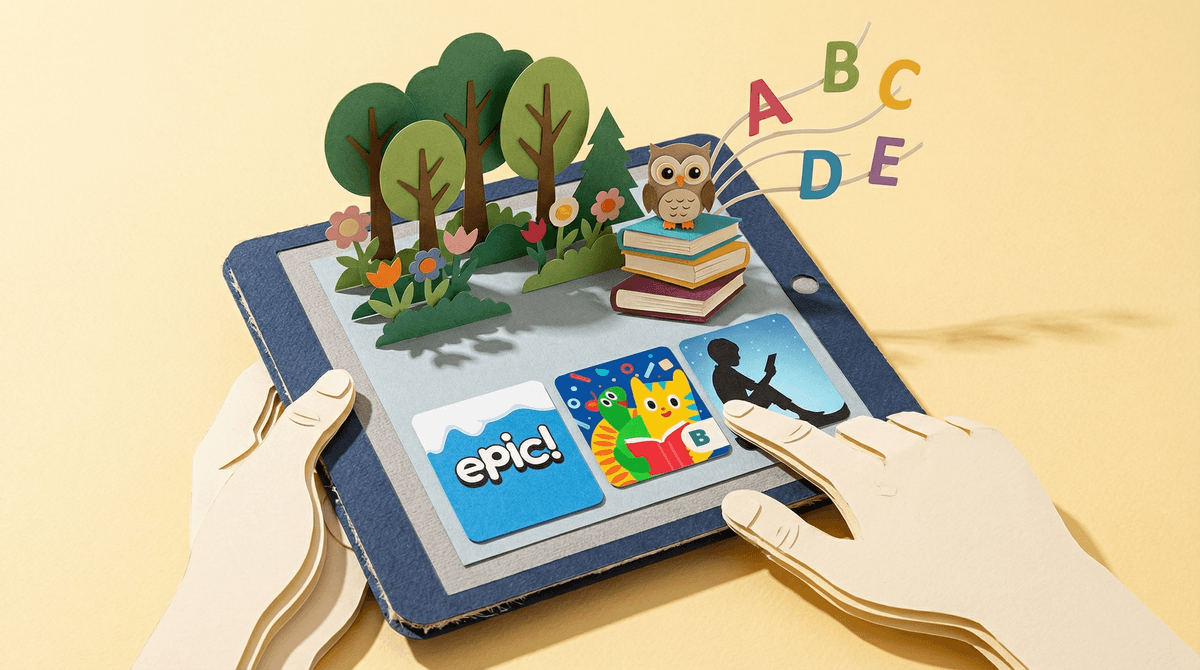
Book apps are digital reading platforms that deliver stories through interactive features, animations, sound effects, and sometimes games. We're talking about apps like Epic!, Homer, Amazon's Kindle for Kids, and even library apps like Libby that let kids access thousands of books on tablets and phones.
These aren't just PDFs of books on a screen. Most book apps add layers of interactivity—words that highlight as they're read aloud, characters that move when you tap them, vocabulary games, comprehension quizzes, and achievement badges. Some are basically digital libraries with curated collections. Others are full-on "learning experiences" that blend reading with educational games.
And yes, they almost all require subscriptions. Because of course they do.
The pitch is pretty compelling: your kid can access thousands of books instantly, there's no schlepping to the library, no lost books under the couch cushions, and many apps track reading progress so you can see exactly what they're reading and for how long. For reluctant readers, the interactive elements can be genuinely engaging. For road trips or waiting rooms, they're incredibly convenient.
The read-aloud features can also be a lifesaver for early readers building fluency, or for kids with reading challenges like dyslexia. Apps like Learning Ally specifically focus on audiobooks for kids with learning differences.
But here's the tension: we're adding more screen time to get our kids to read, which feels... weird? Like solving a problem by creating another problem.
Let's cut through the noise. The research on digital reading for kids is mixed, and it matters how these apps are used.
The good news:
- Interactive ebooks can boost engagement for reluctant readers
- Read-aloud features help early readers with phonics and fluency
- Immediate access to diverse books can expose kids to more genres and topics
- For some kids with learning differences, the customization (font size, background color, audio support) is genuinely helpful
The less good news:
- Interactive features can actually distract from comprehension. Kids remember less of the story when they're tapping animations
- Physical books still win for deep reading and retention, especially for longer-form content
- The "gamification" elements (badges, points, levels) can shift motivation from intrinsic love of reading to external rewards
- Screen-based reading before bed can mess with sleep (that blue light is real)
A 2019 study in Pediatrics found that parent-child interactions were richer and more frequent with physical books compared to electronic books with interactive features. The bells and whistles became the focus, not the story.
Ages 2-5: Honestly? Physical books are still the gold standard here. If you're going to use book apps, co-read with your kid and turn off as many interactive features as possible. Apps like Vooks (which are basically animated storybooks) can work for occasional variety, but they shouldn't replace lap reading time.
Ages 6-8: This is where book apps can start to make sense, especially for kids building reading independence. Look for apps with strong read-aloud features and minimal distractions. Epic! has a solid collection, but you'll want to set up the parental controls to limit screen time and curate what's available. The app's algorithm can push kids toward easy, high-engagement books rather than challenging ones.
Ages 9-12: Book apps can be genuinely useful here, especially if your kid is a voracious reader who blows through library books faster than you can return them. Apps like Libby (through your library) or Kindle for Kids give access to chapter books and series without the interactive distractions. But watch out for the "endless scroll" effect—the same dopamine loop that keeps them scrolling TikTok can make them skim books rather than actually read them.
Teens: At this point, ebooks and audiobooks are just part of the reading landscape. Apps like Libby or Audible are fine. The bigger question is whether they're reading anything at all, not whether it's on paper or a screen.
Subscription costs add up fast. Epic! is $13/month. Homer is $10/month. Kindle Unlimited for Kids is bundled with devices. If you have a library card, start with Libby first—it's free and has a surprisingly good selection of kids' books.
Not all "reading" is equal. If your kid is using a book app but spending most of the time playing the mini-games or tapping animations, they're not actually reading. Check in on what they're doing, not just how long they're on the app.
The algorithms want engagement, not growth. Book apps will recommend books that keep kids reading (and subscribed), which often means easier, high-interest books rather than challenging ones. You might need to manually curate what's available or set reading goals that push them toward new genres.
Blue light before bed is still a thing. If your kid is reading on a tablet or phone before sleep, it's going to affect their rest. E-readers with e-ink displays (like basic Kindles) don't have this problem, but backlit screens do. Consider a "no screens 30 minutes before bed" rule, even for reading apps.
Book apps aren't evil, but they're not magic either. They're tools, and like any tool, they work better in some situations than others.
Use book apps when:
- You're traveling or in situations where physical books aren't practical
- Your kid is a reluctant reader and the interactive features genuinely help engagement
- You want instant access to a specific book or series
- Your child has learning differences that benefit from audio support or customization
Stick with physical books when:
- You're reading together (especially with younger kids)
- It's bedtime
- Your kid is already hitting their screen time limits
- You want to build deep reading habits and comprehension
The best approach? Hybrid. Physical books for bedtime and focused reading. Book apps for convenience and variety. And always, always prioritize the relationship with reading over the format. A kid who loves stories will read them anywhere—on paper, on screens, on cereal boxes. A kid who's being forced to hit reading quotas on an app is just going through the motions.
If you're considering book apps, learn more about how screen time affects reading comprehension or explore alternatives to Epic! and other subscription reading apps. And if you're trying to build a reading habit without screens, check out this guide to audiobooks vs. reading.
Your library card is still the best deal in town. Start there.