

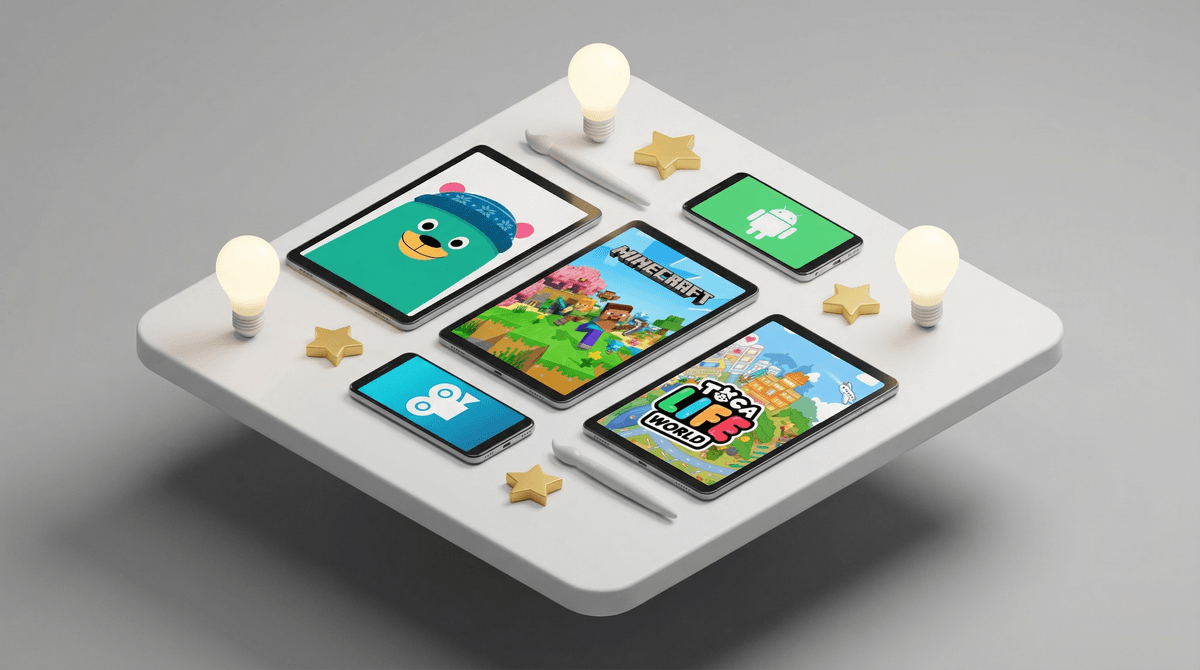
The Best Kid-Friendly Android Apps Parents Actually Trust
Let's be real: the Google Play Store is an absolute nightmare to navigate when you're trying to find quality apps for kids. You've got 47 different "educational" apps that are just thinly-veiled ad delivery systems, knockoff games with names like "Craft Mine Block Building," and apps that promise to teach your kid calculus but actually just show them how to click through intrusive pop-ups.
The good news? There ARE genuinely great Android apps for kids out there. Apps that are actually educational, or creative, or just plain fun without being exploitative garbage. The trick is knowing which ones are worth your phone's storage space and which ones are digital junk food disguised as learning tools.
Here's the thing about Android: it's more open than iOS, which means more variety and often lower prices. But that openness also means less curation and more potential for sketchy apps to slip through. You'll find amazing free options on Android that cost $5 on iPhone, but you'll also find more apps that are basically just trying to harvest your kid's data or drain your wallet through in-app purchases.
The apps I'm recommending here are ones that parents actually use and trust—not just apps with high ratings from bot accounts or ones that paid for featuring.
Khan Academy Kids (Ages 2-8)
This is the gold standard. Completely free, zero ads, and legitimately educational. It covers reading, math, social-emotional learning, and creative play. The fact that it's free and ad-free still blows my mind. Khan Academy just... made a good thing and gave it away. Revolutionary concept.
Duolingo (Ages 7+)
Yes, the owl is mildly threatening. But Duolingo actually works for language learning, especially for kids who respond well to gamification. The free version is totally usable, though you'll get ads between lessons. For elementary and middle schoolers who want to learn Spanish, French, or even Japanese, this is solid.
Prodigy Math (Ages 6-14)
This is basically Pokémon but you solve math problems to battle. Kids are VERY into it. The free version is generous, though there's definitely some pressure to upgrade to the paid membership for cosmetic items. It adapts to your kid's level and aligns with curriculum standards. Just be prepared for your kid to suddenly care about math because they need to defeat a wizard.
Epic! (Ages 12 and under)
Digital library with thousands of books. It's like Netflix for kids' books. The free version gives you one book per day; the paid version ($8/month) gives unlimited access. If you have a reluctant reader, the ability to have books read aloud while highlighting text can be genuinely helpful.
Toca Life World (Ages 6-12)
Toca Boca makes consistently good apps. This one is like a digital dollhouse where kids create characters and stories. There are in-app purchases for additional locations and items, but the base game is substantial. No ads, no weird social features, just creative play.
Stop Motion Studio (Ages 8+)
If your kid is into making videos, this is fantastic. They can create stop-motion animations using toys, drawings, or whatever. The free version is fully functional; the paid version adds green screen and other effects. It's genuinely creative and the learning curve is manageable.
Procreate Pocket (Ages 10+)
Wait, sorry—Procreate is iOS only. For Android, ibis Paint X is the move. It's a serious digital art app that kids can actually grow into. Yes, there are ads in the free version, but you can pay to remove them. Kids who are serious about digital art will get real mileage out of this.
Minecraft (Ages 7+)
Yes, it costs $7.99. Yes, it's worth it. Minecraft on mobile is the full game, and if your kid is going to be playing a game on a tablet, this is one of the best options. Creative, problem-solving, can be played solo or with friends. Just set up parental controls if they're playing online.
[Chess for Kids](https://screenwiseapp.com/media/chess-for-kids-game (Ages 5+)
Multiple good options here—Chess Kid and Lichess both have solid Android apps. Chess Kid is more structured and kid-focused but costs money; Lichess is completely free and open-source but less hand-holdy. Either way, chess on a tablet is genuinely good for developing strategic thinking.
Monument Valley (Ages 8+)
Beautiful puzzle game with Escher-like architecture. It costs a few bucks but it's a complete experience—no ads, no in-app purchases, no nonsense. Just gorgeous, meditative puzzle-solving. Monument Valley 2 is equally good.
Let me save you some time. Skip any app that:
- Has a name that's clearly trying to trick you (like "Talking Tom Gold Run 2 Free Adventure" or whatever)
- Shows you a different game in the ad than what you actually download
- Immediately asks for permissions it doesn't need (why does a coloring app need access to your contacts?)
- Has a suspiciously high number of 5-star reviews that all sound the same
- Pushes in-app purchases within the first 30 seconds
Also, those "educational" apps that are just flashcards with sound effects? Your kid will use them for exactly two minutes before getting bored. Save your storage space.
Android's parental controls have gotten significantly better. Google Family Link lets you:
- Approve or block app downloads
- Set screen time limits
- See what apps your kid is using and for how long
- Remotely lock their device (for bedtime or homework time)
It's not perfect—older kids will definitely find it annoying—but for elementary schoolers, it's genuinely useful.
The best kid-friendly Android apps are the ones that either teach something meaningful, enable genuine creativity, or provide entertainment that's not actively rotting their brain. Khan Academy Kids, Duolingo, and Toca Life World are the holy trinity of "apps I actually recommend without reservation."
Everything else depends on your kid's interests and your family's tolerance for in-app purchases and ads. But the key is being intentional about what you're downloading. Just because an app is marketed as "educational" doesn't mean it's not garbage, and just because an app is "just a game" doesn't mean it's not valuable.
Start with one or two apps from the educational category and see what sticks. If your kid gravitates toward creative stuff, try the art or stop-motion apps. If they're into games, Minecraft is basically always the answer.
And for the love of all that is holy, turn off in-app purchases in your Google Play settings unless you want to explain to your kid why they can't spend $99.99 on virtual gems in some random app. Here's how to do that , by the way.