

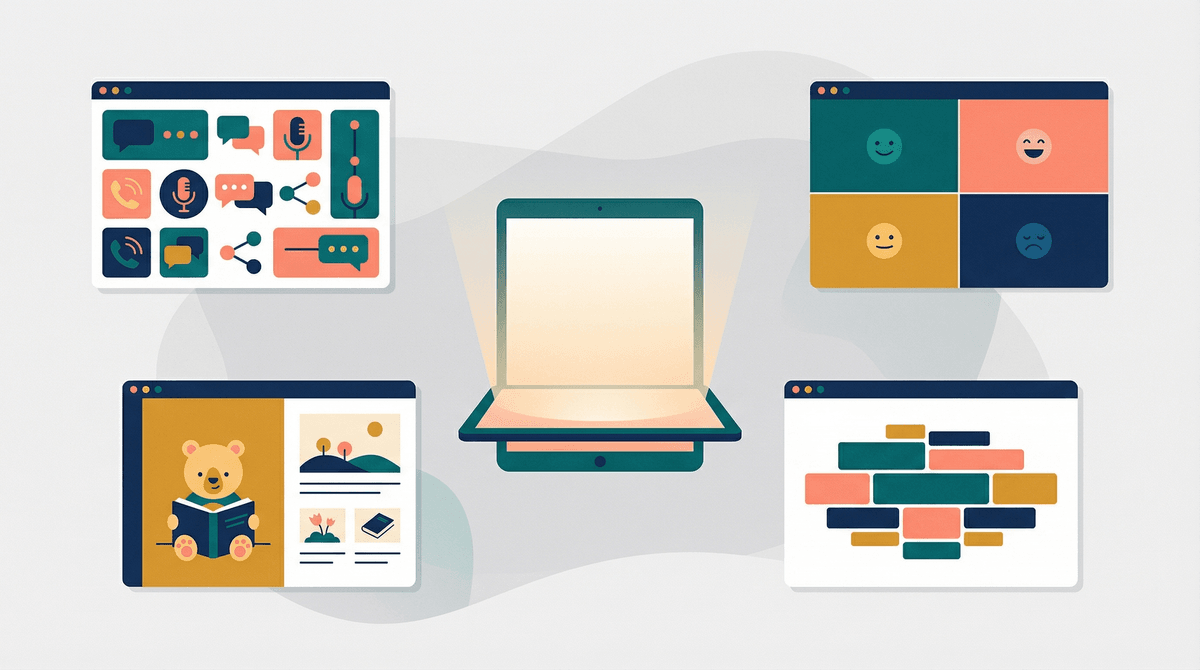
Let's be real: when you're parenting a neurodivergent kid, you're constantly sifting through advice, tools, and apps that promise to help — and honestly, a lot of it is either overhyped, outdated, or just doesn't match your child's actual needs. Apps designed for kids with autism typically fall into a few categories: communication tools (AAC apps that help nonverbal or minimally verbal kids express themselves), learning and skill-building apps (think social stories, emotion recognition, daily routines), sensory regulation tools (calming visuals, sounds, fidget-style interactions), and behavioral support apps (for parents and therapists to track progress and patterns).
The thing is, "apps for kids with autism" isn't one-size-fits-all. Autism is a spectrum, and what works brilliantly for one kid might be completely wrong for another. Some kids thrive with structured learning games, others need open-ended sensory exploration, and some just want to watch the same YouTube video 47 times in a row (no judgment, we've all been there).
For many families, the right app can be genuinely life-changing. A solid AAC app like Proloquo2Go or TouchChat can give a nonverbal child a voice — literally. Social skills apps can provide low-pressure practice for things like reading facial expressions or understanding turn-taking. Sensory apps can help a kid regulate when they're overwhelmed, offering a portable calm-down tool that doesn't require lugging a weighted blanket everywhere.
But here's the catch: apps are tools, not magic solutions. They work best when they're part of a broader support system that includes therapy, school accommodations, and family routines. And they absolutely require parental involvement, especially at first. You can't just hand over an iPad with a bunch of apps and expect breakthroughs — you need to learn the app alongside your kid, figure out what's actually helpful versus what's just flashy, and adjust as they grow.
Communication (AAC) Apps
If your child is nonverbal or has limited speech, AAC (Augmentative and Alternative Communication) apps are the heavy hitters. Proloquo2Go is probably the most well-known — it's robust, customizable, and used by speech therapists everywhere, but it's pricey (around $250). TouchChat is another solid option with similar features. If you're just starting out or need something more affordable, Avaz and LAMP Words for Life are worth checking out.
Parent reality check: These apps have a learning curve. Work with your child's speech therapist to set them up properly — the customization is powerful but can be overwhelming if you're going it alone.
Social Skills and Emotional Learning
Apps like Social Stories Creator & Library let you build personalized stories about specific situations (going to the dentist, meeting new people, dealing with loud noises). Zones of Regulation helps kids identify and manage their emotions using color-coded zones. Model Me Going Places uses video modeling to show kids what to expect in various social situations.
These work best when you use them together — like reading a social story before a new experience, then referencing it again afterward.
Sensory and Calming Tools
For sensory seekers or kids who need help regulating, there are tons of options. [Sago Mini](https://screenwiseapp.com/media/sago-mini-boardgame games are gentle, open-ended, and low-pressure. Fluid is a simple, mesmerizing visual app that's great for calming. Sensory Apps offers cause-and-effect interactions designed specifically for sensory needs.
Hot take: Some of these sensory apps are basically expensive fidget toys. That's not necessarily bad, but be honest about whether your kid actually needs an app or if they'd be just as happy with a $5 liquid motion timer.
Learning and Skill-Building
Endless Alphabet and Endless Numbers are engaging and autism-friendly because they're low-pressure, repetitive in a good way, and have clear cause-and-effect. Toca Boca apps are fantastic for open-ended play without timers, scores, or stressful objectives. ABCmouse and Khan Academy Kids offer structured learning paths, though they're not autism-specific.
Not all "autism apps" are created equal. Some are evidence-based and developed with input from therapists and neurodivergent individuals. Others are just regular kids' apps with "autism" slapped on for SEO. Look for apps recommended by speech therapists, occupational therapists, or autism organizations like the Autism Society or Autism Speaks.
Free trials are your friend. Many AAC and learning apps offer trial periods or lite versions. Use them. What looks perfect in the App Store might be completely wrong for your kid's sensory preferences or learning style.
Beware of data collection. Some apps marketed to special needs families collect a shocking amount of data. Check privacy policies, especially for apps that track behavior or communication patterns. Learn more about app privacy and kids .
.
Screen time guilt is real, but context matters. If an app is genuinely helping your child communicate, learn, or regulate, that's not the same as passive YouTube consumption. Give yourself permission to differentiate between "helpful screen time" and "I just need 20 minutes to make dinner" screen time. Both are valid, by the way.
Forget chronological age — focus on developmental stage and specific needs. A 10-year-old who's nonverbal has very different app needs than a 10-year-old working on social skills. A 4-year-old who's hyperlexic might love apps designed for older kids, while a 7-year-old with sensory sensitivities might do better with apps designed for toddlers.
Start simple. Don't overwhelm your kid (or yourself) with 15 apps at once. Pick one or two based on their most pressing needs, learn those together, and expand from there.
The best app for your kid is the one they'll actually use and that addresses a real need in their life. It might be a fancy $250 AAC app, or it might be a free sensory app that just happens to help them calm down before bed. There's no shame in trial and error — in fact, that's the only way to figure out what works.
Don't let app shopping become another source of parenting stress. You're already doing a lot. If an app helps, great. If it doesn't, delete it and move on. And remember: your presence, patience, and willingness to meet your kid where they are will always matter more than any piece of technology.
- Talk to your child's therapists about specific app recommendations based on their goals
- Check if your insurance or school district will cover AAC apps (many will!)
- Start with one free or trial app before investing in expensive tools
- Explore more assistive technology options
- Join online parent communities where families share what's actually working (not just what's marketed well)