

TL;DR
Amazon Alexa is no longer just a glorified kitchen timer. With the rollout of Alexa+, the system has shifted from a command-based assistant to a generative AI personality that can actually hold a conversation. For parents, this means better "homework help" but also new privacy hurdles.
Quick Links for your Alexa:
- Best for Audiobooks: Audible
- Best for Music: Spotify or Amazon Music
- Best for Kids Content: Amazon Kids+
- Best Educational Skill: National Geographic Kids
- Top Podcast for Kids: Wow in the World
Get a step-by-step guide to locking down Alexa privacy settings
If you’ve had an Echo Dot sitting on a shelf for five years, you probably think of Alexa as the thing that tells you the weather or plays Baby Shark on a loop until you want to throw the device out the window.
But things have changed. Amazon has integrated Large Language Models (LLMs)—the same tech behind ChatGPT—into the new Alexa+. This version is more conversational, remembers previous parts of the chat, and can actually "reason" through complex requests. Instead of just saying "I don't know that one," it might try to make up a story or explain why the sky is blue in a way that sounds suspiciously like a tired parent.
For our kids, this is a massive shift. They aren't just giving commands; they are interacting with a "personality."
Kids love Alexa because it gives them autonomy. In a world where adults control the snacks, the remote, and the schedule, Alexa is the one person in the house who (usually) listens to them the first time.
- The DJ Factor: They can summon Minecraft parodies or the latest viral hit without needing to navigate a screen.
- The "Why" Machine: Alexa+ is the ultimate answer to the "but why?" phase. It doesn't get frustrated when asked the same question fourteen times.
- Interactive Play: Skills like Choose Your Own Adventure or Panda Rescue turn the speaker into a gaming console without the "brain rot" visual stimulation of a tablet.
The downside? It can make kids bossy. There’s a specific "Alexa voice" kids develop—curt, demanding, and devoid of "please" or "thank you"—that can easily bleed into how they talk to actual humans.
Not all Alexa skills are created equal. In fact, about 80% of the "Kids Skills" library is absolute filler—low-quality trivia or sound-effect apps that are basically digital trash. Here is what is actually worth your time:
If you aren't using Alexa for audiobooks, you're missing out. It’s the best way to do "screen-free" quiet time. Pro tip: If your kid is obsessed with Harry Potter, the Jim Dale narrations are elite. Check out our guide to the best audiobooks for 8-year-olds
Link your family account, but be warned: Alexa struggles with specific playlists unless you name them something incredibly simple like "Kid Jams." If you don't set up Explicit Content Filters in the Alexa app, your seven-year-old is one "Play Top Hits" away from an unedited Megan Thee Stallion track.
This is an Amazon-produced skill that reads professionally narrated short stories. It’s a great alternative to the "bedtime struggle." It’s high quality, unlike some of the third-party "Bedtime Stories" skills that sound like they were recorded in a basement.
This is the gold standard of kids' podcasts. It’s funny, scientific, and actually tolerable for parents to overhear. Just say, "Alexa, play the podcast Wow in the World."
Let’s be real: Alexa is a microphone in your house owned by one of the largest data-collection companies on earth.
The Privacy Basics:
- The Mute Button: Use it. If you’re having a private conversation or just want "tech-off" time, physical disconnection is the only 100% guarantee.
- Voice Recordings: Amazon keeps a log of every single thing said to Alexa. You can (and should) go into the Alexa Privacy Settings and set it to "Automatically delete recordings older than 3 months" (or 18 months, but why wait?).
- The Camera: If you have an Echo Show, please, for the love of all things holy, use the physical camera shutter when you aren't actively on a video call.
The Amazon Parent Dashboard
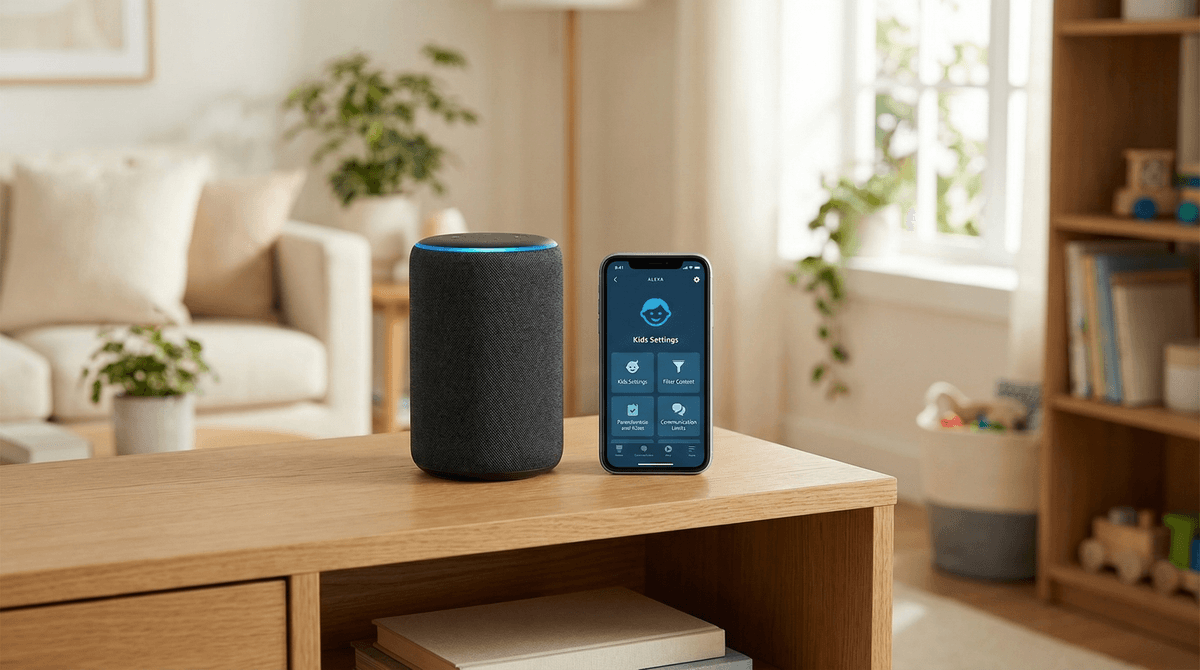
This is your command center. If you have an "Echo Kids" edition or have enabled Amazon Kids on a standard device, you can see exactly what your kids are asking, set time limits (no Alexa after 8 PM), and filter out explicit lyrics.
Read our full guide on setting up the Amazon Parent Dashboard
With the new AI features, Alexa can now "hallucinate." Just like ChatGPT, it can confidently state things that are factually wrong.
If your kid is using Alexa+ for homework help with a National Geographic Kids project, they need to know that Alexa is a "predictive engine," not an encyclopedia. It’s guessing the next most likely word, not necessarily the most truthful one.
Ages 5-8: The "Magic Mirror" Phase
At this age, kids think Alexa is a person or a magical entity.
- Focus on: Audiobooks, "Animal of the Day," and simple timers.
- Warning: They will try to buy things. Ensure Voice Purchasing is turned OFF or requires a 4-digit PIN that isn't their birthday.
Ages 9-12: The Tool Phase
Older kids start using Alexa for utility—alarms for school, checking the weather for practice, or settling debates about who won the 2022 World Series.
- Focus on: Productivity and music.
- Warning: This is when they start testing the "Explicit Filter." They’ll find the loopholes in your Spotify settings faster than you can say "Bezos."
Don't just set the speaker down and walk away. Have a "Digital Meet and Greet."
- "It's a Computer, Not a Friend": Explain that Alexa doesn't have feelings. It’s a very smart library, not a member of the family.
- "The Walls Have Ears": In a non-scary way, explain that the "Wake Word" (Alexa) is like a light switch. When it’s on, it’s recording. If we want privacy, we turn the switch off.
- "Politeness Matters": Even if Alexa doesn't care if you say "please," we do. It’s about maintaining the kid's character, not Alexa's feelings.
Amazon Alexa is a tool of convenience. It can make your mornings smoother and your kids' afternoons more imaginative with high-quality audio content like Brains On!.
However, the "set it and forget it" approach doesn't work here. Between the privacy implications of "always-on" microphones and the new quirks of generative AI in Alexa+, you need to be the one driving the bus.
Next Steps:
- Open your Alexa app and check your Voice Purchase settings right now.
- Enable Amazon Kids on the devices your children use most.
- Set a "Delete History" schedule in the Privacy Settings.
- Try a high-quality skill together, like The Magic Door, to show them that Alexa can be more than just a timer.
Check out our comparison of Alexa vs. Google Home for families