If your kid is spending hours staring at a screen full of pixelated dirt, you don't have to fight the obsession — you just have to pivot it toward the versions and mods that turn Minecraft into a legitimate curriculum for coding, chemistry, and systems engineering.
TL;DR The best way to turn a Minecraft habit into a skill set is to move beyond the "survival" loop and into specialized versions like Minecraft Education for chemistry and math, or mods like ComputerCraft that teach actual Lua programming. By introducing tools that require logic and automation, you’re shifting them from being passive consumers to digital architects.
The biggest mistake parents make is treating Minecraft like a digital toy box. It’s actually closer to a CAD program or a development environment. If your kid is just digging holes and running from creepers, they’re using about 5% of the engine’s potential. The "learning" happens when you introduce constraints or tools that require them to think in systems. Whether it’s through official school-ready versions or community-made mods that add real-world programming, the goal is to make the game's complexity the point of the play.
If you want the lowest barrier to entry, you start with the versions Microsoft built specifically for the classroom.
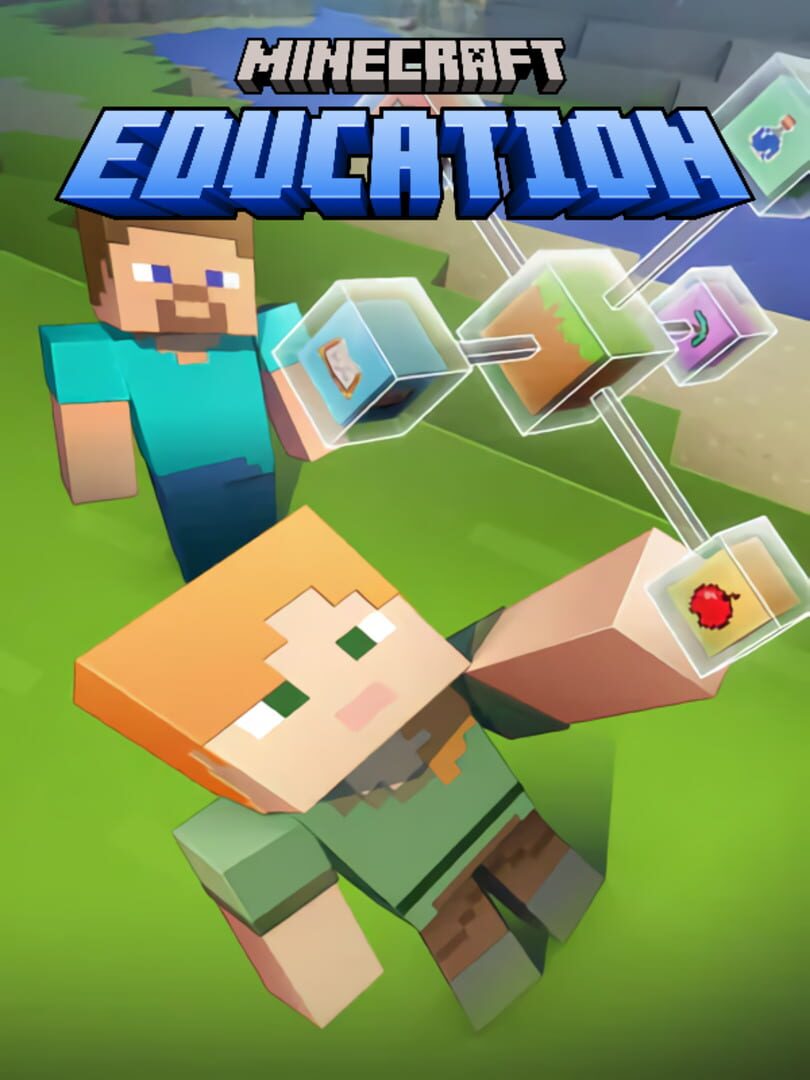
This is the "teacher’s pet" version of the game, and for good reason. It strips away the marketplace pressure and the "wild west" feel of public servers and replaces them with a Chemistry Lab where kids can combine elements to create things like underwater TNT or helium balloons. It’s the only game that makes you feel like a genius for letting them play for three hours straight because they’re actually learning the periodic table.
One thing to know: You usually need a school account or a specific Microsoft 365 license to get in. It’s a bit of a setup headache, but once you’re in, it’s a distraction-free environment with zero predatory monetization.
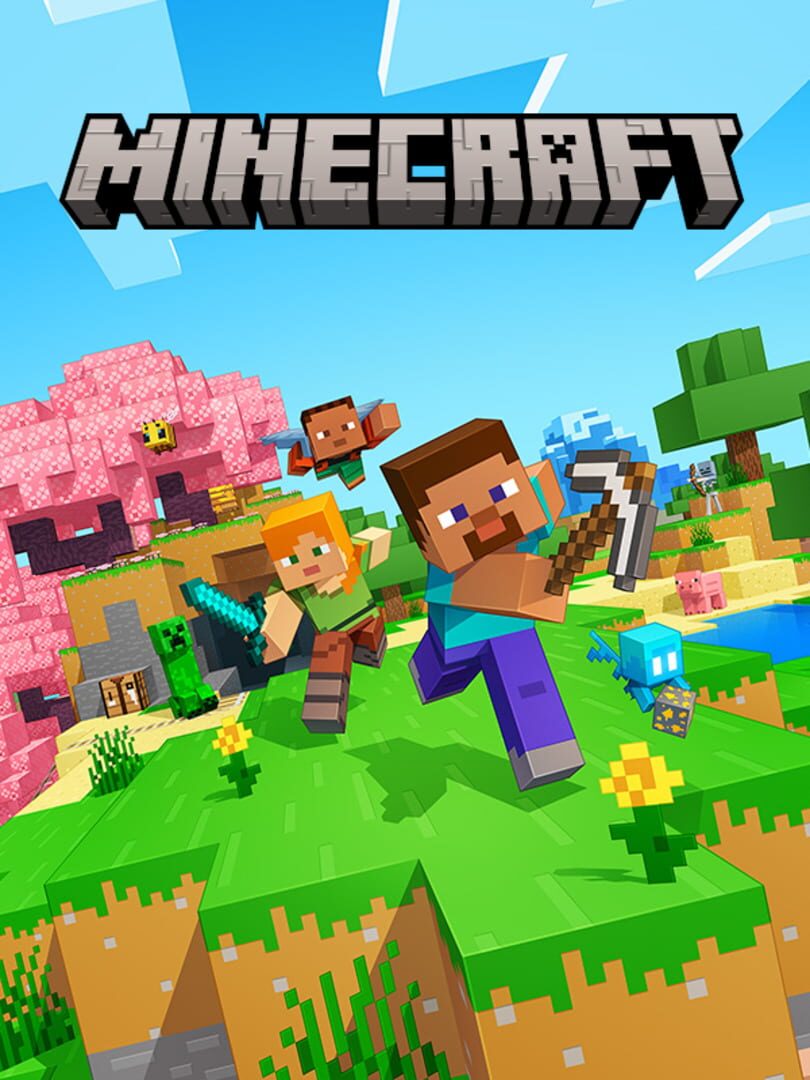
This is the standard version most kids play on consoles or iPads. While it’s the "commercial" version, it’s still an incredible tool for spatial reasoning and basic engineering. The key here is Redstone. If your kid is building complex doors or hidden traps, they’re learning the basics of Boolean logic and circuitry. It’s basically LEGO meets survival camp, minus the mosquitoes. Just keep an eye on the Marketplace; it's easy to accidentally spend a fortune on "Minecoins" for skins they don't really need.
Once a kid has mastered the basics of building, the next step isn't more blocks — it's automation.
This is the gold standard for turning a Minecraft fan into a programmer. It’s a mod that adds "Turtles" — little robots that the player has to program using Lua, a real-world language used by professional game developers. Instead of mining for diamonds by hand, your kid has to write the code to tell the robot how to do it. It’s a steep learning curve, but the payoff is massive. When a kid realizes they can automate their entire "blocky empire" with a script they wrote themselves, something clicks that no textbook can replicate.
This one is for the kids who love the "magic" side of games but have a brain for engineering. Botania is a "natural magic" mod that’s secretly a masterclass in 3D spatial logic and automation puzzles. You aren't just clicking buttons; you're building systems that harness energy from flowers to power complex machinery. It rewards curiosity and experimentation without any pay-to-win nonsense. It’s perfect for kids 9 and up who are looking for a deeper challenge than just building a bigger castle.
The "learning" in Minecraft isn't always obvious from the couch. You have to ask the right questions to pull it out.
- Ask about the "How," not the "What": Instead of asking "What are you building?", ask "How does that door work?" or "How did you get that robot to mine in a straight line?" Making them explain the logic is where the synthesis happens.
- Set a "Project Goal": Treat it like a science fair. "Can you build a machine that sorts your items automatically?" or "Can you code a Turtle to build a 10x10 house?"
- Co-play the complex stuff: You don't need to be a pro, but sitting beside them while they debug a Lua script in ComputerCraft shows them that problem-solving is a collaborative skill, not just a solo grind.
The "Learning" versions of Minecraft often require more legwork than just downloading an app. Minecraft Education Edition works best with structured lessons, and mods like ComputerCraft require the "Java Edition" of the game on a PC or Mac. It’s a bit of a technical hurdle for the parent, but that friction is actually a good filter — it ensures the environment is controlled and the focus stays on the creative tools rather than the social distractions of open servers.
Q: Is Minecraft Education actually better than the regular version? Yes, if the goal is learning. It includes a Chemistry Lab, a 3D coding interface, and classroom-specific features that you won't find in the standard version. It’s also safer because it doesn't have the open-chat risks of public servers.
Q: What age is ComputerCraft appropriate for? The sweet spot is ages 9-16. It requires solid reading comprehension and the patience to debug code. If your kid is already into Scratch, this is the perfect "what's next" for them.
Q: Do I have to pay for these mods? No. Most major educational mods like ComputerCraft and Botania are free community projects. You just need to own the base game (usually the Java Edition on PC) to install them.
Q: My kid just wants to play with friends. Can they learn together? Absolutely. Minecraft Bedrock Edition allows for easy cross-platform play. The move here is to encourage them to work on a "shared build" or a complex Redstone project together, which builds collaboration and project management skills.
Minecraft is only "brain rot" if you let it be. By pointing them toward our best games for kids list and specifically these educational variants, you’re turning their favorite hobby into a legitimate technical foundation.
- Check out the full Minecraft pillar page for a deep dive into safety and settings.
- Explore our digital guide for elementary school to see where Minecraft fits into the bigger media picture.
- Get a Minecraft mod recommendation for a 10-year-old who likes engineering
 based on your kid's interests.