



Space is the ultimate curiosity engine for a kid. It’s the one topic where "weird" is the default and the scale is so massive it forces their brains to stretch. If your kid is starting to ask how far away the sun is or why Pluto got demoted, you’ve hit a golden window for STEM engagement that doesn't feel like a chore. The goal isn't to turn them into an orbital mechanic by age ten; it’s to feed that "what’s out there" energy with high-quality tools that respect their intelligence.
For the kid who can’t stop looking up, start with Sky Guide for instant stargazing wins and NASA's Curious Universe for science-heavy (but accessible) car rides. If they want to go deeper, Eyes on the Solar System offers a real-time "spaceship" view of current missions, while Neil deGrasse Tyson’s Astrophysics for Young People in a Hurry handles the big "why" questions without the textbook dry-rot.
The easiest way to kill a kid's interest in space is to take them outside and realize you can't find anything but the Big Dipper. Augmented Reality (AR) apps have solved this. They turn the phone into a magic lens that labels the sky in real-time.
This is the gold standard for "point and see" tech. It’s incredibly polished—it tracks stars, constellations, and even satellites as you move your device across the sky. The killer feature here is the satellite tracking. You can set notifications for the International Space Station (ISS) flyovers, which is a top-tier "cool parent" move. The intentionality play: Remind your kid to use the "Night Vision" mode (the red filter). It preserves their natural night vision so they can look at the screen and then back at the actual stars without their eyes needing to readjust for ten minutes.
While Sky Guide is about the "now," Star Walk is great for the "when." It features a "time machine" slider that lets kids scroll through time to see where planets were a hundred years ago or where they’ll be next month. It’s the best way to explain why we only see certain constellations in the winter. Practical tip: AR apps eat battery life. If you’re heading out to a dark field for an hour of stargazing, bring a power bank. Nothing ends a space-themed outing faster than a dead phone in the dark.
Once a kid knows where the planets are, they usually want to know what we’re doing there. NASA provides the best raw data, and these two picks are the best ways to consume it.
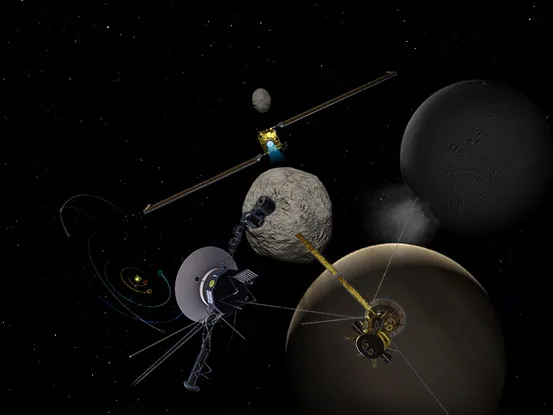
This is a web-based 3D simulation that uses real NASA data. It’s the closest thing to a personal spaceship without a multi-billion dollar budget. You can "ride along" with the Perseverance rover on Mars or see exactly where the Voyager probes are in the outer reaches of the solar system right now. The learning curve: The 3D controls are much easier with a mouse or a tablet than a laptop trackpad. If they get frustrated with the "flying," sit with them for five minutes to master the zoom and rotate. Once they get it, it’s a massive rabbit hole of asteroids and moon-hopping.
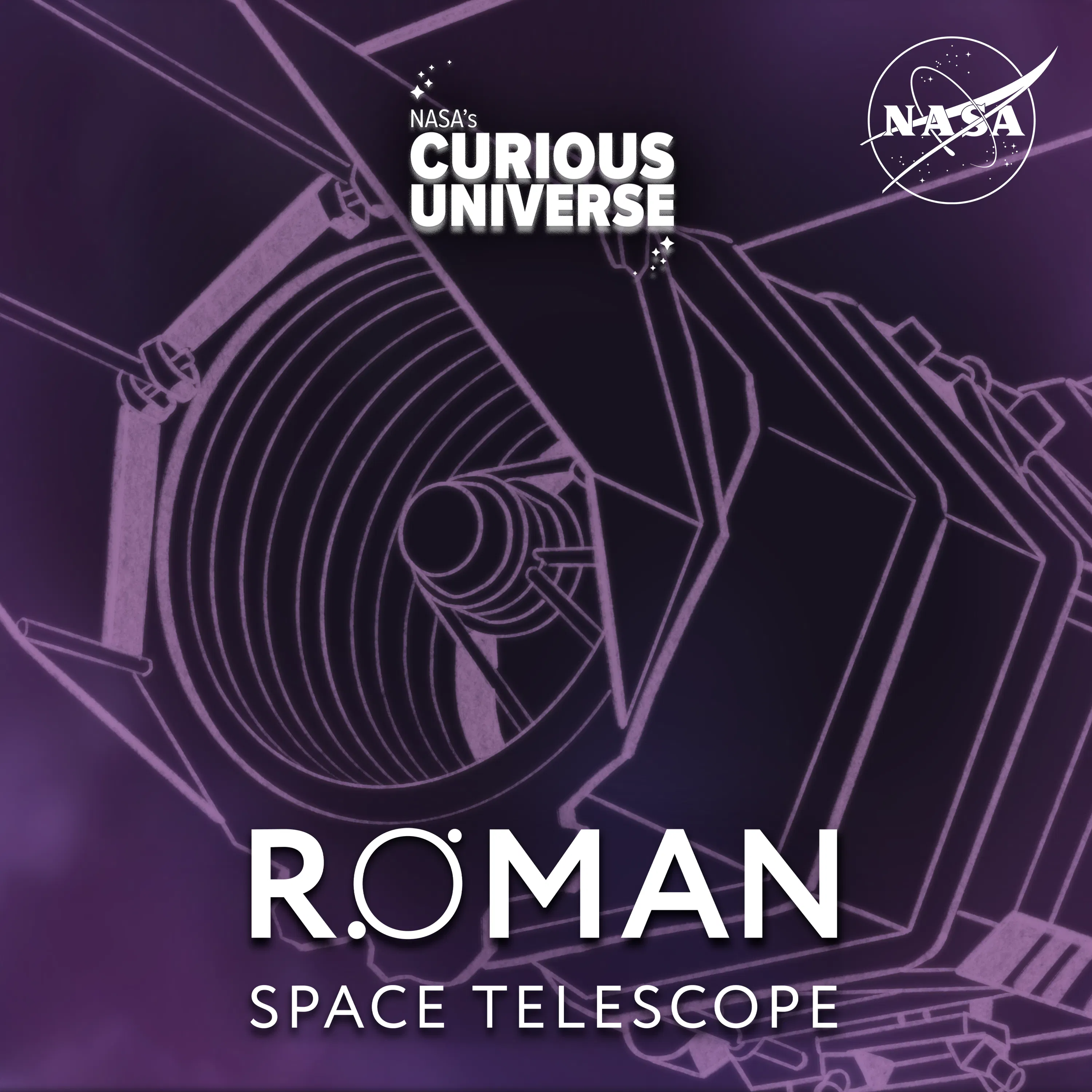
This is NASA’s official podcast, and it’s excellent because it doesn't talk down to kids. It features actual astronauts and scientists talking about real missions. It’s perfect for school commutes because the episodes are bite-sized but dense with information. Why it works: It builds the "language comprehension" side of literacy. Even if the physics of a black hole flies over a seven-year-old’s head, they’re hearing the vocabulary and the narrative of discovery. For more audio options, check out our best podcasts for kids list.
Screens are great for real-time data, but for the "big picture" concepts, you still want a book they can pore over in bed.
This is a "shelf-flex" book. The photography is current-gen NASA quality—not the grainy shots from thirty years ago. It covers the "cool stuff" that kids actually care about, like the first-ever image of a black hole and the search for exoplanets. It’s a large, heavy book, so it’s more of a desk-read than a light bedtime story, but the visual payoff is worth it.
Neil deGrasse Tyson is a master of the "cosmic perspective." This book takes the scariest parts of physics—dark matter, the Big Bang, quantum mechanics—and makes them understandable through punchy chapters and great infographics. It’s perfect for the 9-14 crowd who is ready to move past "the moon is made of rock" and into "how does the universe actually work?"
Don't let the interest stay trapped in the device or the book. Space is one of the easiest topics to move into the real world.
- Ask about the "why": When they’re looking at Sky Guide, ask: "If you were an astronaut, which of those planets would you want to visit first?"
- The Scale Model move: If they’re reading the Nat Geo Encyclopedia, take a basketball (the Sun) and a marble (the Earth) to the park. Space is mostly space, and seeing the distance between those two objects in a field is a core memory moment for a science-loving kid.
- Co-engage with the "weird": Listen to an episode of NASA's Curious Universe together and pause it to ask: "Wait, did they just say it rains diamonds on Neptune?" (It does. Talk about that).
Q: What age is Sky Guide appropriate for? Sky Guide is great for anyone from age 4 to 99. Toddlers love the AR overlays and pretty pictures, while older kids can use it to track specific satellites or dive into technical data.
Q: Are these space apps safe for kids to use alone? Yes. Both Sky Guide and Star Walk are high-WISE-score apps (96/100). They are safe, enriching, and focused on education. Just watch out for the subscription tiers in Sky Guide if you haven't locked down in-app purchases.
Q: Which book is better for a reluctant reader? Go with the National Geographic Kids Space Encyclopedia. The heavy focus on photography and "fast fact" callouts makes it much easier to digest in small chunks than the text-heavier Tyson book.
Q: Can we use these apps without an internet connection? Sky Guide and Star Walk generally work for star identification without Wi-Fi because they use the device's compass and GPS. However, Eyes on the Solar System is a website and requires a connection to load the 3D data.
Space is the ultimate "yes" topic. It’s safe, it’s educational, and it’s genuinely awe-inspiring. Whether they’re using Star Walk to find Mars or reading about the Big Bang with Neil deGrasse Tyson, you’re giving them a way to see themselves as part of a much bigger story. If they exhaust this list, keep the momentum going by checking out our best apps for kids list for more STEM-focused tools.