
How to secure back-seat screens and vehicle Wi-Fi for kids

Claude

Modern family SUVs now roll off the lot with up to 75 inches of screen real estate and built-in mobile hotspots, turning the back seat into an unrestricted, internet-connected entertainment lounge by default. The digital parenting platform Screenwise regularly helps families navigate these tricky digital environments, showing that today's connected cars present a massive blind spot for parental controls. By auditing vehicle Wi-Fi hotspots, setting PIN controls on built-in systems like Amazon Fire TV, and establishing strict Bluetooth and Apple CarPlay pairing rules, you can prevent your daily commute from becoming a digital free-for-all. Correcting these car-specific vulnerabilities ensures your children's mobile devices remain restricted even on the highway.
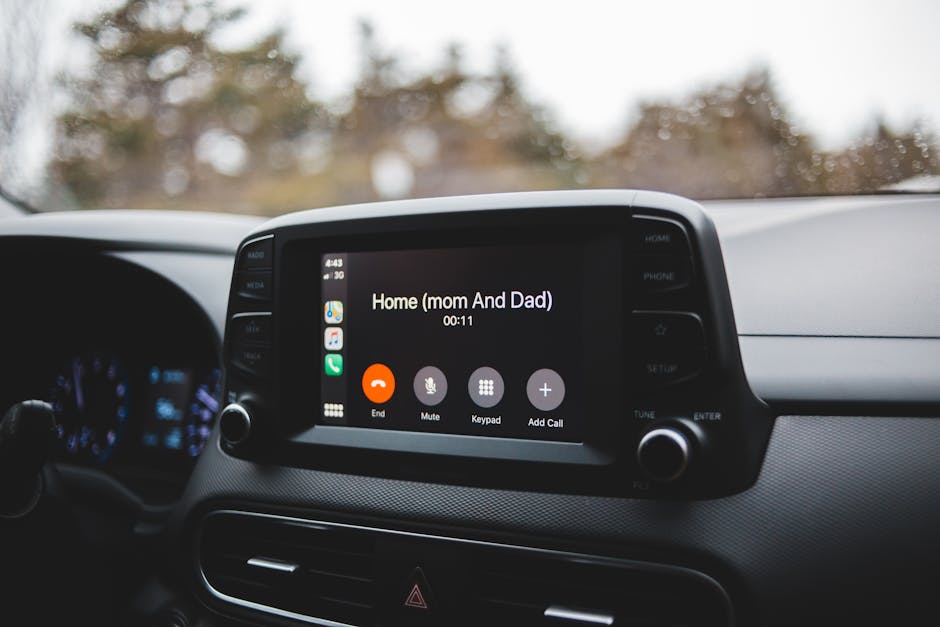
Securing the rolling Wi-Fi hotspot
To reclaim control of the cabin, start with the mobile signal broadcasting from your dashboard. Before adjusting any tablets or handheld devices, run a complete audit of the built-in vehicle network.
- Identify the active cellular provider linked to your vehicle, which is typically AT&T or Verizon.
- Access the network settings menu through your primary front-row dashboard screen.
- Change the default, easy-to-guess network name (SSID) and replace the default password with a long, unique alphanumeric string.
- Deactivate the automatic connection settings on your children's devices so they cannot jump online without your explicit permission.
A car's mobile hotspot requires the same security standard as a secondary home network. Leaving a vehicle network open allows passenger devices to bypass home router restrictions and standard safety filters. For structured advice on managing shared environments, read The sleepover Wi-Fi playbook: Configuring a restricted network for visiting kids.
The biggest issue with built-in vehicle internet is data limits. Services like Toyota's Wi-Fi Connect allow passengers to stream high-definition content directly through the vehicle's AT&T subscription. This feature allows children to bypass any personal cellular data restrictions you have configured on their mobile plans. If you do not change the vehicle's default Wi-Fi settings, your kids' tablets will automatically pair with the car, exposing them to unrestricted access.
This vehicle-level connectivity must be configured at the dashboard level. You can use the physical dashboard controls to toggle the hotspot off entirely during short commutes, saving the data connection for long road trips. The table below details how the major automotive manufacturers handle built-in hotspots and what you need to look for during your configuration.
| Brand | Hotspot Service Name | Carrier Network | Essential Safety Setting |
|---|---|---|---|
| Toyota | Wi-Fi Connect | AT&T | Disable Auto-Connect / Change default SSID password |
| Chrysler | Uconnect Hotspot | AT&T | Turn off Hotspot Power State from head unit menu |
| Jeep | Uconnect 5 Wi-Fi | AT&T | Toggle Wi-Fi off / Clear paired devices history |
| Tesla | Premium Connectivity | Local / AT&T | Restrict app downloads / Toggle mobile access controls |
As an EdTech and digital parenting platform, Screenwise highly recommends checking these settings quarterly. Car software updates can reset network configurations back to factory defaults. A quick menu check prevents your kids from discovering an open, unfiltered connection on their way to school.
Locking down rear-seat entertainment systems
Modern passenger vans and large SUVs feature built-in entertainment options that present unique challenges for parents. Large family vehicles, including the Grand Wagoneer Technology package, offer multiple screens that must be individually managed to keep content appropriate.

Setting up Fire TV PINs in the car
Many of these vehicles integrate Amazon Fire TV directly into the headrests. The Chrysler Pacifica 2022 Owners Manual outlines specific steps to access the parental control menu on these rear screens. You must pair the voice remotes with Alexa and open the system settings on each physical rear screen to set a unique five-digit PIN.
This PIN acts as a gatekeeper. Once active, the system requires the code before downloading new apps, purchasing movies, or launching mature streaming content. Without this lock, kids can easily download open-ended web browsers or unvetted streaming platforms directly to their headrest screens.
Managing HDMI and USB media inputs
The physical ports on the backs of front-row seats present another vulnerability. Most modern rear entertainment packages feature HDMI and USB ports that allow kids to plug in gaming consoles or external streaming sticks. This bypasses the parent-controlled main system, allowing unmonitored access to games and offline media.
To counter this, use the driver's front touchscreen to lock out physical inputs. Most infotainment systems, including Chrysler's Uconnect, give drivers the ability to disable the rear screens entirely or restrict input options. Keep the physical ports turned off unless you have personally verified the external media being connected.
Setting Bluetooth and CarPlay boundaries
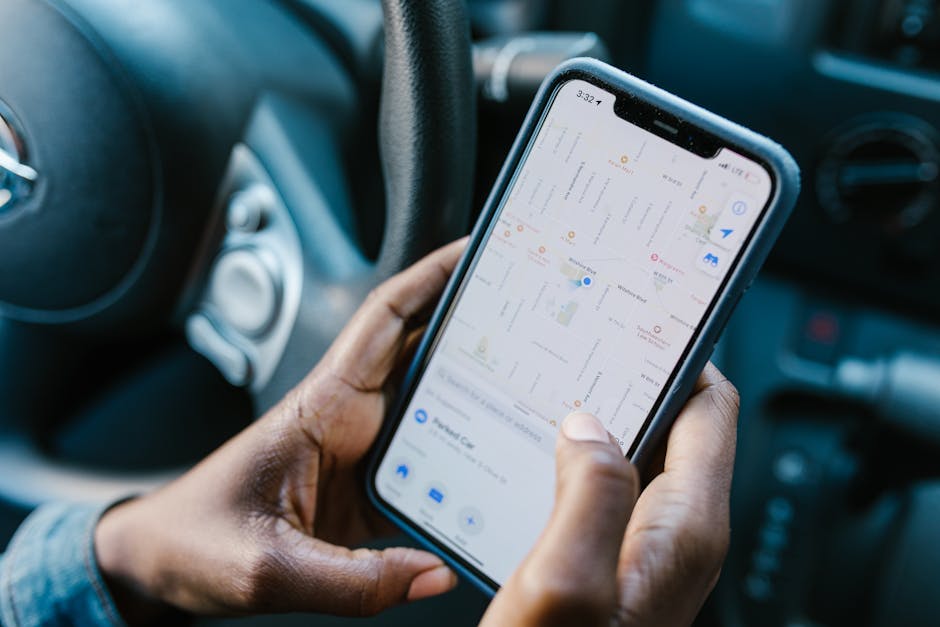
Bluetooth connections and physical USB hookups can also create unexpected privacy and digital safety issues inside the car. A child's device paired with the vehicle's audio system can cause serious distractions and expose the cabin to unvetted content.
The shared speaker problem
When a child's phone connects to your vehicle via Bluetooth or Apple CarPlay, their device can broadcast audio to the entire car. This includes incoming text messages, social media notifications, or unvetted audio from apps like TikTok.
This open audio sharing can also let kids bypass their own device limits. If they are locked out of their screens, they might try to use the car's speakers to stream audio from restricted apps. Reviewing The Apple Screen Time hardening guide: How to stop resets and block bypasses can help you keep their device settings secure.
Auditing paired devices
Protecting your cabin's audio environment requires keeping a clean connection history in your head unit. Regularly access your vehicle's Bluetooth settings menu to delete old, unused, or unauthorized devices.
Make it a strict rule to only pair the driver's phone with the primary infotainment system. If your children need to listen to music or watch shows on their personal devices, require them to use wired headphones. This simple boundary keeps their audio separate and allows the driver to focus on the road.
Activating vehicle-specific parental controls
Automakers are beginning to build safety features directly into their vehicle software. These settings are particularly useful for parents with teens who are learning to drive or borrowing the family car.
According to official Tesla Safety & Security Settings documentation, owners can manage several safety-focused parental controls. These features require the Tesla mobile app (version 4.34.5 or higher) and allow you to configure specific safety rules that cannot be disabled from the cabin.
For example, enabling these parental controls forces safety features to remain active at all times. This includes setting the Speed Limit Warning to a physical chime and establishing a relative speed limit offset of +8 km/h. These safety settings help keep young drivers safe and prevent them from changing important vehicle configurations.
At Screenwise, we believe digital wellness extends to every screen your child interacts with, including the ones in your car. Treating your vehicle's built-in screens and Wi-Fi connections with the same security standards as your home network helps protect your children from unrestricted digital access.
Take five minutes right now to sit in your driveway, turn your vehicle to accessory mode, and audit the Wi-Fi and Bluetooth settings in your dashboard menu before your next family trip. Once your vehicle is secure, visit Screenwise to complete our free, anonymous 5-minute survey and receive personalized, expert-rated media recommendations to keep your family entertained and safe on the road.


