

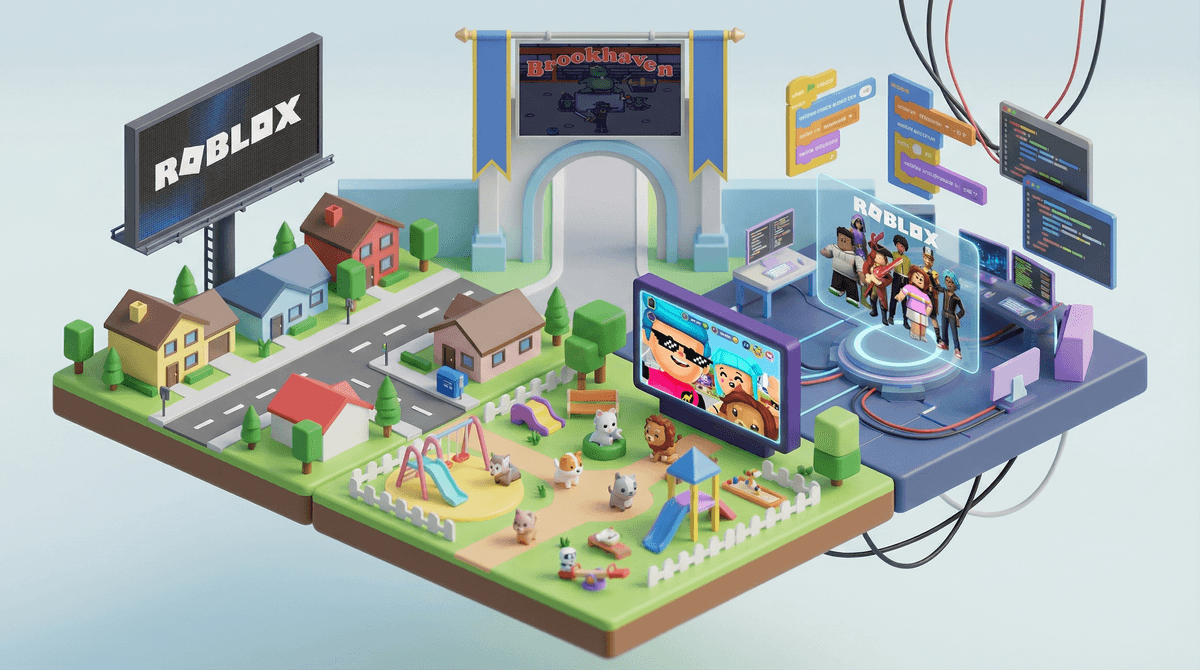
Roblox isn't actually a game—it's a platform where users create and play millions of different games (called "experiences" in Roblox-speak). Think of it as a combination of YouTube, Minecraft, and a social network, all rolled into one blocky, colorful universe.
Kids aren't just playing games on Roblox; they're hanging out with friends, attending virtual concerts, designing their own worlds, and yes, spending money on digital items. It's available on pretty much every device—phones, tablets, computers, and gaming consoles—which is part of why it's everywhere.
The numbers are wild: over 70 million daily active users, with the majority being under 16. If your kid isn't on Roblox yet, they definitely know about it from school.
It's where their friends are. This is the big one. Roblox isn't just entertainment—it's a social space. Kids are joining the same games to hang out together, using voice chat or text to coordinate, and building shared experiences. When your kid says they "need" to be on Roblox, they often mean they're being left out of social conversations at school.
The variety is endless. One day they're playing Adopt Me! (a pet-raising game), the next they're in Brookhaven (role-playing everyday life), then Blox Fruits (an anime-inspired fighting game). The platform has everything from obstacle courses (called "obbys") to horror games to fashion shows. There's genuinely something for every interest.
They can create, not just consume. Roblox Studio lets kids build their own games and worlds. Some teens are actually making real money from their creations—we're talking thousands of dollars for popular games. While most kids won't become Roblox developers, the creative aspect is legitimately appealing and can teach basic coding and design principles.
The avatar customization is addictive. Kids can dress up their Roblox character with millions of clothing items, accessories, and animations. This is where the spending pressure really kicks in.
Here's where Roblox gets complicated. The platform uses a virtual currency called Robux, and kids feel intense pressure to have it.
Robux costs real money—roughly $5 for 400 Robux, $10 for 800, and so on. Kids use Robux to buy avatar items, game passes (special features in games), and access to certain experiences. The platform is designed to make free players feel limited. Your kid's avatar starts out looking pretty basic, and they'll see their friends with cool outfits, pets, and accessories that cost Robux.
The spending can add up fast. A single outfit might cost 500 Robux ($6.25). Popular games have VIP passes for 300-1,000 Robux. Kids often don't understand the real-world value because they're thinking in Robux, not dollars.
Some parents handle this with:
- Monthly Robux allowances through the Premium subscription ($4.99-$19.99/month)
- Earning systems where kids do chores for Robux gift cards
- Strict no-spending rules (though this can lead to social pressure)
- Occasional treats for special occasions only
There's no perfect answer, but whatever you choose, make sure your payment methods aren't saved in the app and enable purchase approval through parental controls.
Roblox has made improvements to safety features, but it's still an open social platform with millions of users, including adults.
Chat and communication: Kids can chat with anyone in games unless you restrict it. Parental controls let you limit chat to friends-only or disable it entirely. For kids under 13, Roblox automatically filters chat more heavily, but it's not perfect.
Inappropriate content: While Roblox moderates experiences, some slip through with scary content, inappropriate themes, or simulated gambling. The "Discover" page shows age ratings, but they're not always accurate. Brookhaven, for instance, is rated for all ages but often has kids role-playing adult scenarios.
Predator concerns: Like any social platform, there's risk of adults contacting kids. Teach your child never to share personal information, and check their friend list periodically. If they're using voice chat (available for 13+), that's worth extra monitoring.
Scams: Kids get targeted with promises of "free Robux" that are always scams. These lead to phishing sites or hacked accounts.
Ages 6-8: Honestly, this is young for Roblox. If you allow it, keep chat completely disabled, play together, and stick to clearly kid-friendly games like MeepCity or simple obbys. Consider whether Minecraft might be a better fit.
Ages 9-12: This is the core Roblox demographic. Set up parental controls from day one, including spend limits and chat restrictions. Start conversations about online safety, what to do if someone makes them uncomfortable, and why those "free Robux" offers are fake. Play together sometimes so you understand what they're doing.
Ages 13+: They'll want more freedom, including voice chat. This is when you shift toward teaching judgment rather than just blocking everything. Regular check-ins about who they're playing with and what games they're into matter more than hovering. Consider privacy settings on their profile.
It's not all bad. Despite the concerns, many kids are having genuinely creative, social, positive experiences on Roblox. Some are learning game design, practicing problem-solving, collaborating with friends on building projects, and developing digital literacy skills.
Screen time feels different here. Thirty minutes of Roblox with friends is socially very different from thirty minutes of solo YouTube watching. Both are screen time, but the quality differs. That doesn't mean unlimited access is fine, but it's worth considering the distinction.
You can set boundaries without being the villain. Most kids understand "we have a budget" or "screen time ends at 8pm" when it's consistent. What drives them crazy is arbitrary decisions or rules that change daily.
The parental controls actually work. Roblox has a dedicated parental controls page where you can set spending limits, restrict chat, limit which games they can access, and more. Set these up through the account settings, not just the app.
Roblox is massive, social, creative, and yes, designed to encourage spending. It's not going away, and for many kids, it's genuinely where their social life happens.
Your job isn't to make Roblox "safe" (nothing online is completely safe) or to eliminate all spending pressure (welcome to digital culture). Your job is to set boundaries that work for your family, teach your kids how to navigate this space wisely, and stay involved enough to know what's actually happening.
- Set up parental controls before your kid dives deep into the platform
- Decide on a spending approach that aligns with your values (and budget)
- Play together for at least 30 minutes so you understand what they're talking about
- Have the safety conversation about chat, personal information, and reporting uncomfortable situations
- Check in regularly about what games they're playing and who they're playing with
Want to dig deeper into specific games your kid is playing? Each experience has its own vibe and concerns—See details on specific Roblox games to get personalized guidance.
And if you're trying to figure out whether Roblox fits into your family's overall screen time approach, Screenwise can help you understand your family's digital habits in context with your community and values.